






Pinterest Ads Agency Account: How to Get, SetUp, and Run
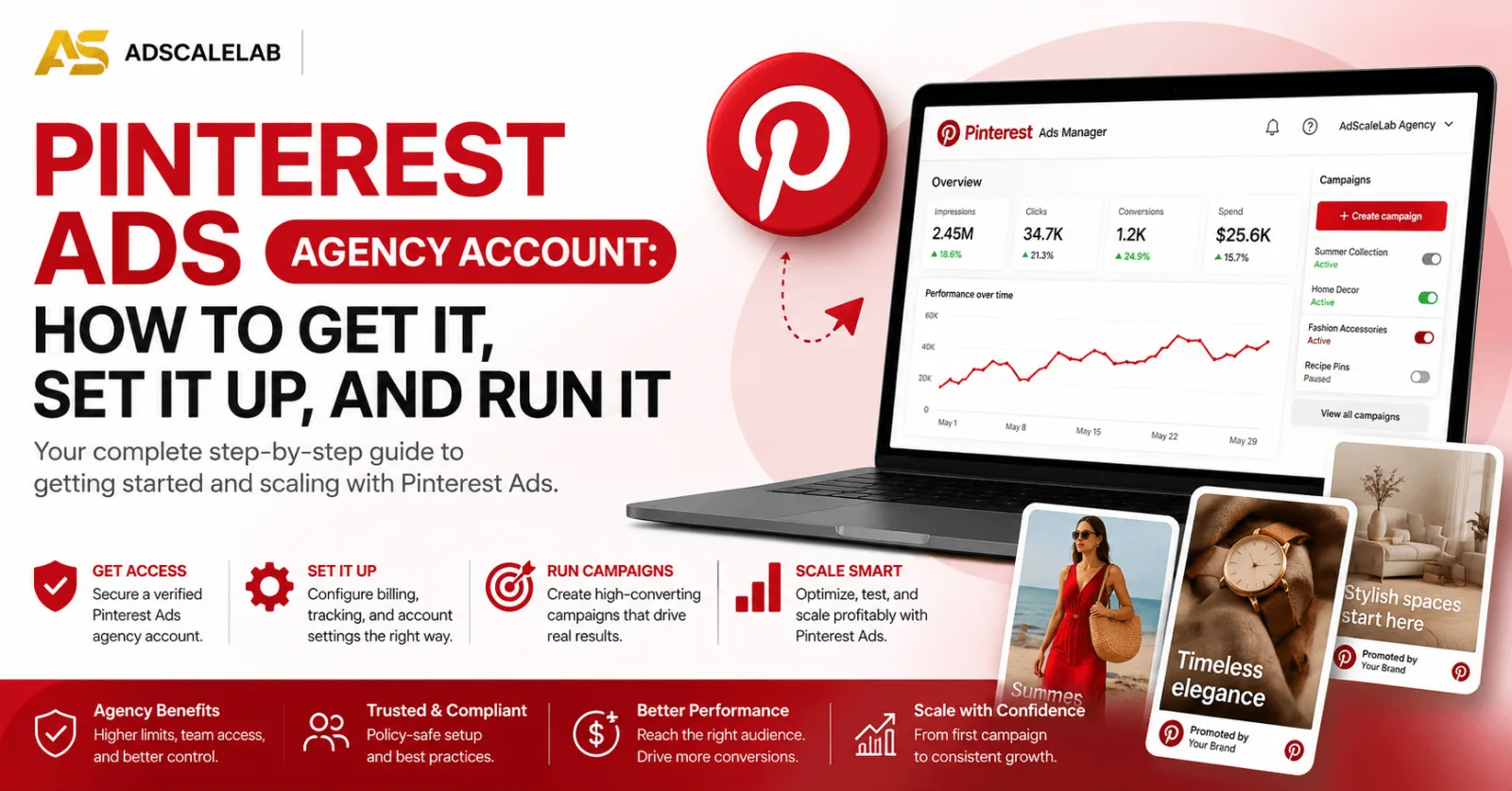
Ask ten media buyers where they are spending this quarter and you will hear the same four answers. Meta, Google, TikTok, maybe native. Pinterest almost never comes up. That is not because it does not work. It is because it is unfamiliar, and unfamiliar channels get skipped when there is an easier option sitting right there.
Which is the whole opportunity. Fewer advertisers bidding means a less brutal auction, and Pinterest has something most platforms do not: people who are on it specifically to plan something they intend to buy.
This guide covers what a Pinterest Ads agency account is, how to get one, how to set it up so it does not fall over in week two, and how to actually run it. No invented statistics, and no pretending it is right for everybody.
What a Pinterest Ads agency account actually is
A Pinterest Ads agency account is an advertising account provisioned under an established agency relationship, rather than a cold self serve signup that has to earn trust from nothing.
The difference is not the interface. You get the same Pinterest Ads Manager either way. The difference is everything around it. Your destination URL gets reviewed properly before you start rather than after you have been rejected, the account is not scored as a brand new unknown advertiser the first time you push real budget through it, and when something goes wrong there is a person to escalate to instead of a support form.
That last part sounds minor until it happens to you. Restrictions on self serve accounts often arrive with a generic reason and an appeal process that goes nowhere. Having somebody who can actually ask a question on your behalf is most of what you are paying for.
Why Pinterest behaves differently to every other social platform
This is the part people get wrong, so it is worth slowing down on.
On Facebook or TikTok, you are interrupting. Somebody is being entertained and your ad appears in the middle of it. Everything about how those platforms work follows from that, including why creative burns out so fast and why interest targeting matters so much.
Pinterest is closer to a search engine wearing a social interface. People arrive with something in mind. Kitchen renovation. A gift. An outfit for a wedding in June. They search, they save things, and they come back to those saves later when they are ready to act. Nobody goes to Pinterest to argue with strangers.
Two practical things follow from that.
Keyword targeting genuinely matters here. On most social platforms keywords are an afterthought and audience signals do the work. On Pinterest, what somebody typed into the search bar is a real intent signal, and you should treat it like one. If you have run search campaigns before, that instinct transfers better than your Facebook instinct will.
Content has a much longer life. A pin does not disappear the moment the impressions stop. People keep finding saved and surfaced content weeks and months later. That changes how you think about creative. On TikTok you are feeding a machine that eats angles. On Pinterest, a pin that works can keep working for a long time, which means the effort you put into getting one right is better rewarded.
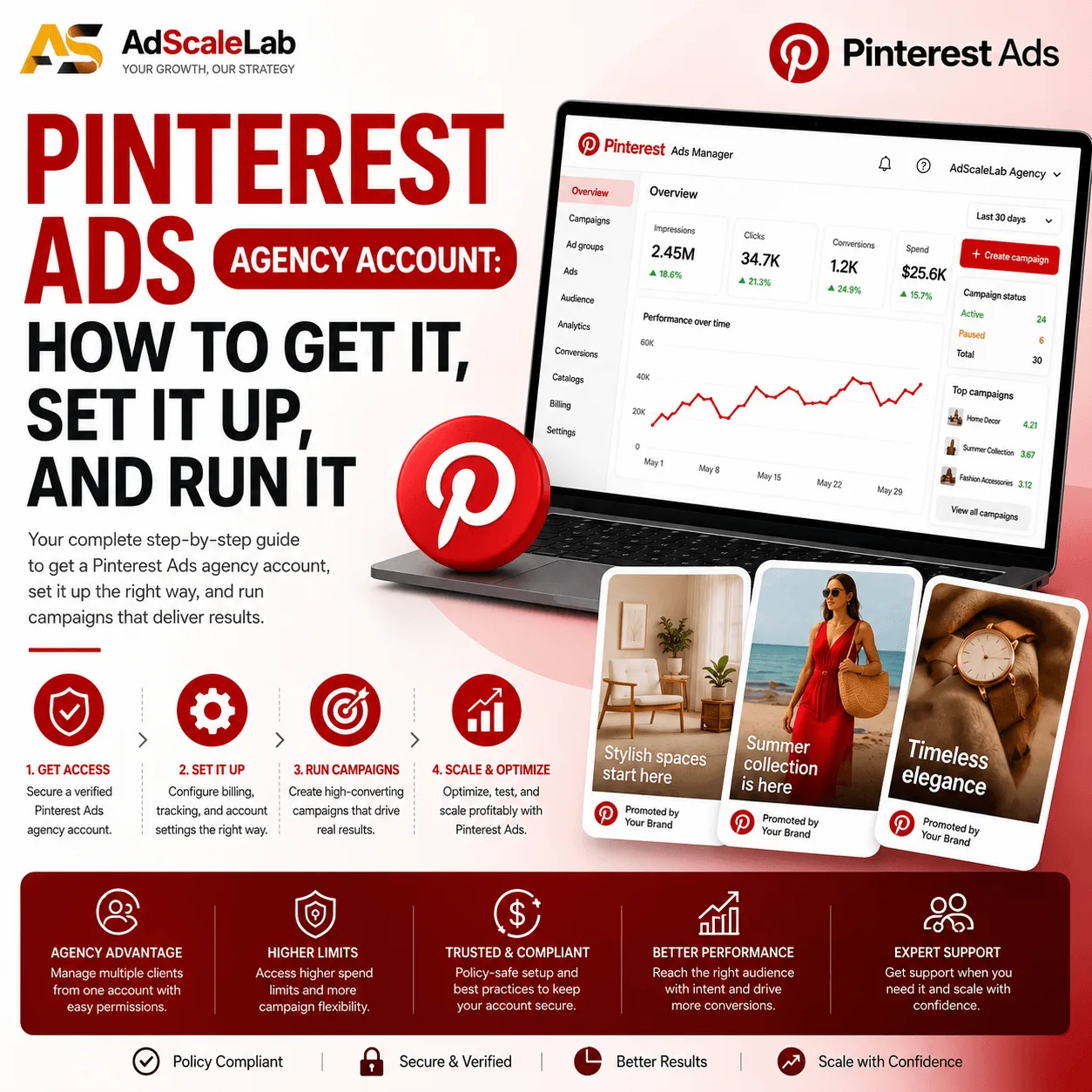
Who does well on Pinterest, and who does not
Being straight about this saves everybody time.
Pinterest suits ecommerce, home and interiors, fashion, beauty, food and recipes, weddings and events, travel, DIY, and anything bought after a bit of thinking. If your product photographs well and there is a reason somebody would save it for later, you are in the right place. Seasonal and occasion driven offers do particularly well, because planning is what the platform is for.
Pinterest fights you if your offer has no visual hook, if it depends on urgency and impulse, or if your funnel is a hard direct response push with a countdown timer. Some B2B works, but most does not. And if your entire strategy is built on lookalike audiences from a pixel with millions of events, you are going to find the targeting tools less rich than you are used to.
The honest summary is that Pinterest is an excellent secondary channel for the right vertical, and a poor primary channel for most people. Treat it as a place to find profitable traffic that nobody else is fighting over, not as a Meta replacement.
Part 1: How to get a Pinterest Ads agency account
The order of operations matters more than anything else here, so do it in this order.
- Sort your landing page first. Not the creative, not the targeting, not the budget. The page. This is what decides whether you get approved, and it is what gets accounts pulled later.
- Submit your destination URL for pre-approval. Send the URL before you pay for anything. We run it through review with a standard 30 minute turnaround. If it is not going to pass, you find that out while it has cost you nothing.
- Pay once the URL is clear. Not before. Paying for an account and then discovering your page fails review is the most common way people waste money on any ad platform, and it is completely avoidable.
- Take delivery. The account ID appears in your dashboard once it is provisioned. You can request the platform login credentials from there whenever you need them, and every grant is logged so there is a clear record.
- Fund it. Add budget on demand in USDT, processed the same day. The topup fee is shown before you commit, so nothing appears afterwards that you did not agree to.
What an agency account cannot do is make a bad landing page pass. If somebody tells you they can push any offer through any platform, they are either lying to you or they are about to get your account burned. The pre-approval step exists precisely so that nobody wastes anybody's time.
Part 2: How to set it up properly
Most of the pain people report on Pinterest traces back to a setup shortcut taken in the first hour.
Get conversion tracking working before you spend anything. Install the Pinterest tag, fire your key events, and confirm they are actually arriving. Do not take the installation snippet's word for it. Trigger a test purchase or lead and watch it land. Optimising toward a conversion event that is not recording properly is how people burn a fortnight of budget and conclude the channel does not work.
Claim your website. This connects your domain to the account and unlocks attribution and analytics you will want later. It takes a few minutes and people skip it constantly.
Set up a product feed if you are ecommerce. Catalog driven shopping campaigns are one of the strongest things Pinterest does. If you have a feed already running for other channels, getting it in here is usually straightforward and it is worth doing before you build anything manual.
Match the objective to what you actually want. Pinterest optimises hard toward whatever you tell it to. Picking a traffic objective and then being unhappy about conversion volume is a self inflicted problem. If you want conversions, run conversions, and make sure the tracking from the first point is genuinely working so the objective has something to optimise against.
Build creative in the right shape from the start. Pinterest is a vertical platform. Roughly 2:3 is the standard, and square or landscape assets recycled from other channels look wrong and get scrolled past. This is the single most common tell that somebody has dumped their Meta creative in here without thinking.
Do your keyword work. Treat it like you would treat a search campaign. Think about what somebody actually types when they are planning the thing you sell, and build from there rather than relying on interests alone.
Part 3: How to run it
Start narrow, then widen. Launch on your clearest intent keywords and your best performing creative concept. Once something works, expand around it. Opening wide on day one gives you a mess of data you cannot read.
Give campaigns room to learn. Changing budgets and targeting every few hours does not help. It resets learning and it stops you ever seeing a clean signal. Set it up properly, then leave it alone long enough for the numbers to mean something.
Plan around seasons, and plan early. This is the Pinterest specific point that most transfers into profit. People plan on Pinterest well before they buy. Holiday, wedding, back to school, home projects in spring. If you show up the week of the event you have already missed most of the planning window. Get in ahead of it.
Test creative properly, but do not panic about burnout. Yes, test multiple concepts. No, you do not need the same relentless creative treadmill TikTok demands, because pins keep getting discovered over time. Put more effort into fewer, better pins.
Watch the landing page experience, not just the ad metrics. Pinterest traffic often arrives in a planning mindset rather than a buying-right-now mindset. A page that only converts people ready to purchase this second will underperform. Give people a reason to come back, and make sure your retargeting is set up to catch them when they are ready.
Keep unspent budget moving. If a campaign is finished and money is sitting idle in the account, pull it back to your wallet or move it into reserve and spend it on another network. There is no expiry on it and no reason to leave it stranded.
The mistakes that cost people the most
- Buying an account before checking whether the landing page will pass review.
- Uploading square Meta creative and wondering why nothing gets attention.
- Launching without confirming the conversion tag actually fires.
- Ignoring keywords and relying entirely on interest targeting.
- Showing up the week of a seasonal event instead of during the planning window.
- Judging the channel after four days and one creative concept.
- Treating the ad account as disposable. Account standing is an asset once you have it.
So is it worth it?
If you sell something visual to people who plan their purchases, yes, and it is worth doing properly rather than as an afterthought. The auction is calmer than Meta, the intent is real, and good creative keeps earning long after you made it.
If you sell something that lives on impulse and urgency, or something with no visual story, be honest with yourself and put the budget where it belongs. We would rather tell you that now than take your money and watch it not work.
If you are weighing this against Meta, we compared them here.
If you want to skip the self serve queue and start from an account that already has standing behind it, you can get a Pinterest Ads agency account here. Send your URL first and we will tell you honestly whether it is going to pass.
FAQ
What is a Pinterest Ads agency account?
It is a Pinterest advertising account provisioned under an established agency relationship rather than a fresh self serve signup. It comes with URL review handled before delivery, better account standing, and a real escalation route if something goes wrong.
Why not just open a Pinterest account myself?
You can, and for some advertisers that is fine. The trade is that a brand new account has no history, gets less benefit of the doubt on reviews, and leaves you with a support form when something breaks. An agency account starts you further along.
Do you check my landing page before I pay?
Yes. Submit your destination URL and we run it through pre-approval before any money changes hands. Standard turnaround is 30 minutes. If it does not pass, you have not paid for anything.
What verticals work best on Pinterest?
Ecommerce, home and interiors, fashion, beauty, food, weddings, travel and DIY. Anything visual that people plan for rather than buy on impulse.
What creative size should I use?
Vertical, around a 2:3 ratio. Recycled square or landscape assets from other platforms are the most obvious sign that somebody has not built for the channel, and they perform accordingly.
Does Pinterest have keyword targeting?
Yes, and unlike most social platforms it genuinely matters. People search on Pinterest, so what they typed is a real intent signal. If you have search campaign experience, that instinct transfers well.
How long before I can judge results?
Longer than four days and more than one creative concept. Give campaigns room to learn before you start changing things, and remember pins keep getting discovered after launch, so early numbers understate the picture.
Do I get the actual login for the account?
Yes. Request the platform credentials from your dashboard once the account is delivered. Every grant is logged, so there is a clear record of who asked for what and when.
What happens to budget I do not spend?
It stays yours. Pull it back to your wallet, or move it into your reserve balance and use it on a different network later. It does not expire.
What if the account gets banned?
If you were running compliant campaigns on an approved URL and it got banned anyway, we replace it. If it got banned because you ran something you were told not to run, we will be straight with you about that rather than pretending otherwise.
Agency ad accounts, without the wait.
Buy and top up Google, Meta, native, and more from one dashboard.
Get started
No comments yet. Be the first to comment.
Comments are open to registered AdScaleLab clients.
Sign in to comment