






MediaGo Ad Account: What It Is, How to Get One, and How to Actually Make It Work
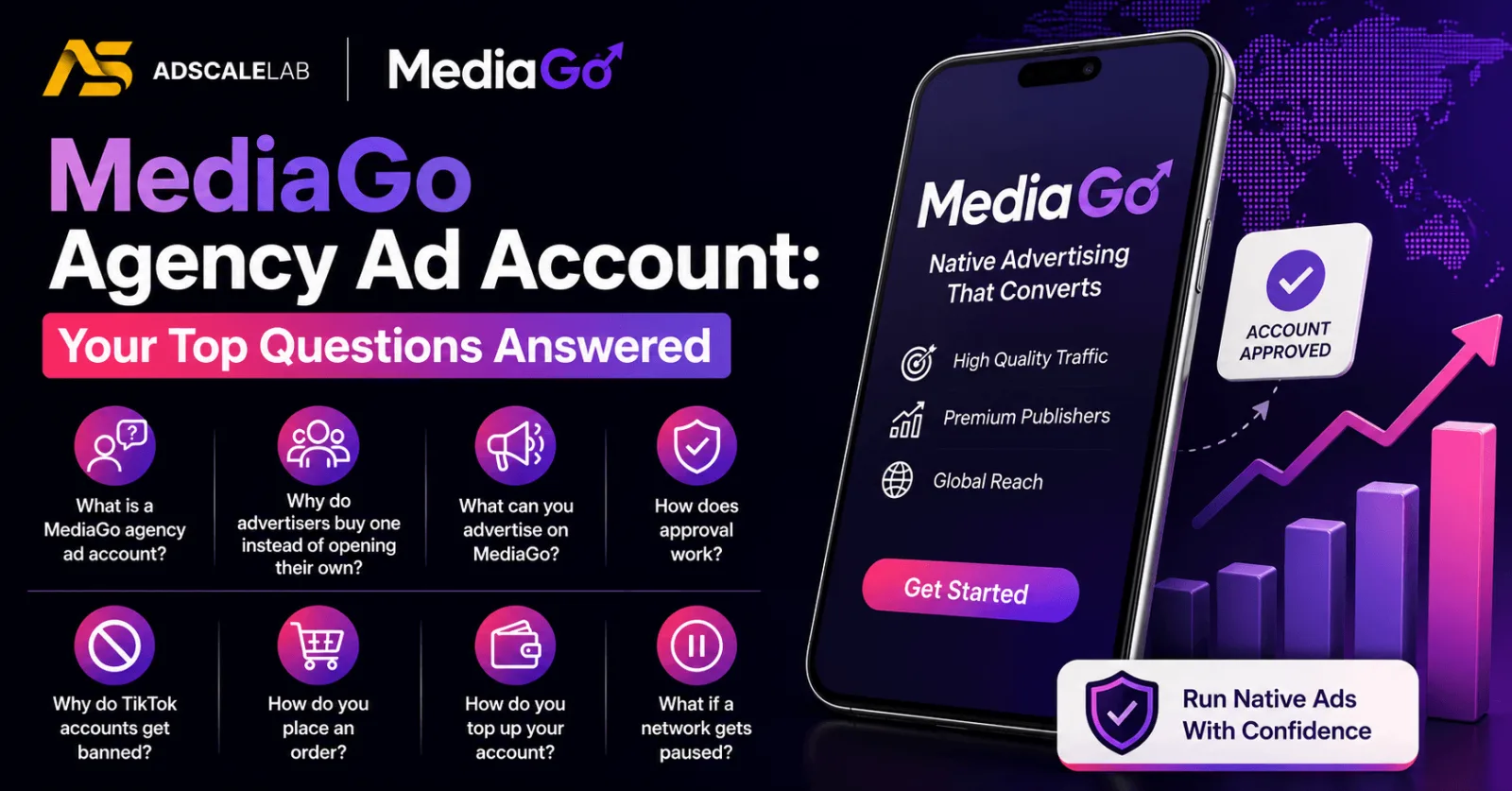
Most advertisers hear about MediaGo the same way. Someone in a group chat mentions cheap native traffic that still converts, you go looking for it, and then you spend two weeks stuck in an application process nobody explains properly.
This guide is meant to fix that. It covers what a MediaGo ad account is, what the platform expects before it lets you spend, why applications get rejected, and what to do once you are actually inside. No hype, and no promises about numbers we cannot back up.
What a MediaGo ad account actually is
MediaGo is the native advertising platform run by Baidu's international business. It is not the Chinese search product most people think of when they hear the name Baidu. It is a separate operation aimed at advertisers who want to reach users outside China, mostly across the US, Europe and other Tier 1 markets.
An ad account is your seat on that platform. It is what lets you upload creative, set targeting, bid, and push budget into the auction. On its own it is just a login. What makes it useful or useless is everything attached to it: whether your landing page has been reviewed, whether the account has standing, and whether anyone picks up the phone when something breaks.
That last part is the bit people underrate. Plenty of advertisers technically have an account and still cannot spend, because they are stuck waiting on a review with nobody to ask.
Where your ads actually show up
MediaGo places ads on publisher inventory rather than in a social feed. In practice that means your ad appears next to or underneath editorial content, on news sites, content sites and partner apps.
This changes how the traffic behaves, and it is the single most important thing to understand before you run a dollar through it. On Facebook or TikTok, people are being entertained and your ad interrupts them. On MediaGo, people are already reading something. Your ad is competing for attention with an article, not with a video of someone's holiday.
So the ads that work look like they belong on the page. A headline and a thumbnail that read like another story, leading to a page that reads like something worth reading. The ads that fail are the ones that scream at people.
Who does well on MediaGo
MediaGo suits content driven funnels. If your landing page is an advertorial, a listicle, a comparison page or a product story, you are in the right place. Ecommerce works. Straightforward direct response can work, but you will have to fight harder for it.
What does not suit MediaGo is a funnel that depends on very tight interest targeting, or on social proof inside a feed. If your whole strategy is built around lookalike audiences from a pixel with millions of events, a social platform is going to serve you better. We would rather tell you that up front than take your money and let you find out.
The other honest point is that native rewards volume in creative. A headline and thumbnail combination that works today will fade. Plan for a pipeline of angles, not three creatives you intend to run for a month.
What you need to open a MediaGo ad account directly
MediaGo is built for business advertisers, not hobbyists. If you go the direct route, expect to be asked for some version of the following:
- A registered company. A business license or company registration certificate.
- A real website on a real domain. Not a bare landing page thrown up last week.
- A corporate email address on that domain, rather than a free Gmail address.
- Extra documentation if you are in a regulated vertical such as finance or health.
None of that is unreasonable. The platform is trying to filter out people who will burn its publisher relationships. The problem is that the process is slow, the feedback is thin, and an incomplete submission usually just sits there. You often do not find out what was wrong. You find out that nothing is happening.
Why applications get rejected
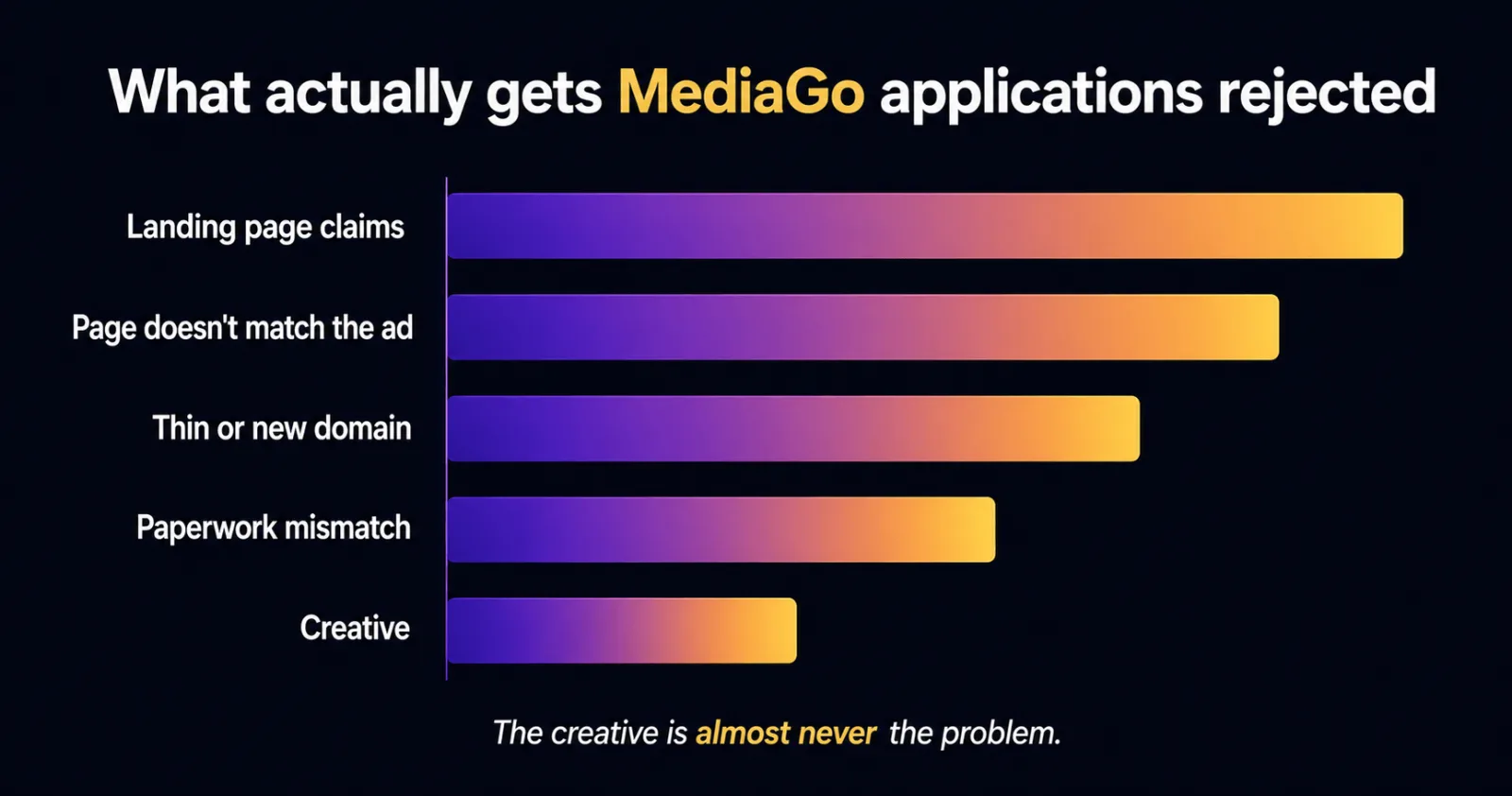
From what we see, rejections almost never come down to the creative. They come down to the destination.
The landing page is what gets reviewed hardest. Claims that cannot be supported, a page that does not deliver what the ad promised, thin content, a broken privacy policy, a checkout that does not work, a domain with no history. Any of these is enough. And because native platforms are protecting publisher relationships, they are stricter than you expect.
The second most common cause is simply a mismatch between the company on the paperwork and the offer on the page. If the registration says one thing and the funnel says another, that gets flagged.
Direct account or agency account
Both routes exist and both are legitimate. Here is the honest comparison.
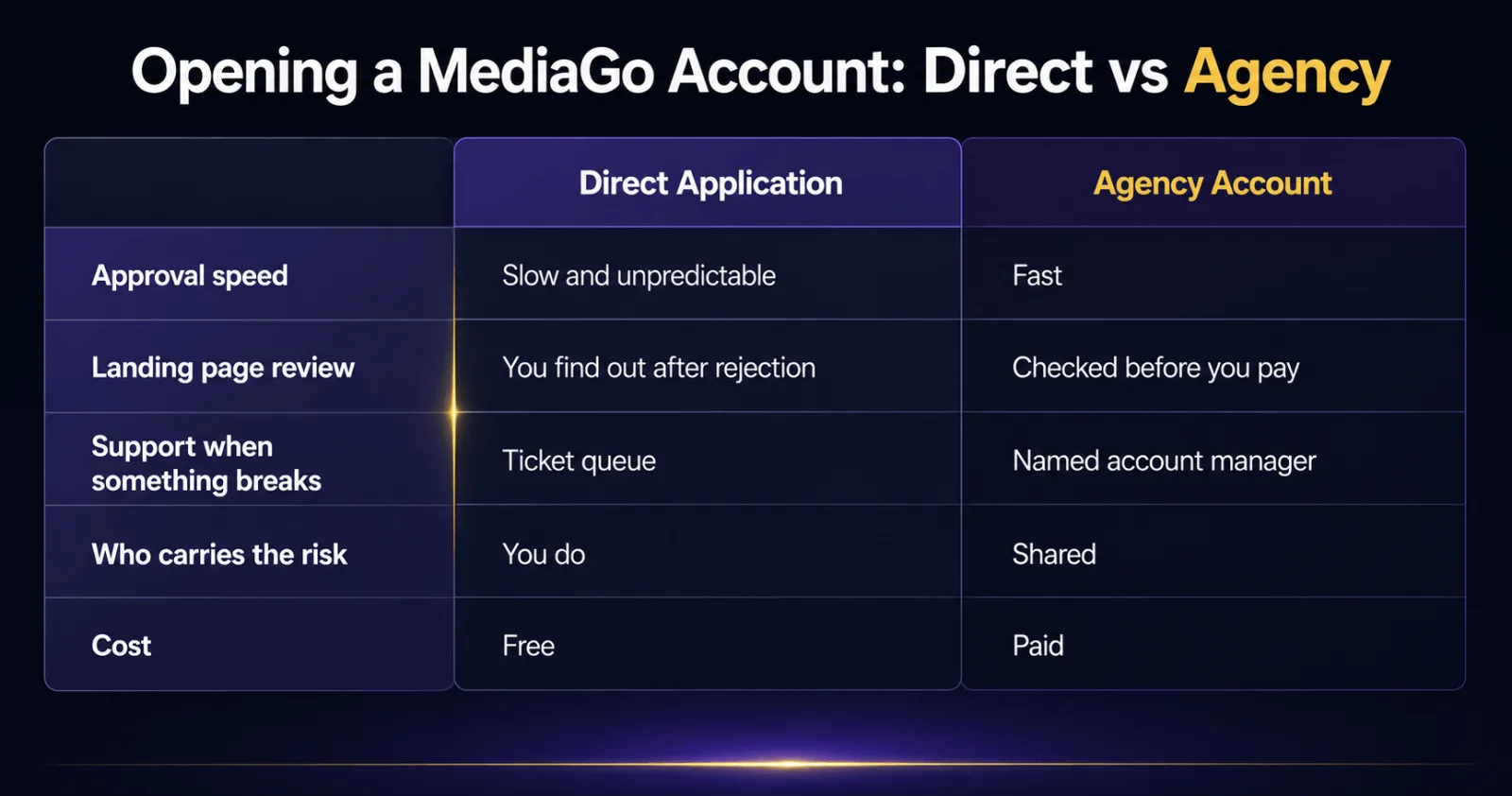
Going direct means you apply yourself, you wait, and you deal with whatever comes back. If you are a well established company with a clean domain, real trading history and no urgency, this is fine. It costs you nothing but time.
Going through an agency account means the account sits under an existing agency relationship. Your URL gets reviewed properly before delivery, your spend is not treated as an unknown risk from a brand new advertiser, and there is a person to escalate to when something breaks. You are not buying a login. You are buying the relationship behind it.
The trade is straightforward. Direct is slower and free. Agency is faster and costs money. What an agency account cannot do is make a bad landing page pass. Anyone telling you they can push any offer through is either lying to you or about to get your account burned.
MediaGo URL pre-approval, and why it matters more than anything else
This is the step that decides whether the whole thing works, and it is worth doing before you spend anything.
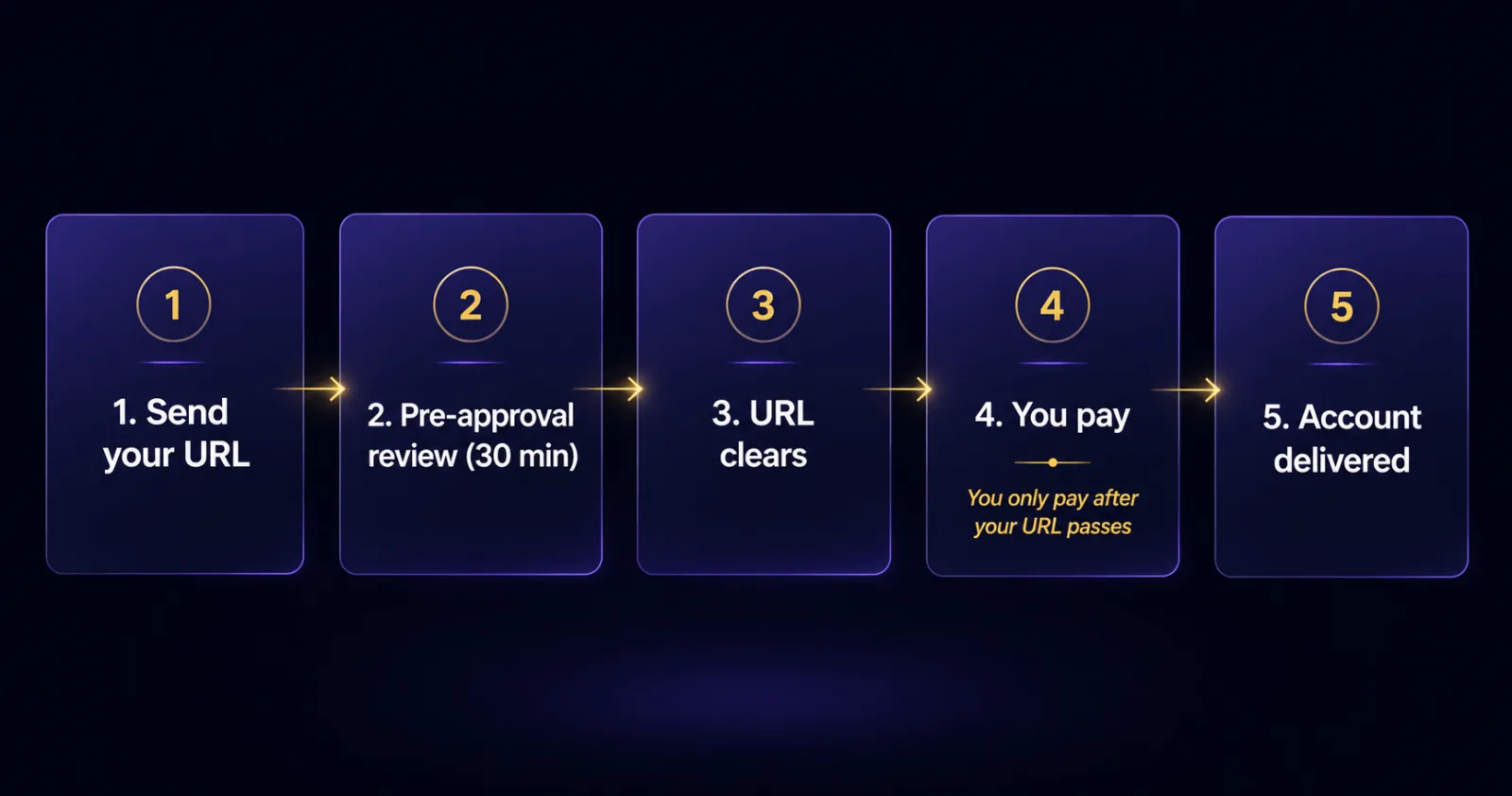
MediaGo reviews your destination URL before your ads can run. Getting rejected after you have already paid for an account is the most common way people waste money on this platform. So the sensible order of operations is: submit your URL, get it reviewed, and only then pay.
That is how we handle it. You send the URL, we run it through pre-approval, standard turnaround is 30 minutes, and you pay only once it comes back clear. If it fails, you have lost nothing except half an hour. We have written a longer breakdown of what MediaGo checks and why URLs fail in our guide to MediaGo URL pre-approval.
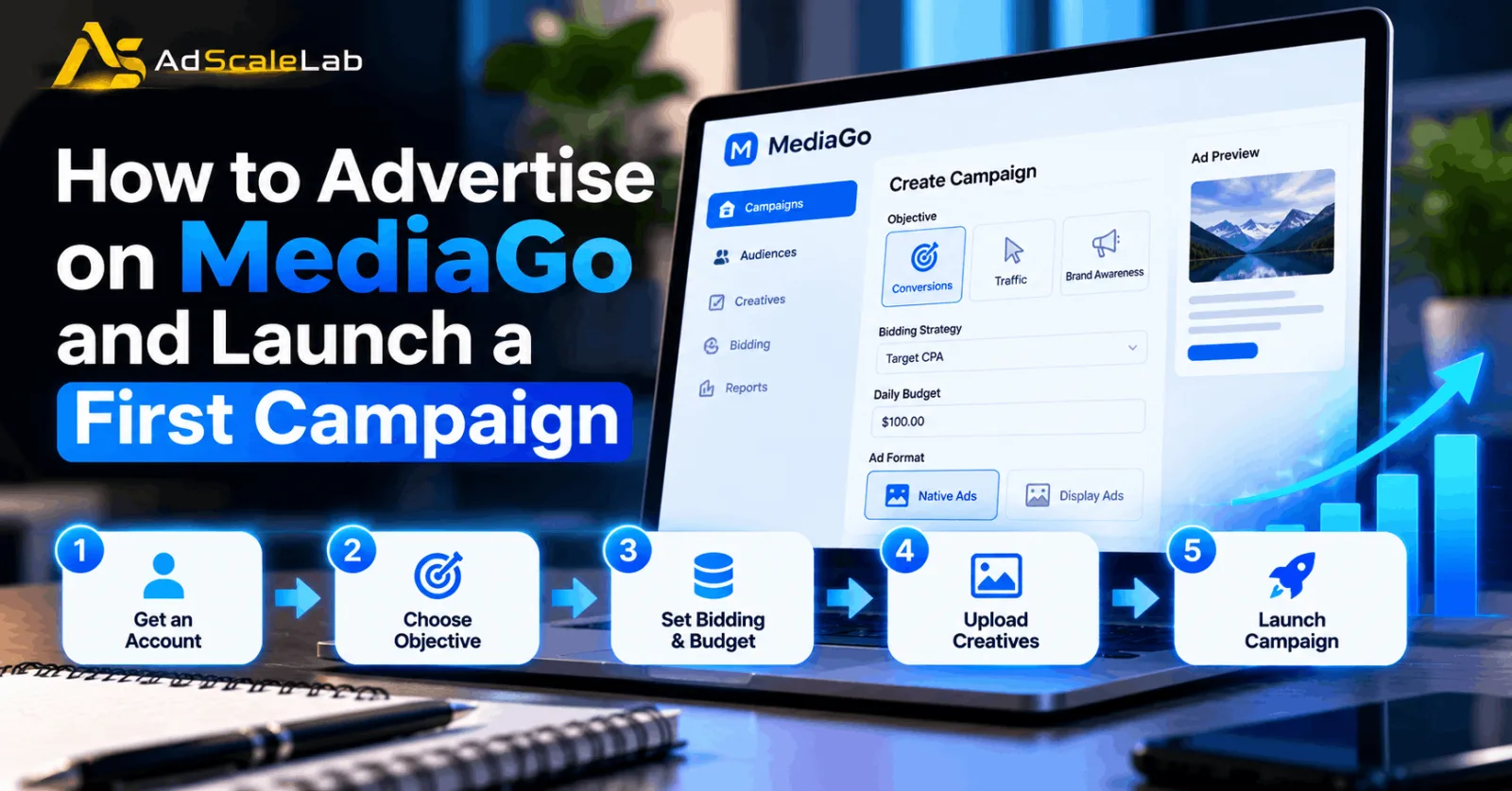
How to get started, step by step
- Get your landing page right first. Not the creative, not the targeting. The page. This is what gets you rejected.
- Submit the destination URL for pre-approval. Find out whether it passes before any money moves.
- Set up the account. Once the URL is clear, the account gets provisioned and the ID appears in your dashboard.
- Request credentials if you need them. You can pull the platform login from the dashboard when you want it.
- Fund it. Add budget on demand. We process topups in USDT the same day, and the fee is shown before you commit so there are no surprises.
- Launch small and read the data. Do not dump your budget into one angle on day one.
Making it work once you are in
A few things that consistently matter on native, and MediaGo is no exception.
The headline and thumbnail do most of the work. More than the targeting, more than the bid. Small changes here move performance more than almost anything else you can adjust. Test them properly and test more of them than feels necessary.
Your page has to match your ad. If the headline implies one thing and the page delivers another, you will get poor engagement, and eventually you will get reviewed again. Mismatch is what kills accounts.
Give the algorithm room. Changing bids and targeting every few hours does not help. Let campaigns gather enough data to be worth reading before you start moving things around.
Watch the placements. Not all inventory behaves the same. Some sites will send you traffic that clicks and never converts. Cut what does not work.
Keep unspent budget moving. If a campaign is done and there is money sitting in the account, you can pull it back to your wallet or move it into reserve and use it on another network. There is no expiry on it, and there is no reason to leave it stranded.
The mistakes that cost people the most
- Buying an account before checking whether the landing page will pass.
- Running recycled Facebook creative and expecting it to work in a native placement.
- Making big claims on the page and assuming nobody will read it. Somebody reads it.
- Launching three creatives and giving up when they fade, instead of building a pipeline.
- Treating the account as disposable. Account standing is an asset. Protect it.
Is MediaGo worth it?
If you run content style funnels and you want traffic that is not being fought over by every media buyer on Facebook, yes. The platform is genuinely good and it is under-used relative to how well it can perform.
But it rewards preparation. The advertisers who do well on MediaGo are the ones who sorted out the landing page first, got the URL cleared before spending, and treated creative as an ongoing job rather than a one-off task. The ones who struggle are the ones who bought an account, pointed it at a page they had not checked, and hoped.
If you want to skip the application queue and start from an account that already has standing behind it, you can get a MediaGo agency account here. Send your URL first. We will tell you honestly whether it is going to pass.
FAQ
What is MediaGo?
MediaGo is the native advertising platform run by Baidu's international business. It places native and display ads on publisher sites and partner apps, mostly aimed at audiences outside China.
What is a MediaGo ad account?
It is your advertising seat on the platform. It lets you run campaigns, set targeting and bids, and spend budget. An agency account is the same thing, but provisioned under an established agency relationship rather than a cold self serve signup.
Can anyone open a MediaGo account?
Not really. MediaGo is built for business advertisers. Direct applications generally want a registered company, a real website on its own domain, and a corporate email address. Regulated verticals need more.
How long does approval take?
Going direct, it varies a lot and incomplete submissions can sit for a long time with no clear feedback. Through an agency account, it is much faster because the relationship already exists and the URL review is handled up front.
Why do MediaGo applications get rejected?
Nearly always the landing page. Unsupported claims, a page that does not match the ad, thin content, or a domain with no history. The creative is rarely the problem.
What ad formats does MediaGo support?
Native and display placements across its publisher network, which is where most performance advertisers focus.
What verticals work best?
Content led funnels. Ecommerce, product stories, advertorials, comparison pages. Anything where the ad can look like part of the page rather than an interruption.
Do I get the actual login to the account?
Yes. You can request the platform credentials from your dashboard once the account is delivered. Every grant is logged, so there is a clear record of who asked for what.
What happens to budget I do not spend?
It stays yours. Pull it back to your wallet, or move it into your reserve balance and spend it on a different network later. It does not expire.
What if the account gets banned?
If you were running compliant campaigns on an approved URL and it got banned anyway, we replace it. If it got banned because you ran something you were told not to run, we will be straight with you about that instead of pretending otherwise.
Agency ad accounts, without the wait.
Buy and top up Google, Meta, native, and more from one dashboard.
Get started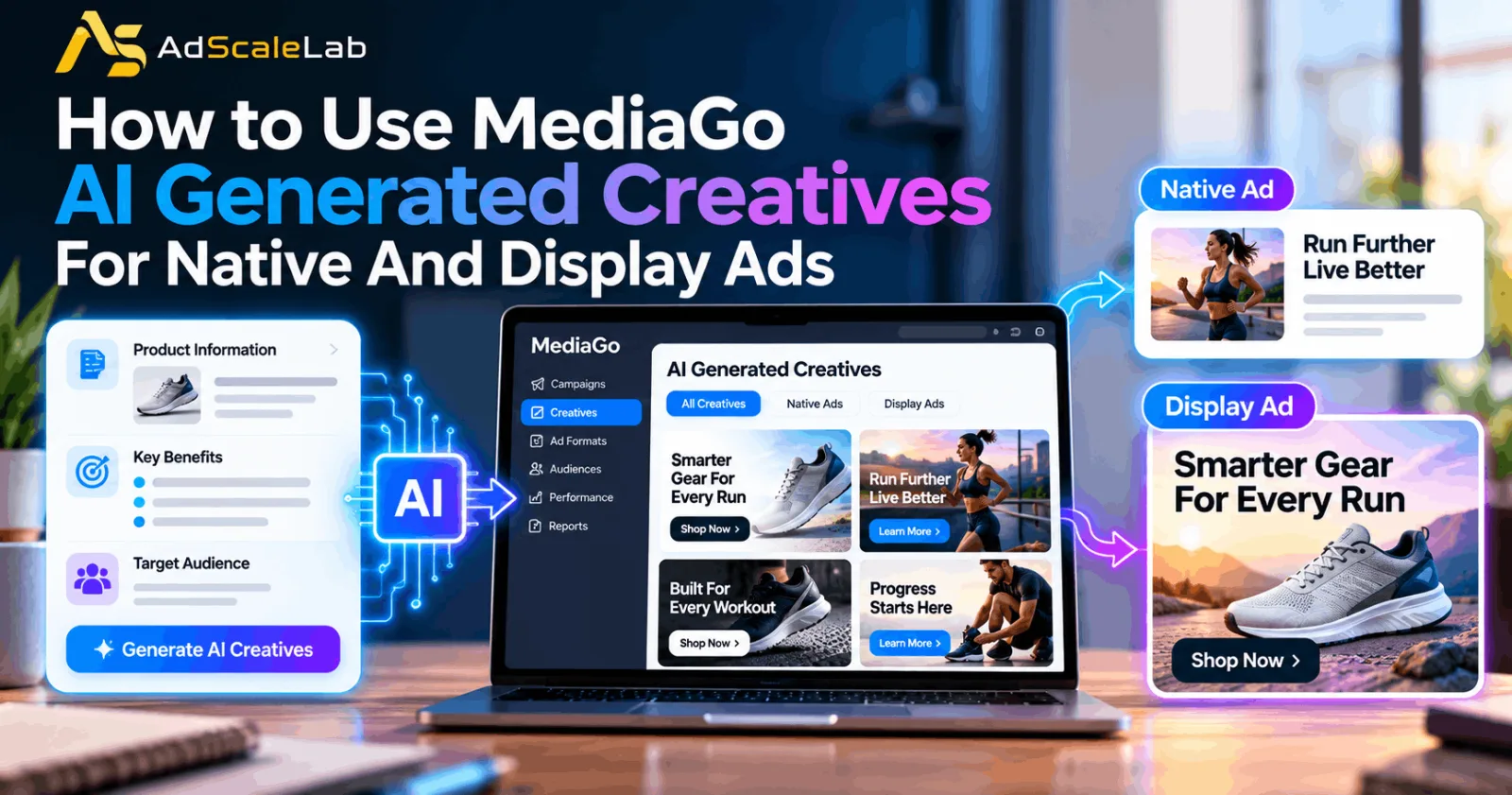
No comments yet. Be the first to comment.
Comments are open to registered AdScaleLab clients.
Sign in to comment