






Why Agency Ad Accounts Get Restricted After Approval
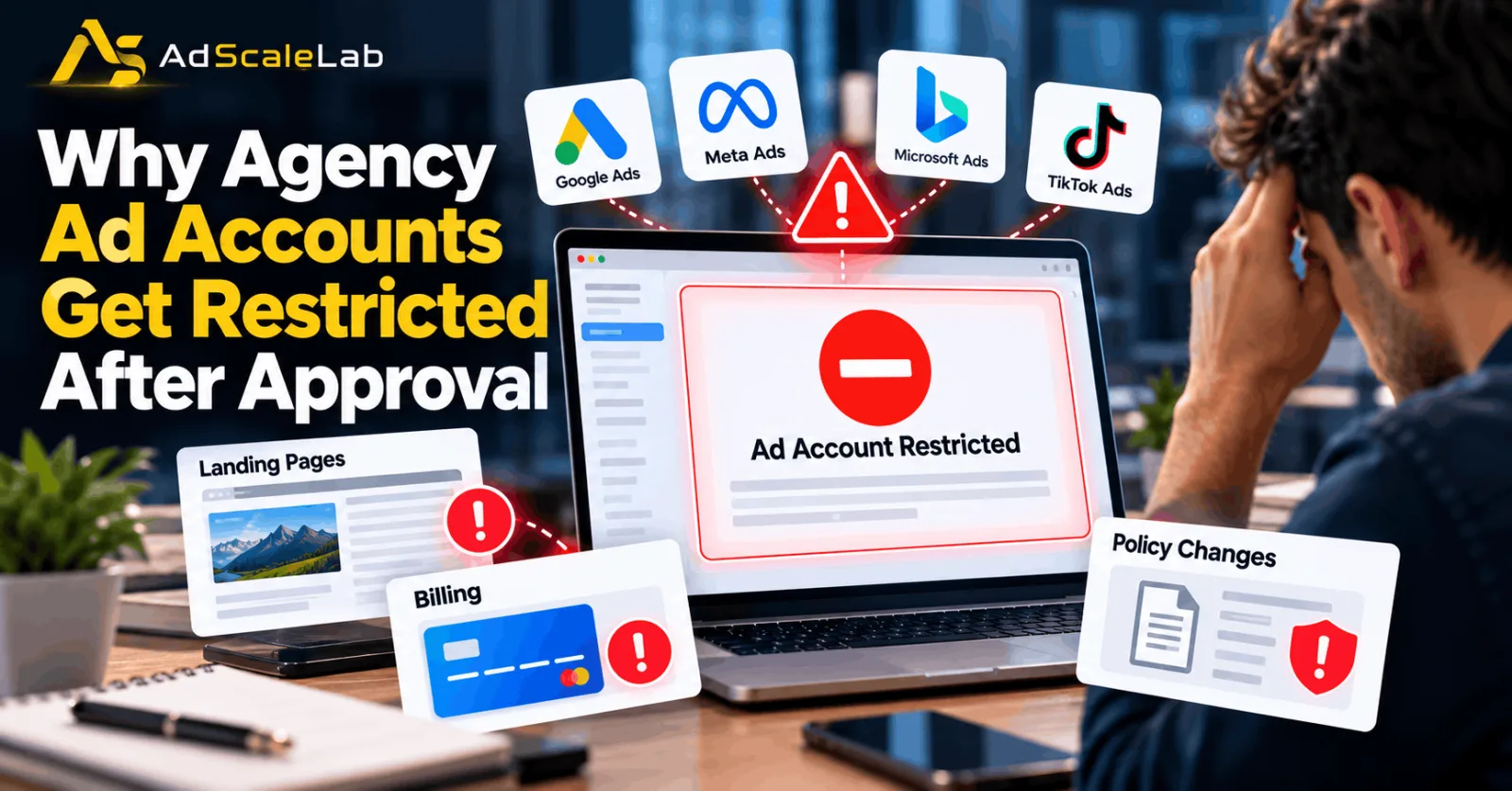
An ad account can be approved, start running campaigns, and then suddenly face a restriction. For agencies managing advertising for multiple clients, this can create a serious problem. Campaigns may stop delivering, clients may lose leads, and the agency may have to spend hours finding out what went wrong.
Understanding why agency ad accounts get restricted after approval is important because ad approval does not always mean the entire account is permanently cleared. Advertising platforms can review ads, landing pages, payments, business information, and account activity again after a campaign goes live. A change made days after approval may also affect whether the ad still follows the platform's rules.
Official documentation from Google Ads, Meta, and TikTok explains that advertising restrictions can result from policy violations, landing-page problems, payment issues, suspicious activity, or changes to an account or its assets. These platforms do not all follow the same enforcement process, so agencies should check the specific reason shown in the affected account rather than assuming every restriction has the same cause.
Why Agency Ad Accounts Get Restricted After Approval Due To Landing Pages, Billing, And Policy Changes
Ad approval is not a permanent guarantee that a campaign can keep running. An advertising platform may initially review the submitted creative, text, and destination, then review the ad or account again later. New information, changes to the website, payment problems, or activity that raises security concerns can trigger further checks.
Google Ads explains that it uses a combination of automated systems and human evaluation to identify policy violations. It can also suspend accounts when it finds serious violations or problems with an advertiser's overall compliance. Meta says it may review ads and business assets and restrict them when it identifies policy violations or unusual activity. TikTok also lists changes to an ad's landing page after campaign creation among the issues that can contribute to account suspension. This means an agency should not look only at the ad that was approved. It should also check the website, billing setup, business details, user permissions, and any changes made since the campaign started.
For example, a client may have an approved campaign promoting a particular product. A few days later, someone changes the landing page to promote a different offer or adds a redirect. The original ad may still be the same, but the destination experience has changed. The platform may review the updated destination and decide that it no longer meets its requirements. Agencies can reduce these risks by keeping a record of campaign changes and checking the affected account's policy notifications whenever delivery suddenly stops.
Landing Page Changes Can Trigger Another Review
Landing pages are one of the first places an agency should investigate when an approved campaign is restricted. The landing page is where people arrive after clicking an ad, and advertising platforms want that experience to match the promise made in the creative.
Google Ads' official Destination Requirements policy covers several problems that can affect an ad destination. These include pages that do not work, destinations that cannot be crawled, mismatches between the displayed URL and the actual destination, and websites that provide insufficient original content. A landing page can also become problematic after approval. A developer might change the page layout, install a new tracking script, introduce a redirect, or remove important product information. A website update can accidentally create an error that was not present when the ad was first reviewed.
For instance, an ad may promise a free consultation, but the landing page may later be changed to promote a paid service without clearly explaining the difference. In another case, the page may load correctly for a normal visitor but return an error to an advertising platform's crawler. Both situations can lead to additional review or enforcement, depending on the platform and the circumstances.
Google also checks whether the destination provides a useful experience. Pages that are difficult to navigate, contain misleading elements, or offer little original value can fail its destination requirements. Its guidance on Destination Experience explains why working links and a clear user experience matter. Agencies should therefore check the complete destination rather than only the homepage. The final URL, mobile landing page, redirects, forms, buttons, product details, and tracking templates should all work as expected. If a website uses location-based redirects or displays different content to different visitors, the team should investigate whether those settings are creating a genuine destination or policy issue.
It is also important not to make unnecessary changes while a restriction is under investigation. First identify the reported problem, preserve the relevant details, and then correct the issue before requesting another review where the platform allows it.
Billing Problems Can Affect An Approved Ad Account
Billing is another reason an agency ad account may stop running after approval. An ad can meet the platform's creative requirements while the account has a separate problem with its payment method, outstanding balance, or billing setup. Google Ads lists suspicious payment activity, unpaid balances, chargebacks, and promotional-code abuse among possible reasons for billing-related account suspension. Its account suspension guidance explains that payment and policy issues can lead to account restrictions.
Some payment problems are straightforward. A card may expire, a bank may decline a transaction, or the account may have an outstanding invoice. Other situations require closer investigation, particularly when the payment method, billing profile, or paying manager has changed. Google Ads also explains that a billing setup can become inactive if changes are made to the relationship between an account and its paying manager or payment profile. Agencies using manager accounts should therefore check both the client account and the billing arrangement that supports it.
For example, an agency might update the payment details for one client but accidentally leave the account without an active billing setup. The campaigns may have been approved correctly, yet advertising cannot continue until the billing issue is resolved.
The right response is to open the platform's billing section, check for declined payments or unpaid balances, and confirm that the correct payment profile is connected. If a payment was declined, the agency should contact the payment provider where necessary and follow the platform's instructions for restoring the payment method. Agencies should avoid repeatedly switching cards or payment profiles without understanding the cause of the problem. Unexplained changes can make it harder to trace the issue and may create additional questions during a review. Payment records and client billing approvals should be kept in an organised place so the team can explain legitimate transactions if asked.
Policy Changes Can Make Previously Approved Ads Noncompliant
Advertising policies and account requirements can change over time. A campaign that complied with the rules when it was launched may need another review after a policy update, a change in the advertised product, or a change to the landing page.
However, agencies should not assume that every restriction means a platform has introduced a new policy. Sometimes the issue is an existing rule that the account has violated for the first time or a problem that was not identified during the initial review.
Google Ads states that ads, assets, destinations, and other content can be blocked if they violate its policies. For certain serious violations, it may suspend an account immediately. Other violations can involve warnings and a chance to address the issue before suspension. Its Abusing the Ad Network policy also explains that attempts to mislead the review process or circumvent enforcement are not allowed. Agencies should never try to hide a destination problem by showing one page to reviewers and another to visitors.
Meta follows its own Advertising Standards and other applicable rules. Its Business Help Center explains that restrictions can apply when a business does not comply with advertising policies or when Meta detects unusual or potentially risky activity. TikTok similarly states that account suspensions may result from advertising-policy violations or problems with ad content and landing pages. The important lesson is that agencies must check the policy cited in the account notification. If a platform identifies a specific rule, the team should compare the ad, destination, product, and supporting information with that rule instead of making random changes.
Why Account Security And Business Information Matter
Not every restriction comes from the advertisement itself. Advertising platforms may also review the account's security, business identity, payment behaviour, and user permissions. Meta's official guidance on advertising restrictions describes situations in which businesses may face limits because of policy violations, suspected account compromise, missing two-factor authentication, or unusual payment activity. Depending on the circumstances, a restriction can affect an ad account, business portfolio, Page, or user account.
This matters to agencies because several people may work on the same client account. An employee might leave the company, a new contractor might be given administrator access, or an unfamiliar login might trigger a security check. If the agency does not maintain a clear record of who has access, investigating the problem can become difficult.
Business details can also matter. An advertiser may be asked to complete verification or provide information about the business being promoted. If the legal business name, website, billing details, and documents do not match, the agency may need to correct the information or provide further evidence. A good agency process includes using appropriate access permissions, enabling available security protections, removing access that is no longer needed, and keeping client information consistent. Agencies should not share passwords unnecessarily or use unfamiliar accounts to get around a restriction.
What Agencies Should Do When An Account Gets Restricted
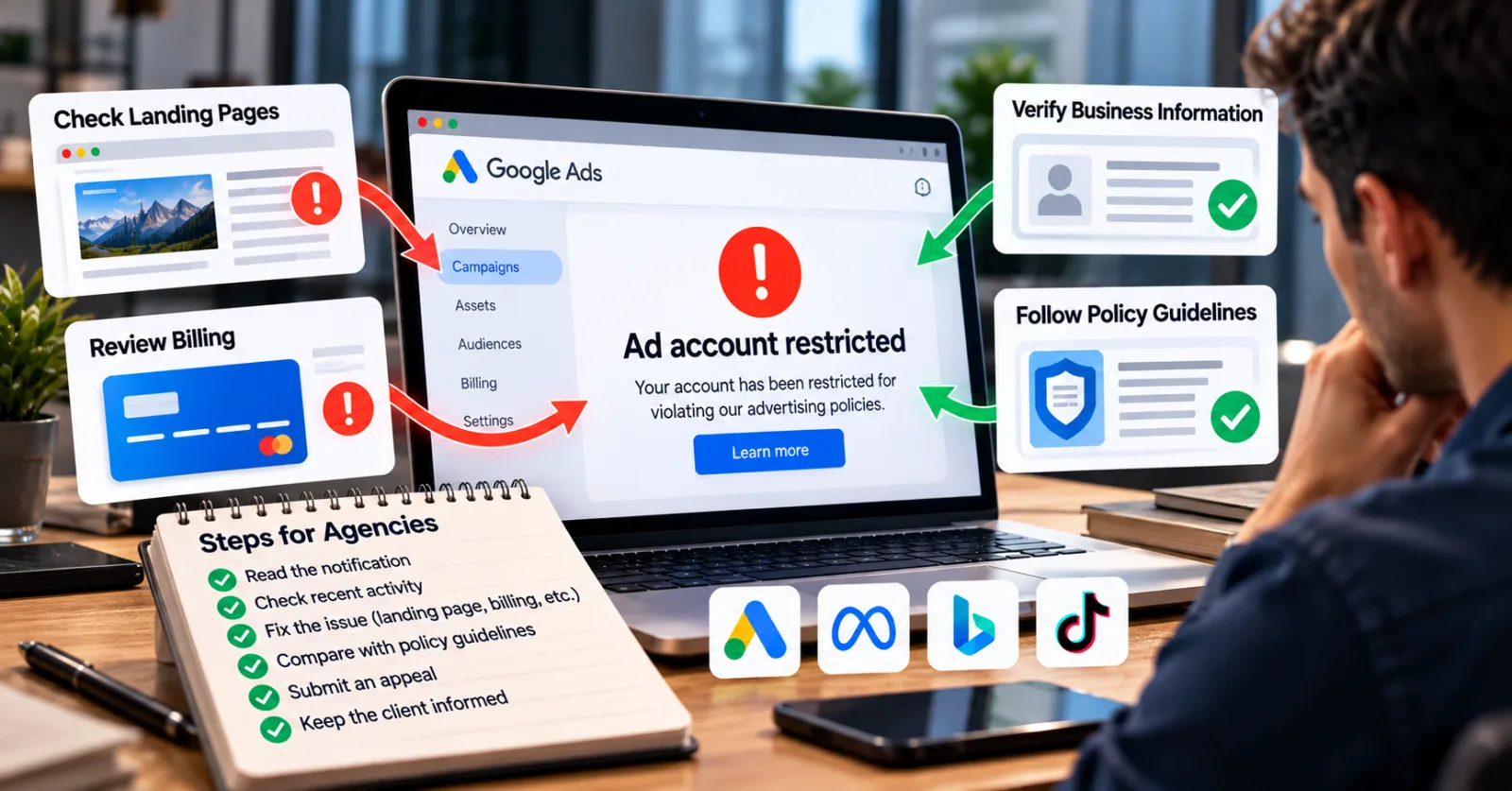
When an approved ad account is restricted, the first step is to read the exact notification shown in the advertising platform. The notification may identify a payment problem, a policy violation, a verification requirement, or a security concern. Each issue requires a different response.
The agency should then check the affected account's recent activity. This includes changes to landing pages, tracking templates, payment methods, billing profiles, account permissions, business information, and campaign settings. If the platform identifies a specific ad or destination, the investigation should begin there.
Next, the team should compare the affected material with the relevant official policy. If the landing page is broken, fix the technical issue. If the billing setup is inactive, follow the payment or account-linking instructions. If the platform requests business verification, provide accurate documents that match the account details.
Once the underlying problem has been corrected, use the platform's official review or appeal process. Google Ads provides an account suspension appeal process, and its guidance recommends explaining the situation accurately and including relevant information. Agencies should state what happened, what they checked, and what they corrected, without making claims they cannot support.
Repeatedly submitting appeals without addressing the stated issue is unlikely to help. Nor should an agency create replacement accounts to avoid an existing restriction. Google specifically warns that related and newly created accounts can also be suspended, and attempts to circumvent its enforcement systems can create further problems. During the investigation, keep the client informed about the status of the campaign, the reason given by the platform, and the steps being taken. Avoid promising a specific reinstatement time unless the platform has provided one.
How Agencies Can Prevent Restrictions After Approval
Prevention starts with a consistent review process. Before a campaign launches, agencies should check that the landing page works, the offer matches the ad, the business information is accurate, and the payment setup is active. The same checks should continue after approval. A website update, a new tracking template, a change to the advertised product, or a billing adjustment can affect a campaign even when the creative itself remains unchanged.
Agencies can make this easier by keeping a simple record of important changes. The record should show when a landing page was updated, who changed the billing details, when new users received account access, and whether the platform issued any warnings. If a restriction appears later, the team can compare the timeline with the platform's notification instead of guessing. It is also useful to assign clear responsibilities. Someone should own landing-page checks, someone should monitor billing, and someone should review policy and account-health notifications. In smaller agencies, one person may handle several tasks, but each responsibility should still be clear.
Finally, agencies should use official help centres as their main source of policy information. Advice from forums and social media can provide useful context, but it may refer to an older interface, a different country, or another advertising platform. The rule that applies to Google Ads may not be identical to the one used by Meta or TikTok.
Final Thoughts
An approved campaign can still face restrictions when something changes or a platform identifies a problem during a later review. Landing-page errors, billing issues, policy violations, security concerns, and incomplete business information are all areas worth checking.
For agencies, the most effective response is to identify the reason shown by the platform, investigate the affected account, correct the underlying problem, and follow the official review process. Treating every restriction as the same issue can waste time and create more complications. A clear process for landing-page checks, payment management, policy reviews, and account security can help agencies reduce avoidable interruptions and respond more quickly when a restriction does occur.
Agency ad accounts, without the wait.
Buy and top up Google, Meta, native, and more from one dashboard.
Get started


No comments yet. Be the first to comment.
Comments are open to registered AdScaleLab clients.
Sign in to comment