






How To Save Your Microsoft Advertising Recommendations Budget
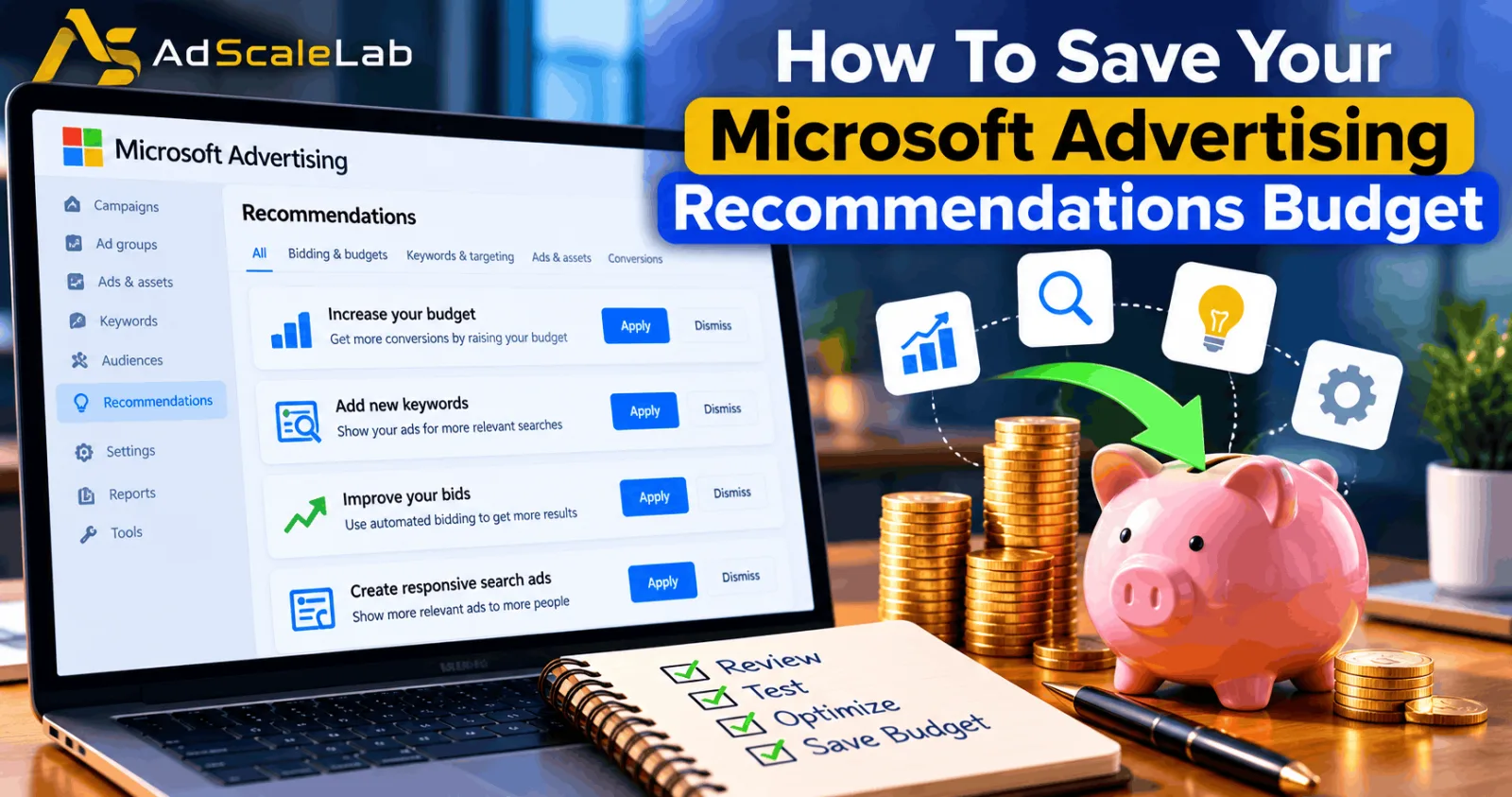
Running paid search campaigns means making regular decisions about keywords, bids, ads, budgets, and conversion tracking. Microsoft Advertising can make some of these decisions easier by suggesting changes that may improve campaign performance. However, accepting every suggestion without checking its impact can create problems, especially when a campaign has a limited budget.
Microsoft Advertising recommendations are suggestions designed to help advertisers improve their campaigns. They can cover areas such as ads, keywords, bidding, landing pages, and conversion tracking. Microsoft says these suggestions are based on account history, campaign settings, and trends. Advertisers can review individual recommendations and choose whether to apply or dismiss them. Microsoft's official Recommendations guide explains how this process works.
The important point is that a recommendation is not a guarantee of better results. A suggested change may help one campaign but make little difference to another. For example, increasing a bid might bring more clicks, but those clicks will not help much if they do not turn into leads or sales. The goal is not to reject Microsoft's suggestions. It is to understand which ones fit your campaign and which ones could use up your budget without producing enough value.
The Following steps Explain How To Review Recommendations More Carefully.
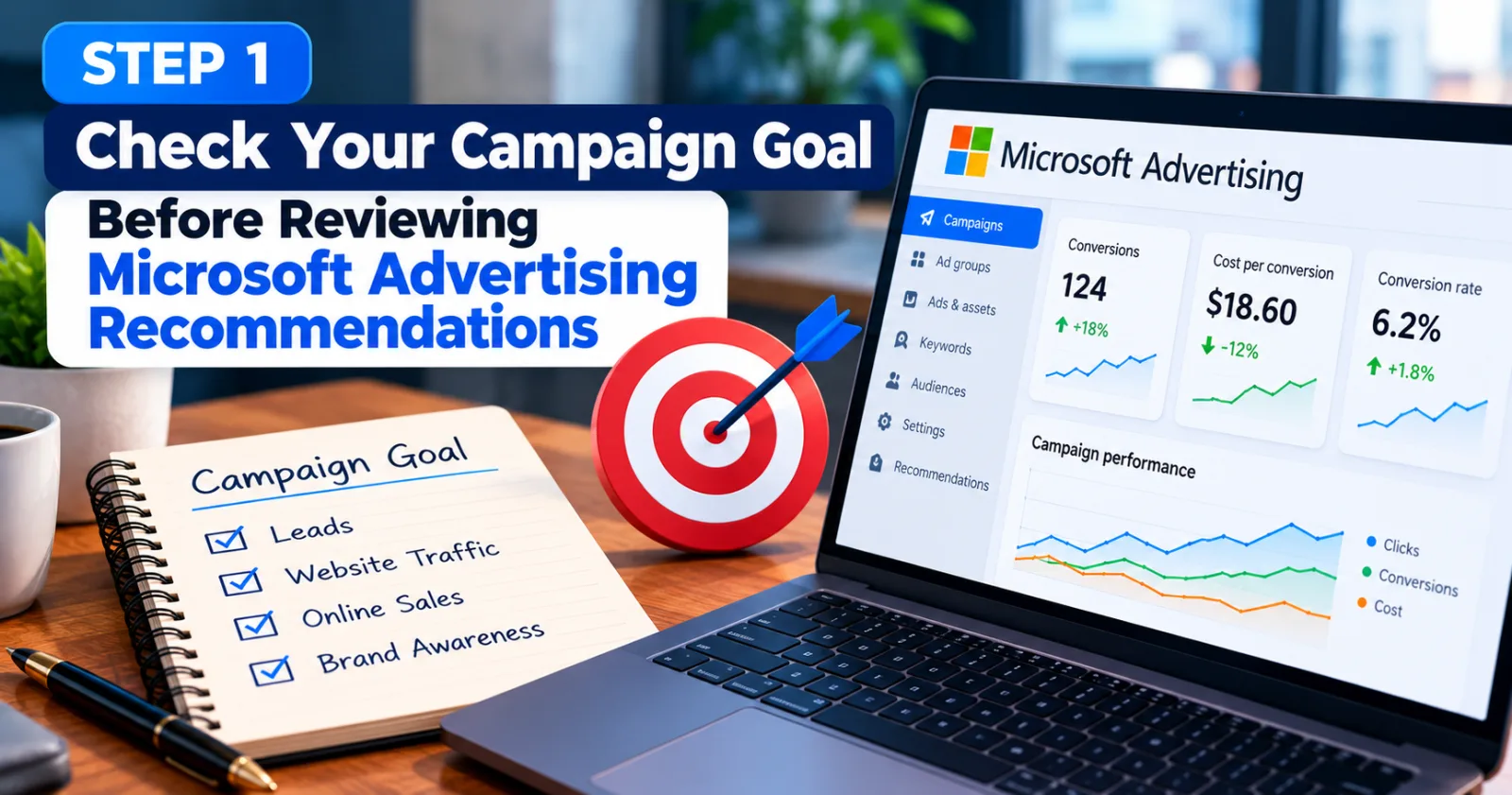
Step 1: Check Your Campaign Goal Before Reviewing Microsoft Advertising Recommendations
Before making any changes, be clear about what the campaign is supposed to achieve. A campaign designed to generate leads needs a different approach from one intended to increase website traffic or online sales.
Suppose you run a campaign for a business that provides accounting services. Your main goal may be to receive enquiries from potential customers. A recommendation that increases clicks could look useful, but it is not necessarily valuable if the extra visitors do not fill out your contact form. Open the campaign's performance reports and check the metrics that matter to your goal. These may include conversions, cost per conversion, conversion rate, revenue, or return on ad spend. Compare the suggested change with these results before deciding whether to apply it.
Microsoft also advises advertisers to set budgets and performance goals that match their objectives. Its advertising cost-control guide explains how budgets, bids, and goals can help keep spending aligned with campaign needs.
Step 2: Review Each Recommendation Before Applying It
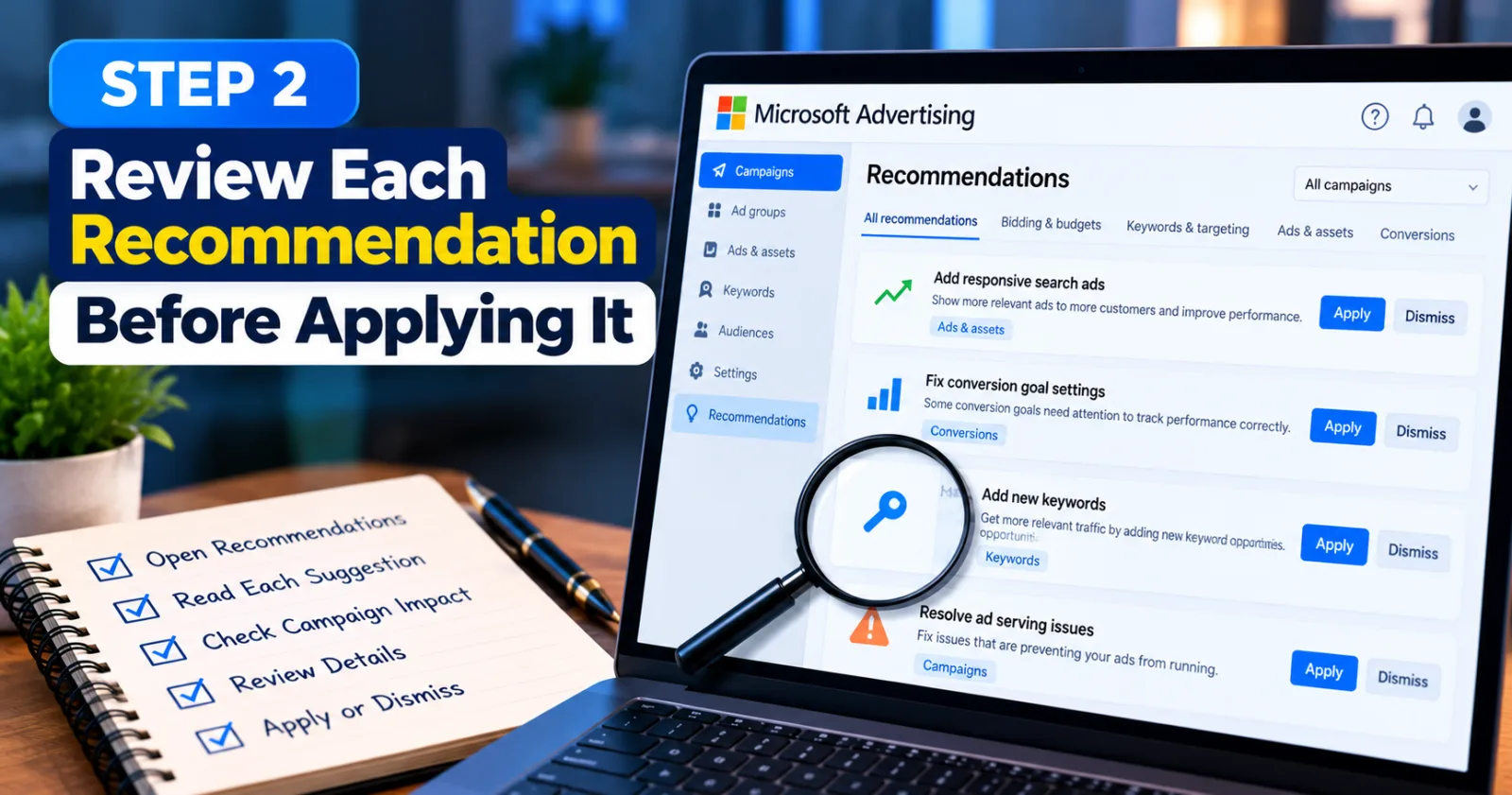
Open Microsoft Advertising and navigate to Campaigns → Recommendations. The exact interface may vary as Microsoft updates the platform, but the Recommendations section is where advertisers can review the suggestions available for their accounts.
Do not click Apply all simply because several recommendations are waiting. Open each recommendation and read what it proposes to change. Check which campaign or ad group it affects, what problem it is meant to solve, and whether the suggested action fits your current strategy.
For example, Microsoft may recommend adding responsive search ads, fixing conversion goal settings, or resolving issues that prevent ads from running. These changes can be useful, but they do not all have the same effect on spending. Correcting broken conversion tracking is different from changing bids or expanding keyword coverage. Microsoft's official guide explains that you can view individual recommendations, apply the ones you want, or dismiss those that do not fit your needs. It also notes that dismissed recommendations may appear again if they become available in the future.
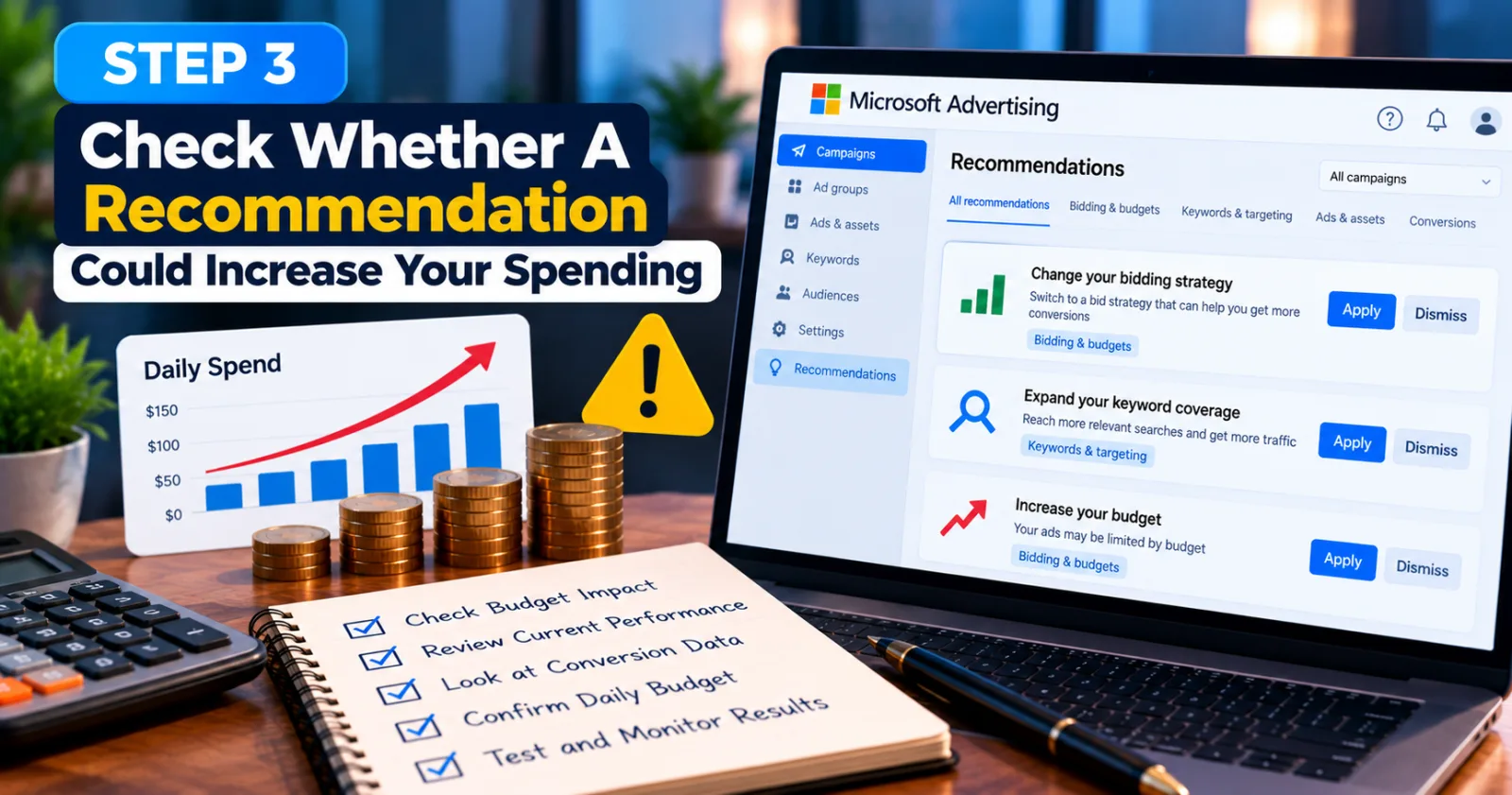
Step 3: Check Whether A Recommendation Could Increase Your Spending
Some recommendations can affect how much traffic your ads receive or how your budget is used. Before accepting one, consider whether it could increase clicks, change bidding behaviour, or expand the range of searches that trigger your ads. Imagine a campaign is already spending $80 per day and generating leads at an acceptable cost. A recommendation suggests changing the bidding approach to attract more conversions. That may be worth testing, but it should not be accepted without checking the campaign's budget, current performance, and conversion data.
First, decide how much you can afford to spend while testing the change. Then check whether your daily budget and bidding strategy are suitable for the goal. Microsoft's cost-control guidance explains the role of budget limits, bid controls, and performance goals in managing advertising costs.
Remember that a recommendation to improve performance does not mean the platform can guarantee more profitable conversions. Watch what happens after the change instead of assuming that the suggested action will work.
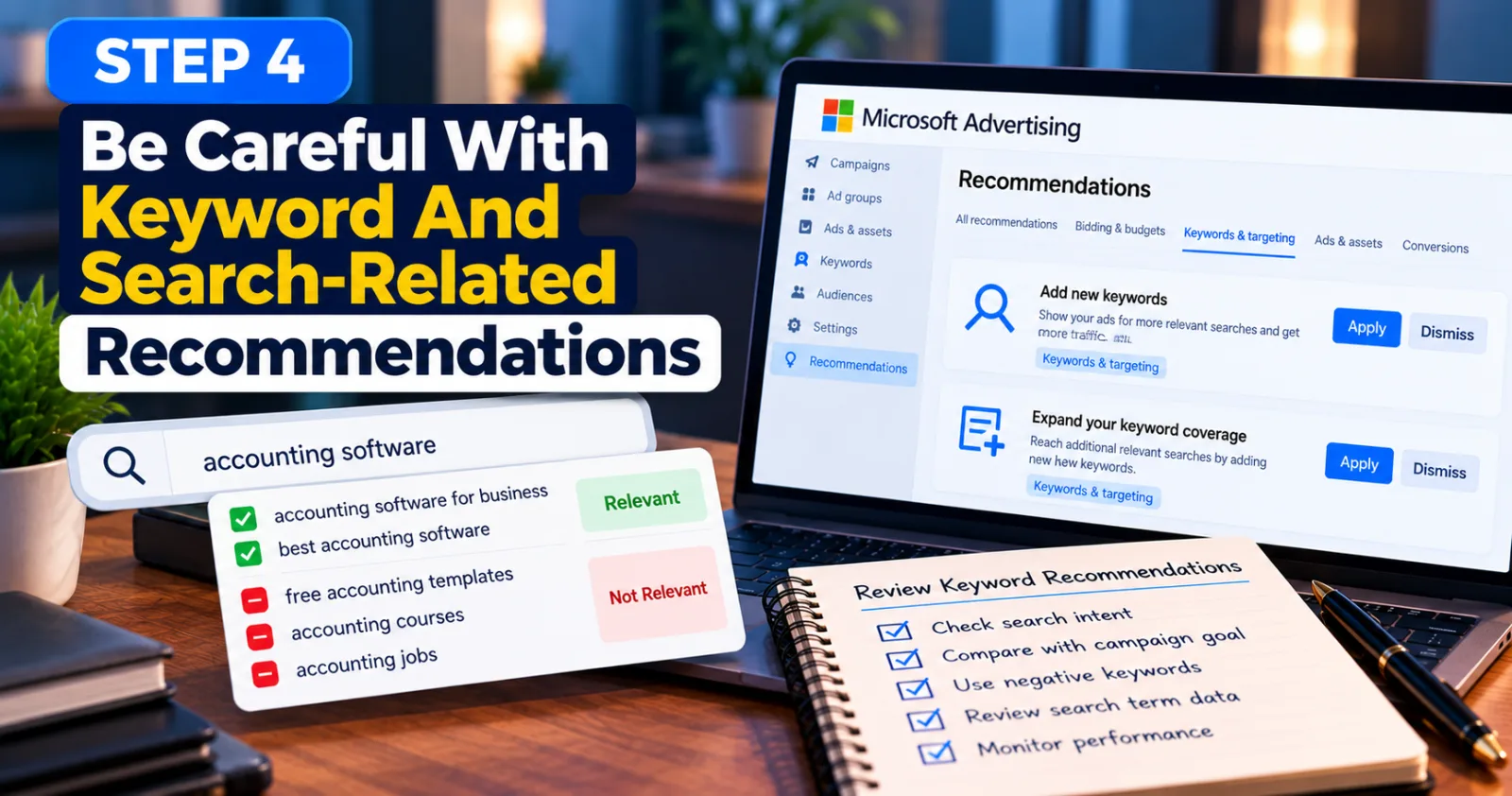
Step 4: Be Careful With Keyword And Search-Related Recommendations
Keyword recommendations can help advertisers reach searches they may have missed. However, expanding keyword coverage can also bring visitors who are not interested in the product or service being advertised. For example, a company selling paid accounting software may not want to spend money on searches for free accounting templates or accounting courses. Those searches may be related to the same subject, but they may not match the company's commercial goal.
When Microsoft Advertising suggests adding keywords or making changes related to search coverage, check the likely intent behind those searches. Review your existing search-term data and use negative keywords where appropriate to block irrelevant traffic.
Do not reject every keyword suggestion automatically. A new keyword may reveal a useful opportunity that your campaign has missed. The safer approach is to assess its relevance and monitor the results after adding it. If the new traffic spends money without producing useful actions, review the keyword and make the necessary adjustment.
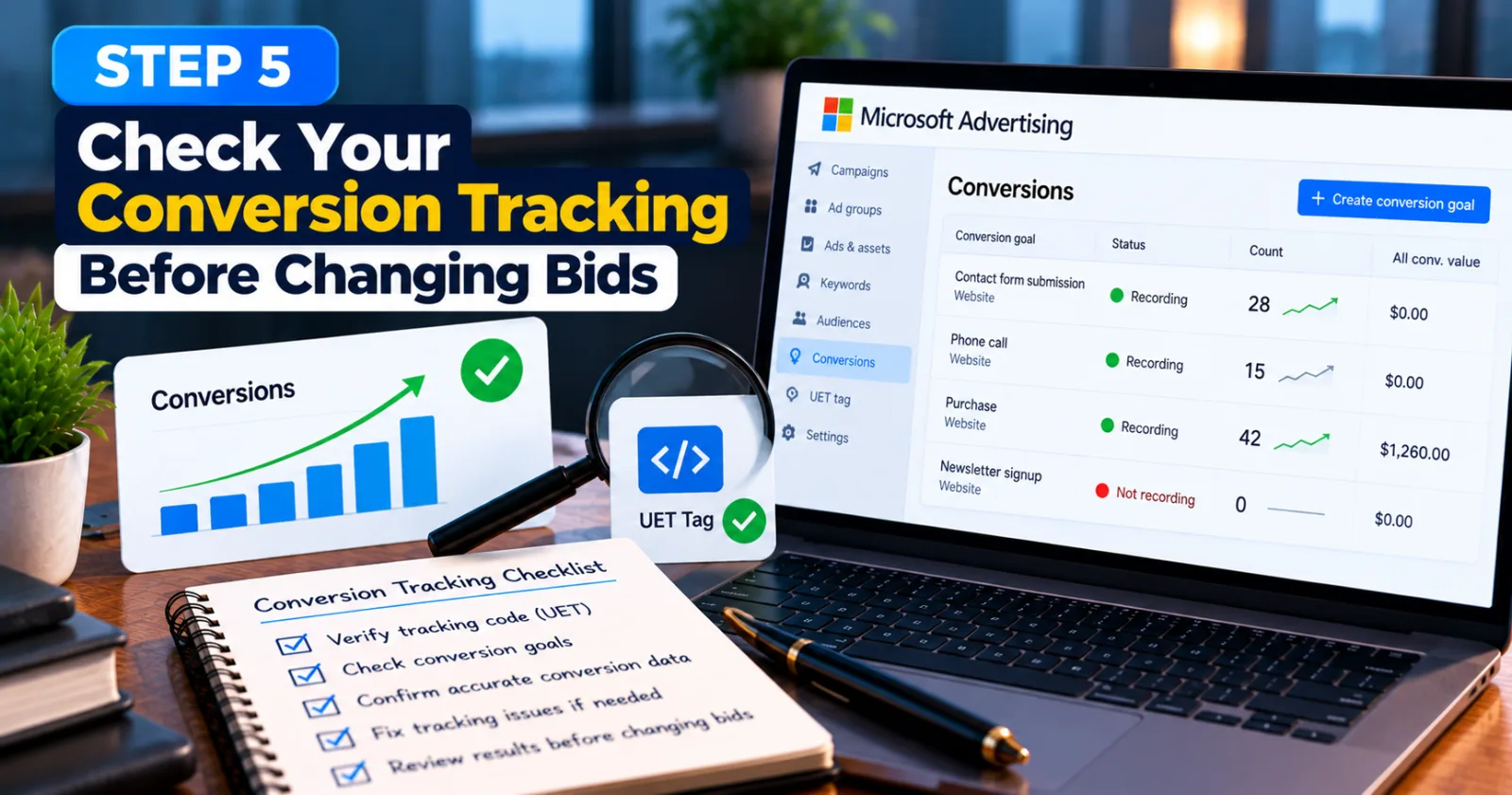
Step 5: Check Your Conversion Tracking Before Changing Bids
Conversion data helps advertisers understand whether clicks are leading to valuable actions. If your tracking is incorrect, recommendations based on campaign performance may not reflect what is actually happening on your website. Suppose a lead-generation campaign receives 20 genuine enquiries, but the conversion tag records only 10. Your reports may make the campaign look weaker than it really is. The opposite can also happen if a conversion is counted multiple times.
Microsoft Advertising provides recommendations related to conversion goal settings and Universal Event Tracking (UET). Its official Recommendations guide includes suggestions for fixing conversion settings and UET-related issues.
Before making major bidding changes, check whether your conversion goals are configured correctly and whether recorded conversions match the actions you want to measure. If tracking is broken, fix that problem first and allow enough time for reliable data to appear. This gives you a better basis for deciding whether a recommendation has improved performance.
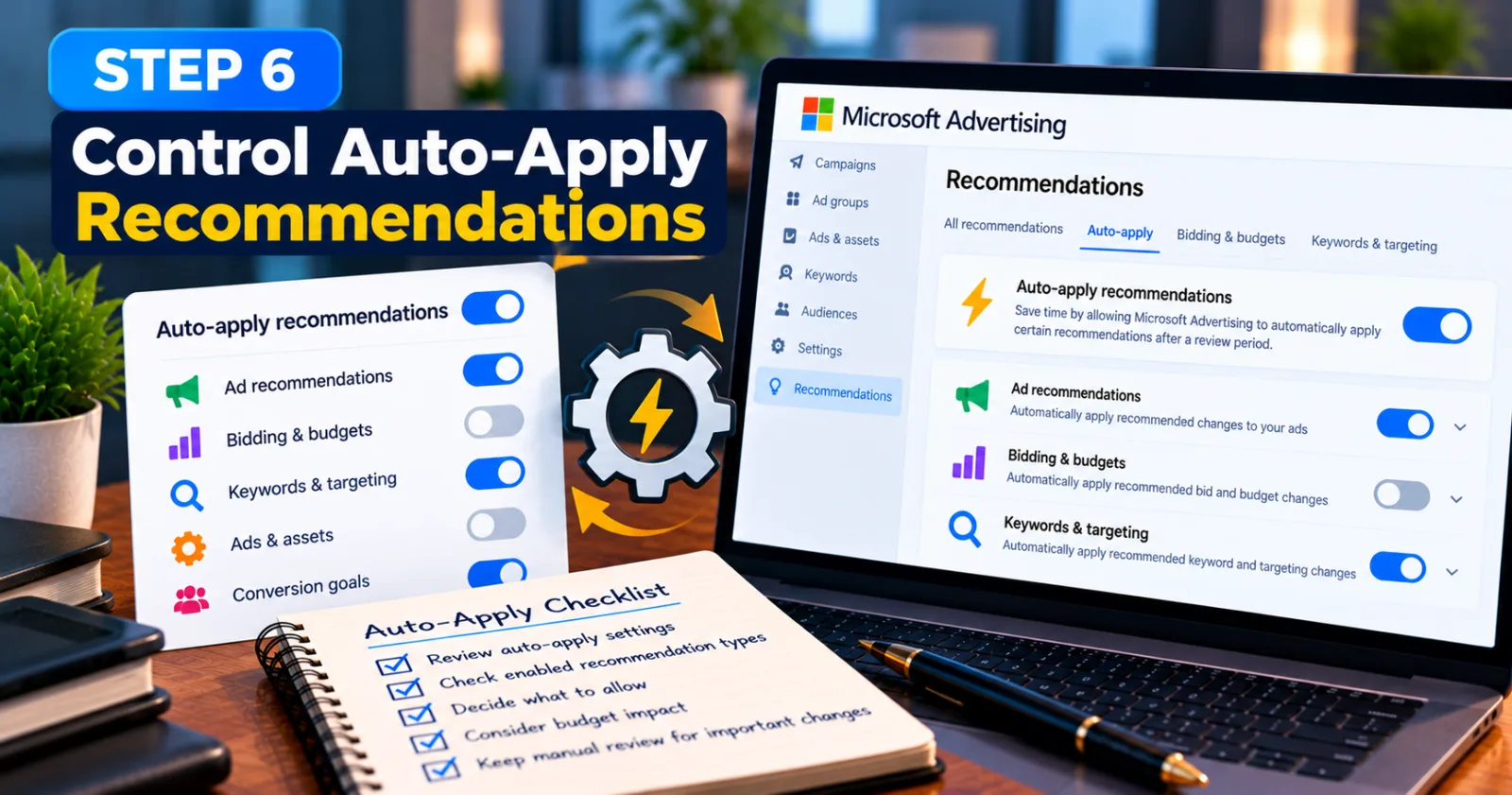
Step 6: Control Auto-Apply Recommendations
Microsoft Advertising offers settings that allow certain recommendation types to be applied automatically. This can save time, but it also means advertisers need to understand which changes they have allowed the platform to make.
Microsoft's current help documentation explains that advertisers can manage auto-apply settings and opt in to supported recommendation types. When auto-apply is enabled, Microsoft provides a review period before the eligible recommendations are applied automatically. The available recommendation types and timing may vary, so check the settings shown in your own account. Microsoft's auto-apply recommendations instructions explain the process.
To review these settings, open the Recommendations section and look for the auto-apply controls, often shown with a lightning-bolt icon. Check which recommendation types are enabled and decide whether automatic changes fit your campaign management process.
For campaigns with tight budgets or strict client requirements, manually reviewing recommendations may provide better control. You can still use automation for changes you understand and are comfortable allowing, while keeping more sensitive decisions under manual review. Do not assume that turning off auto-apply removes all recommendations. You can continue reviewing suggestions and applying selected changes yourself.
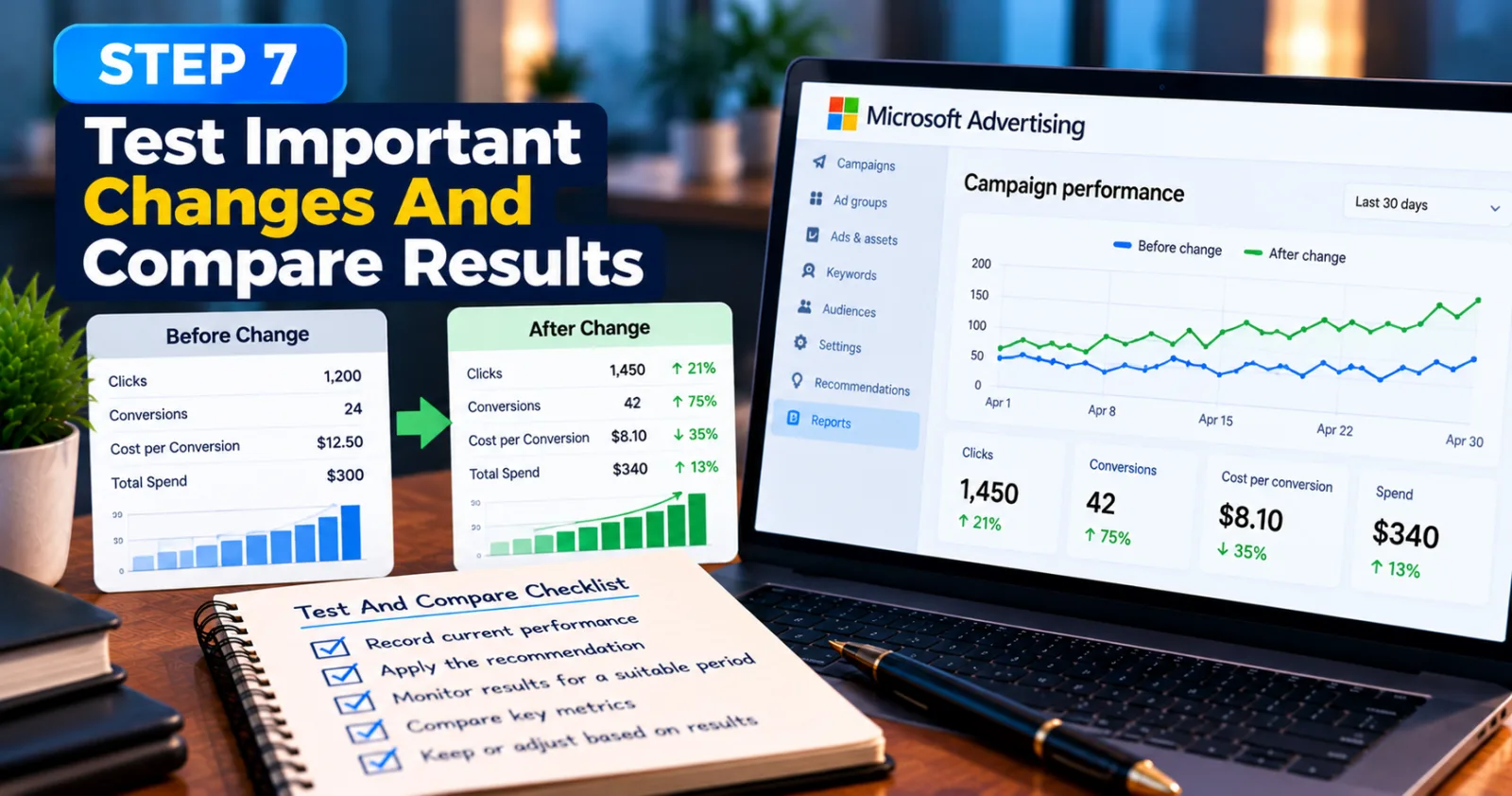
Step 7: Test Important Changes And Compare Results
When a recommendation looks useful but could affect campaign spending, treat it as a test rather than a guaranteed improvement. Record the campaign's performance before making the change so you have a fair comparison.
For example, suppose you apply a recommendation to improve an ad and want to know whether it helps generate more leads. Record the cost per lead, conversion rate, and total spend before the change. After applying it, compare those figures over a suitable period, taking into account the amount of traffic and conversion data available. Avoid making several major changes at the same time if you want to understand what caused the result. If you change bids, keywords, ad copy, and targeting together, it becomes harder to identify which change helped or hurt performance.
There is no single waiting period that suits every campaign. A high-volume campaign may collect useful data quickly, while a campaign with only a few conversions may need longer. Give the change enough time to produce meaningful evidence, but do not continue spending indefinitely if the results are clearly poor.
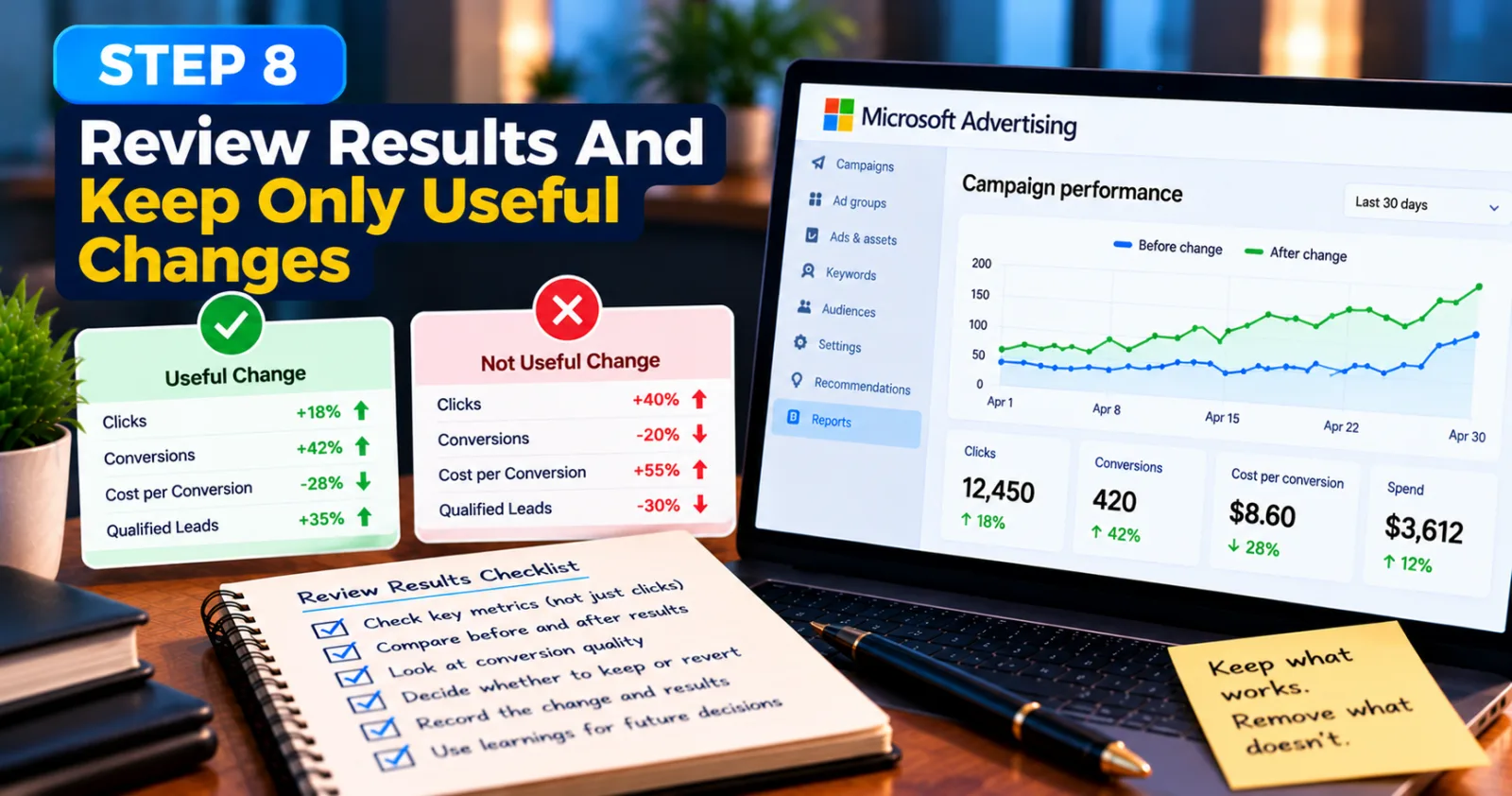
Step 8: Review Results And Keep Only Useful Changes
After applying a recommendation, return to your campaign reports and check what changed. Look beyond the number of clicks or impressions. A campaign may attract more visitors while also producing higher costs and fewer qualified leads. If the recommendation improves the results that matter to your business, you may decide to keep it. If spending increases without a matching improvement in conversions or revenue, investigate the cause and consider reversing the change where the platform allows it.
Keep a simple record of the recommendation, the date it was applied, the campaign affected, and the results observed. This makes it easier to learn which types of recommendations work for your business and which ones need more careful review.
Microsoft's recommendations are intended to help advertisers identify potential improvements, but the final decision should still depend on campaign performance and business needs. A higher optimization score alone is not proof that a campaign is more profitable. Your own results should guide the decision.
Final Thoughts
Microsoft Advertising recommendations can be useful for finding problems and identifying opportunities, but applying every suggestion is not a reliable way to manage a PPC budget. Some changes may improve relevance or conversion tracking, while others may affect traffic, bidding, or campaign spending.
Start by checking your campaign goal, reviewing each recommendation, and understanding what it will change. Pay particular attention to keyword relevance, conversion tracking, bidding behaviour, and auto-apply settings. After making a change, compare the results with your previous performance before deciding whether to keep it. The best approach is simple: use recommendations as a source of ideas, not as instructions that must always be followed. When you connect each change to a clear goal and monitor its actual results, you can use Microsoft Advertising recommendations more carefully without wasting your budget.
Agency ad accounts, without the wait.
Buy and top up Google, Meta, native, and more from one dashboard.
Get started

No comments yet. Be the first to comment.
Comments are open to registered AdScaleLab clients.
Sign in to comment