



How To Fix Bing Ads Low Impressions In Your Campaign
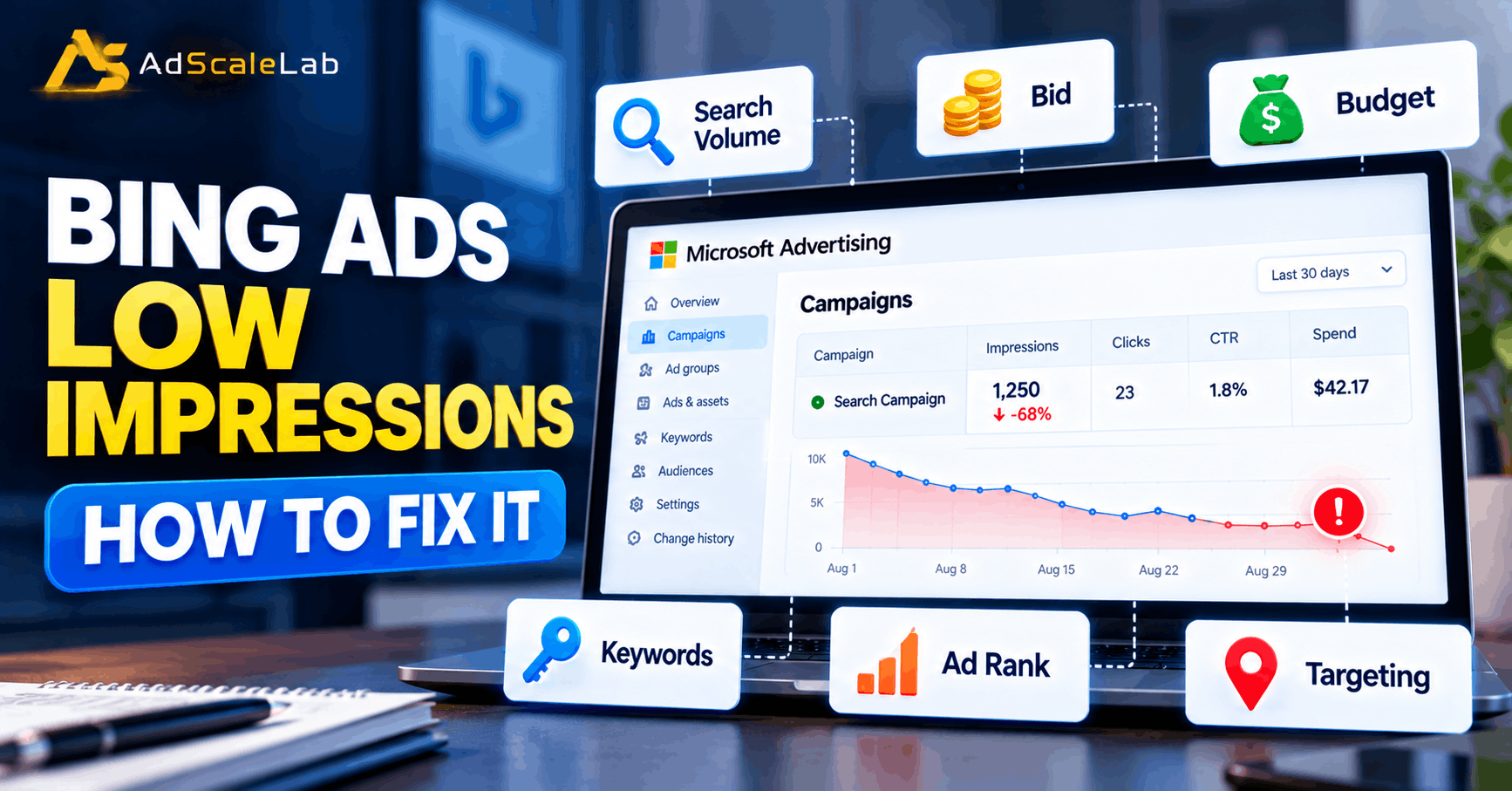
You launch a Bing Ads campaign, wait for traffic, and then open the dashboard. The campaign is active, the ads are approved, and the budget is there. But the impression number is still very small.
This is a common situation, and the first reaction is usually to raise the bid. Sometimes that helps. But Bing Ads low impressions can also come from low search demand, narrow targeting, campaign settings, keyword problems, budget limits, or weak ad rank. Microsoft Advertising provides tools and reporting that help advertisers review bids, budgets, targeting, keywords and campaign performance when diagnosing delivery problems.
So if you are dealing with Bing Ads low impressions, do not change everything at once. Work through the campaign in order. That makes it much easier to find the real problem instead of guessing.
Why Are Your Bing Ads Getting Low Impressions?
An impression means your ad was shown to a person. If impressions are low, your campaign is simply entering fewer eligible auctions than you expected, or it is losing some of those auctions.
Microsoft Advertising provides several useful measurements for this. Its reporting includes impression share, impression share lost to budget, and impression share lost to ad rank. These numbers can help separate a budget problem from a competitiveness problem.
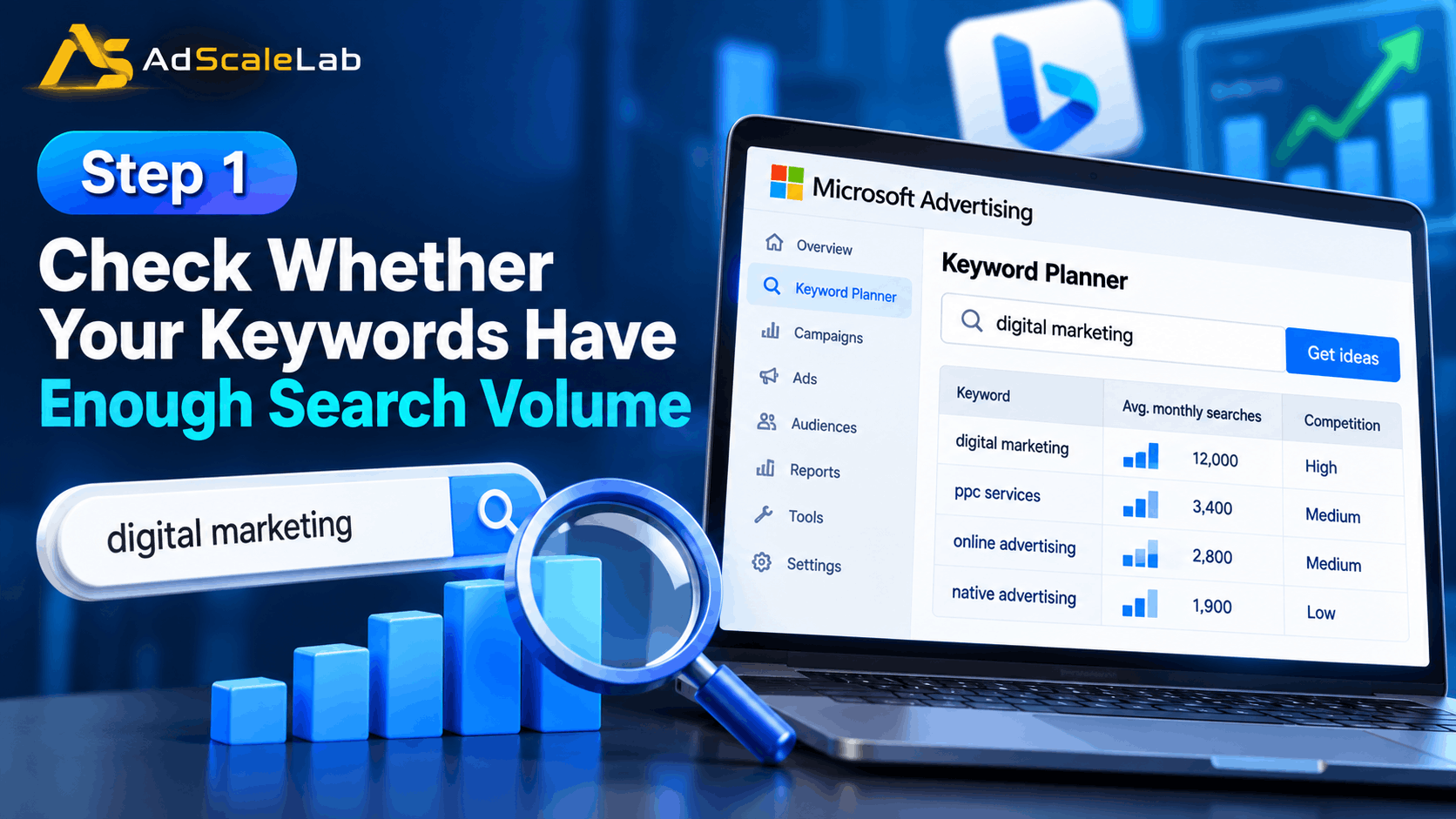
There is another important point. A campaign can have low impressions even when nothing is technically broken. If your keywords have very little search demand, there may simply not be enough searches for the ads to enter. Microsoft’s Keyword Planner provides search volume, trends, competition information and traffic estimates so advertisers can check this before making big changes.
Step 1: Check Whether Your Keywords Have Enough Search Volume
Start with the keywords. This is the easiest place to make a mistake.
Imagine you sell accounting software but build a campaign around a very specific phrase such as “cloud accounting software for three-person architecture firms.” That phrase may describe your customer perfectly, but only a small number of people may search for it. A very specific keyword can have strong intent and still produce very few impressions.
Open Microsoft Advertising Keyword Planner and check the search volume and trends for the keywords in your campaign. Microsoft says Keyword Planner can show historical search volume, trends, competition, and estimates for clicks, impressions and costs.
If several keywords have very little demand, add closely related terms that describe the same product or service. Do not add random broad keywords just to make the impression number look bigger. The goal is to increase eligible searches while keeping the traffic relevant.
This is also a good place to review seasonality. A keyword that gets strong searches during one part of the year can look unusually weak during another period. Compare the current demand with the historical trend before deciding that the campaign is broken.
Step 2: Check The Keyword And Ad Status
Next, check whether the keywords and ads are actually eligible to serve.
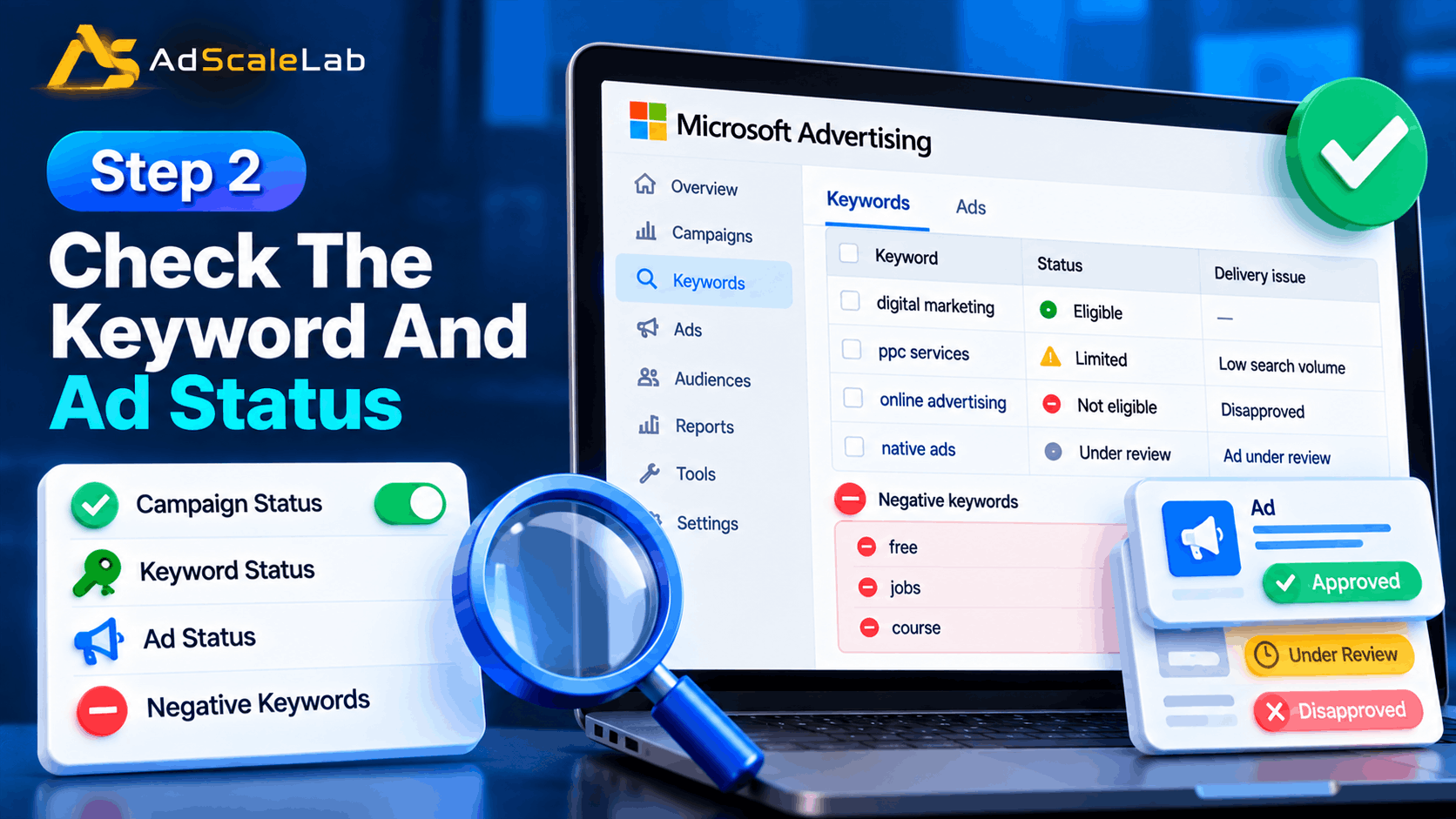
An active campaign does not automatically mean every keyword is ready to enter an auction. A keyword can have a delivery issue, an ad can be under review or disapproved, or another campaign setting can prevent the ad from serving as expected.
Microsoft Advertising support has also pointed advertisers toward the delivery status beside keywords as a useful place to find reasons why individual keywords are not performing. If you see a warning, read it before changing your bid or rewriting the whole campaign.
Also check negative keywords. A negative keyword is useful when it blocks irrelevant searches, but a mistake in the negative list can block a search you actually wanted. If a keyword looks perfectly healthy but receives almost no impressions, check whether another negative keyword is preventing it from matching.
Step 3: Look At Your Bids And Ad Rank
Once search demand and eligibility look normal, check the bids.
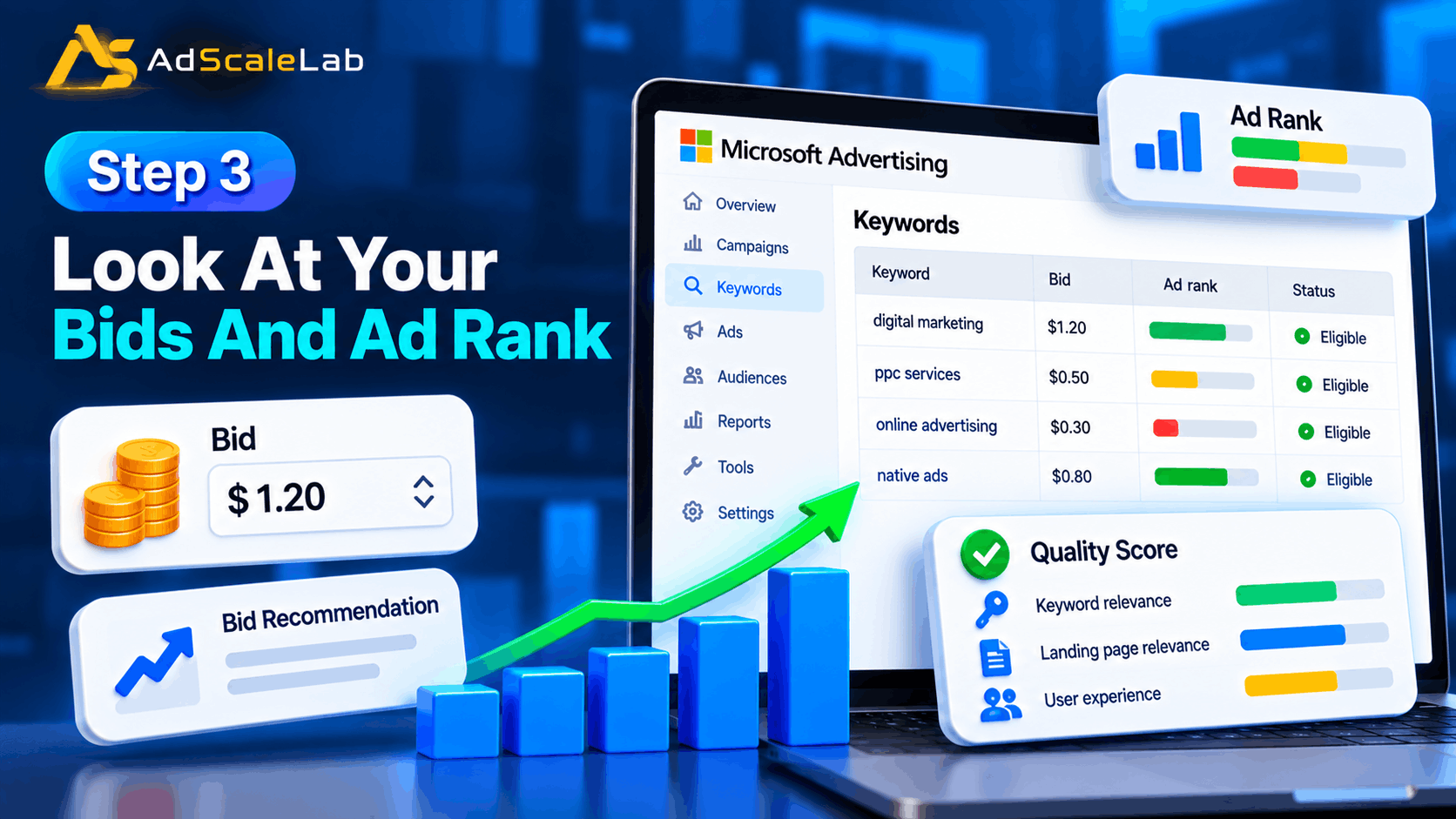
Your ad has to compete in an auction. A bid that is too low can limit how often the ad wins an opportunity to appear. Microsoft Advertising documentation explains that ad rank affects whether an ad can show and where it appears, and its reporting can show impression loss related to rank.
Do not automatically double every bid. Instead, look for keywords that are losing impressions because of rank or have bid recommendations available. Microsoft’s tools can provide bid and traffic estimates, which gives you a better starting point than simply guessing a number.
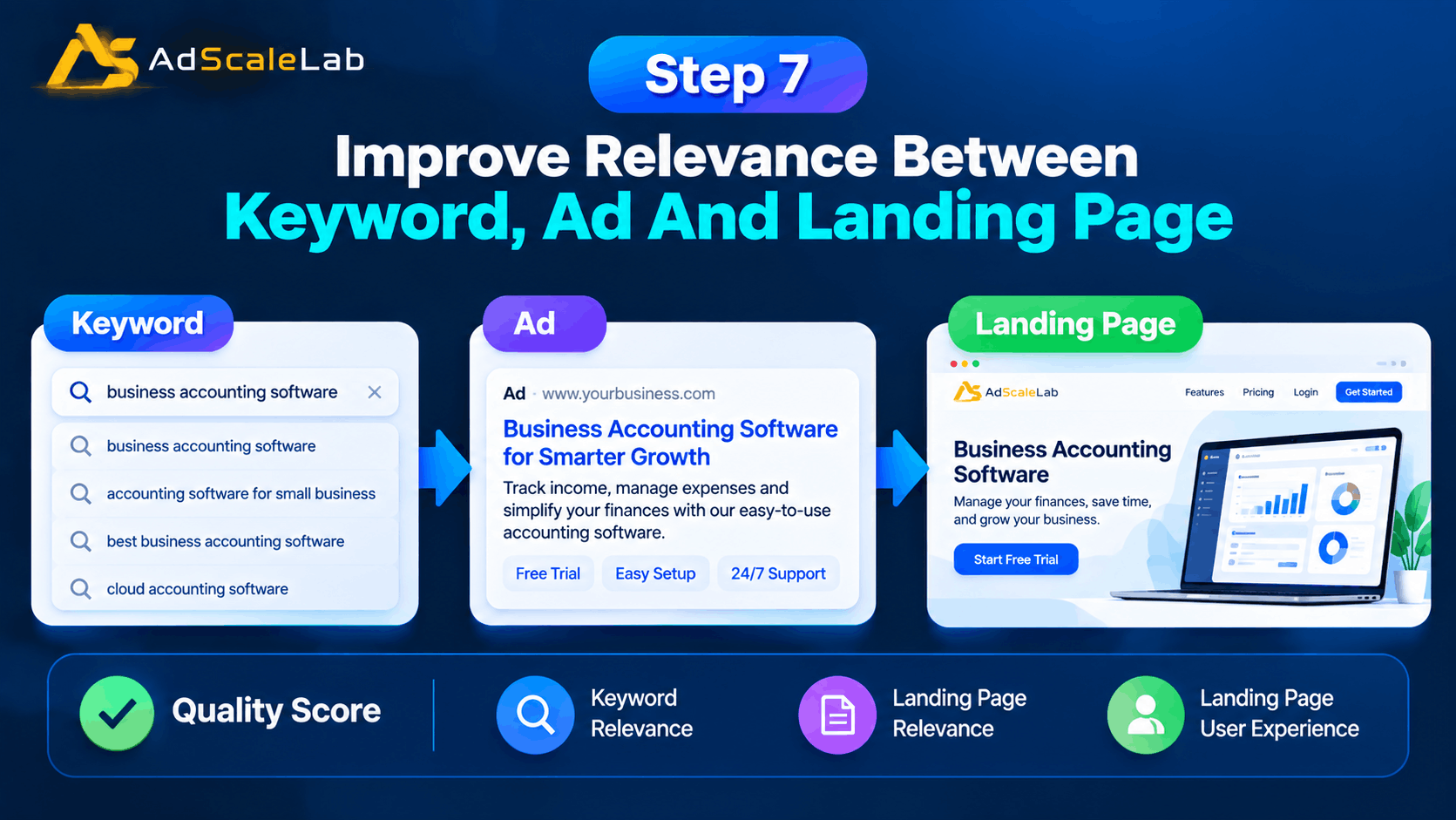
Quality also matters. Microsoft describes Quality Score as a measure based on keyword relevance, landing page relevance and landing page user experience for search traffic. A low-quality or poorly matched campaign can have a harder time competing even when the bid is not extremely low. This is why “just raise the bid” is not always the best fix. If the keyword, ad and landing page do not match well, paying more can simply make an inefficient campaign more expensive.
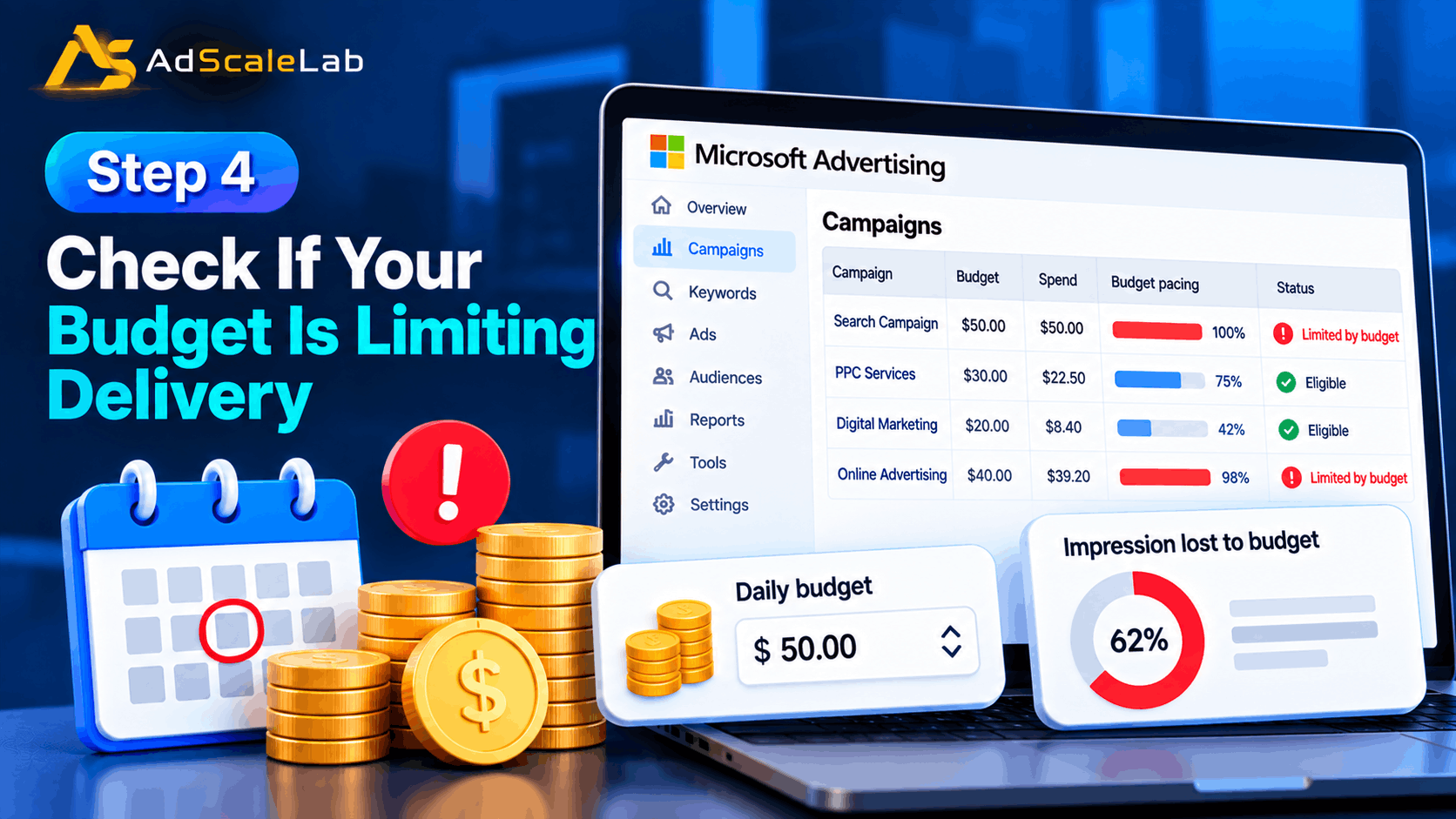
Step 4: Check If Your Budget Is Limiting Delivery
Budget is another simple reason for low impressions, but it needs to be understood correctly.
Microsoft Advertising says a campaign budget controls how much the campaign can spend over its budget period. Its reporting also includes an ImpressionLostToBudgetPercent metric, which estimates the share of impressions missed because of daily or monthly budget limits.
If your campaign is spending its budget quickly, check which keywords are using most of the money. A high bid combined with a small budget can make the campaign stop serving earlier in the day or reduce how much traffic it can capture. On the other hand, do not increase the budget just because impressions are low. If the campaign is barely spending, the budget may not be the problem at all. Low search demand, weak bids, targeting restrictions, or eligibility problems may be the real cause.
A simple rule is to check spend first. If the campaign is regularly hitting its budget, investigate budget and bidding. If the campaign is not spending much of the available budget, look harder at keywords, targeting, eligibility and rank.
Step 5: Review Location, Device and Schedule Targeting
Targeting can quietly make a campaign much smaller than you think.
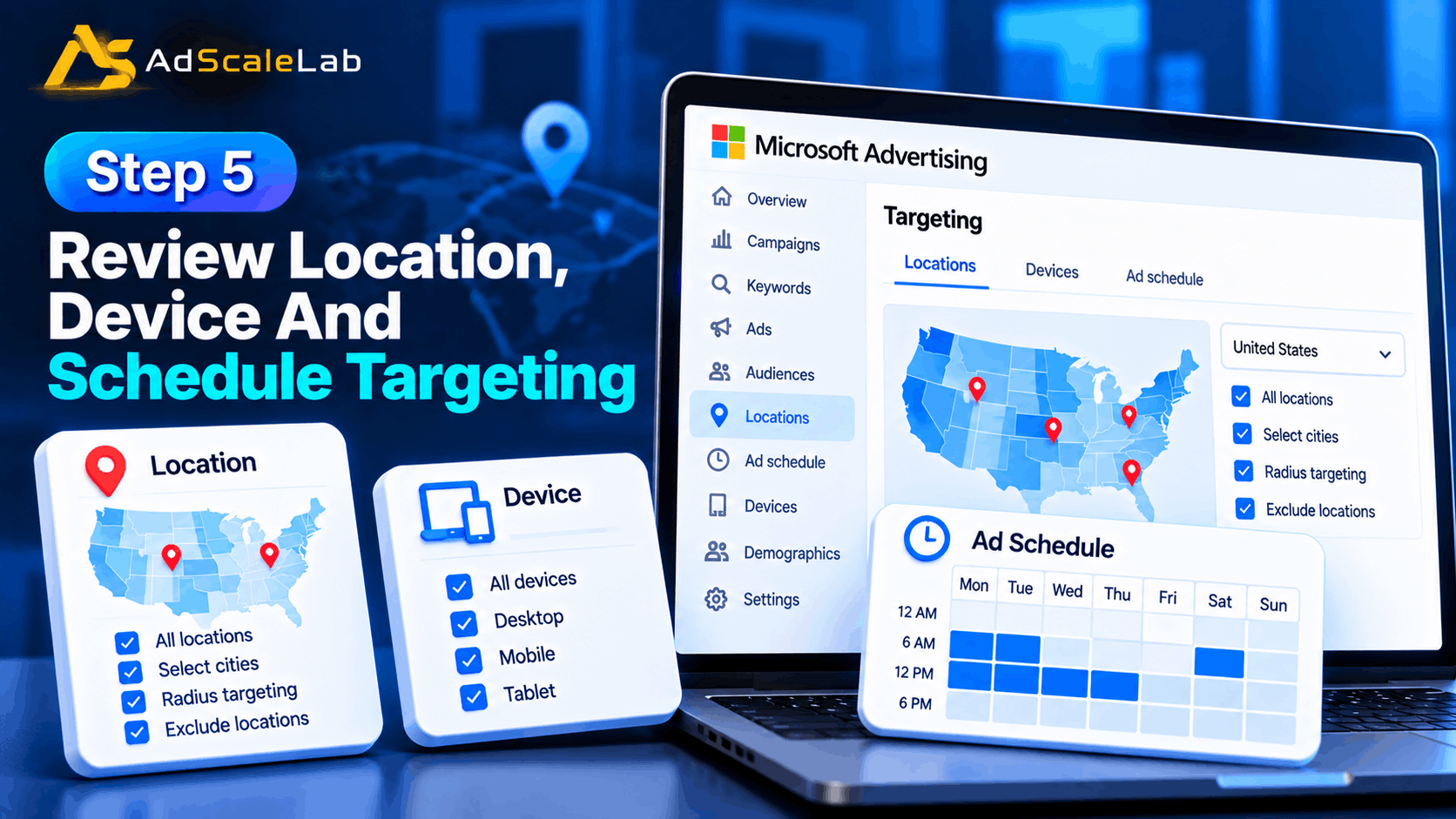
Microsoft Advertising lets advertisers target by location, day and time, device, age, gender and other criteria. These settings can be useful, but too many restrictions can reduce the number of people who are eligible to see an ad.
For example, a campaign targeting the United States but only showing ads in a few small cities will naturally have fewer opportunities than a campaign targeting the whole country. The same thing can happen when ads are restricted to a short time window or a particular device.
Check the campaign and ad group targeting settings carefully. Microsoft notes that ad group-level criteria can override or narrow campaign-level settings. That means the campaign can look correctly targeted at first glance while an ad group is actually much more restricted.
Do not remove targeting blindly. If you only serve customers in one region, keep that location. The better approach is to remove restrictions that are not part of the actual business strategy.
Step 6: Review Your Match Types And Keyword Coverage
Match type can affect how much search traffic a keyword can reach.
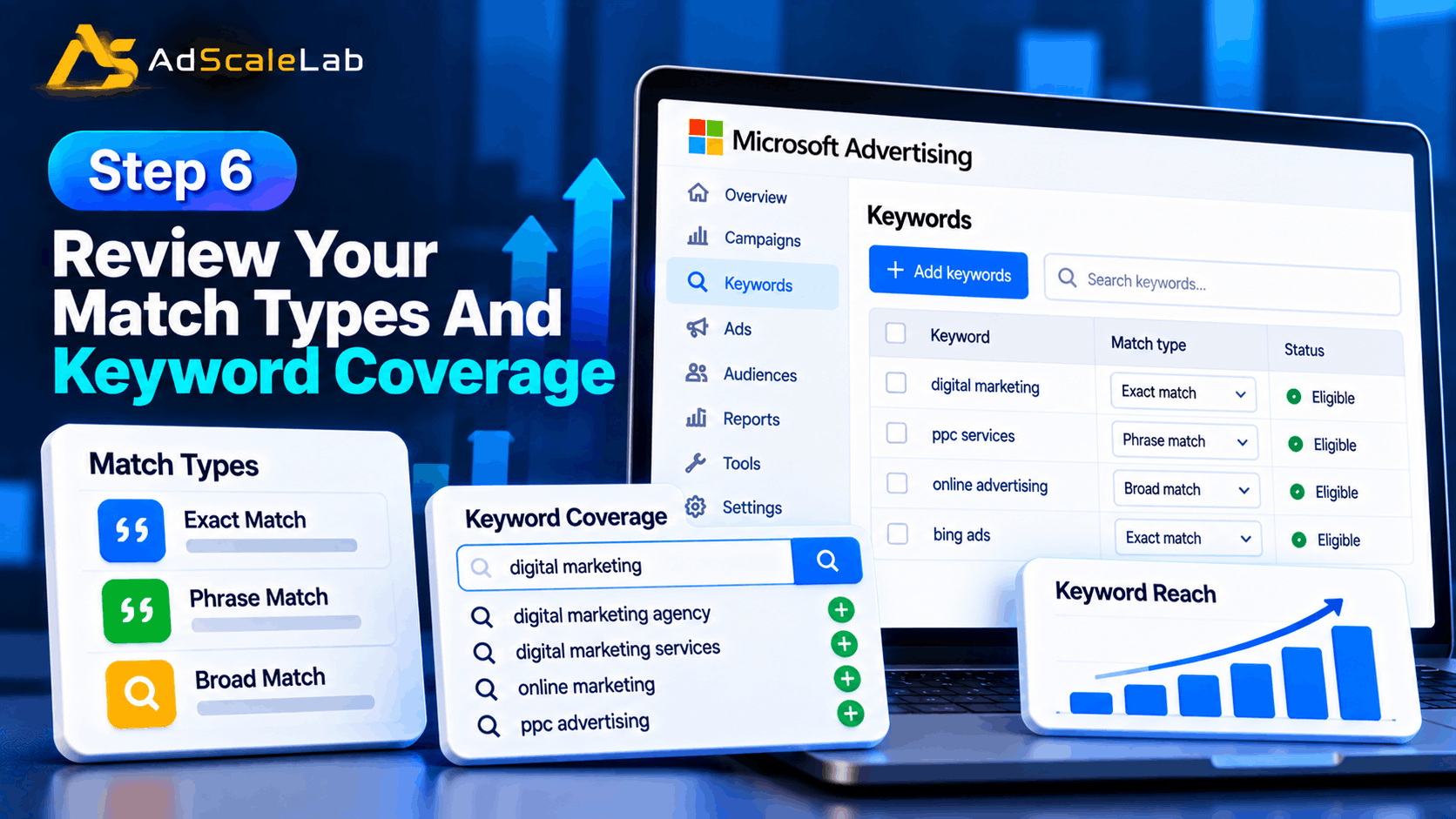
Microsoft explains that more precise match types can provide tighter control, while broader matching can reach a wider set of related searches. More precise targeting can therefore reduce the number of eligible impressions, even when the keywords are highly relevant.
If your campaign uses only very narrow exact-match keywords, review whether there are useful related searches you are missing. You can use Keyword Planner and your search data to find related terms and then decide which ones deserve to be added.
This does not mean you should put every possible keyword into broad match. More reach can also bring less relevant traffic. The right approach is to expand carefully, watch search terms and add negative keywords when irrelevant searches appear.
Microsoft also now has AI Max for Search campaigns. Since A ugust 2026, AI Max has been generally available as an optional suite that includes search term matching, text customization and final URL expansion. Microsoft says its search term matching can help advertisers reach relevant searches beyond their existing keyword list, including more complex and conversational searches. AI Max is worth testing when your campaign has a real reach problem caused by limited query coverage, but it should not be treated as a magic switch. Your keywords, ads, website content, conversion data and controls still matter.
Step 7: Improve Relevance Between Keyword, Ad And Landing Page
Sometimes low impressions are not caused by a single setting. The whole campaign may simply be too weak or unclear for the auctions it is trying to enter.
Look at the relationship between the keyword, ad and landing page. If the keyword says “business accounting software,” but the ad talks mainly about tax forms and the landing page is a general homepage, the connection is not very strong.
Make the ad clearly answer the search. Use the important product or service terms naturally in the headlines and descriptions, and send users to a page that actually matches the promise of the ad. Microsoft’s Quality Score documentation breaks relevance into keyword relevance, landing page relevance and landing page user experience. Improving these areas can support stronger competitiveness instead of relying only on higher bids.
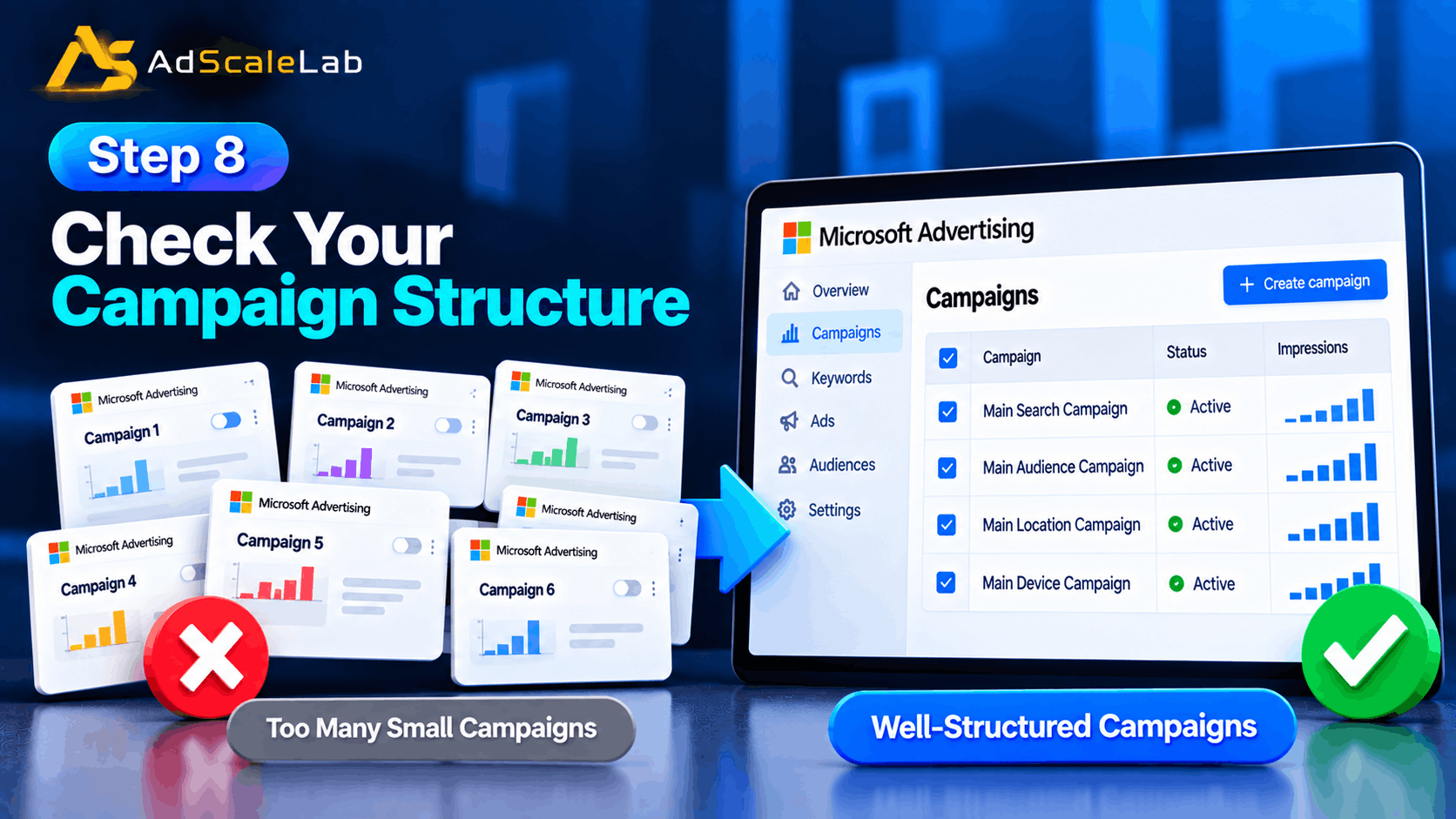
Step 8: Check Your Campaign Structure
A campaign can also become too fragmented.
For example, an advertiser might create separate campaigns for every small keyword group, location, device and audience. Each campaign then has very little data. This can make management harder and can limit the amount of useful signal available to automated bidding strategies.
Microsoft’s September 2026 holiday guidance specifically tells advertisers to consolidate fragmented campaigns when appropriate and says campaigns with fewer than 30 conversions in 30 days may give bidding strategies less data to learn from. Microsoft recommends allowing new bidding strategies time to stabilize before making further changes.
This does not mean every account should have one giant campaign. Structure still matters. But if several campaigns are splitting the same small amount of demand, look at whether the structure is unnecessarily divided.
Step 9: Give New Changes Time Before Making Another Change
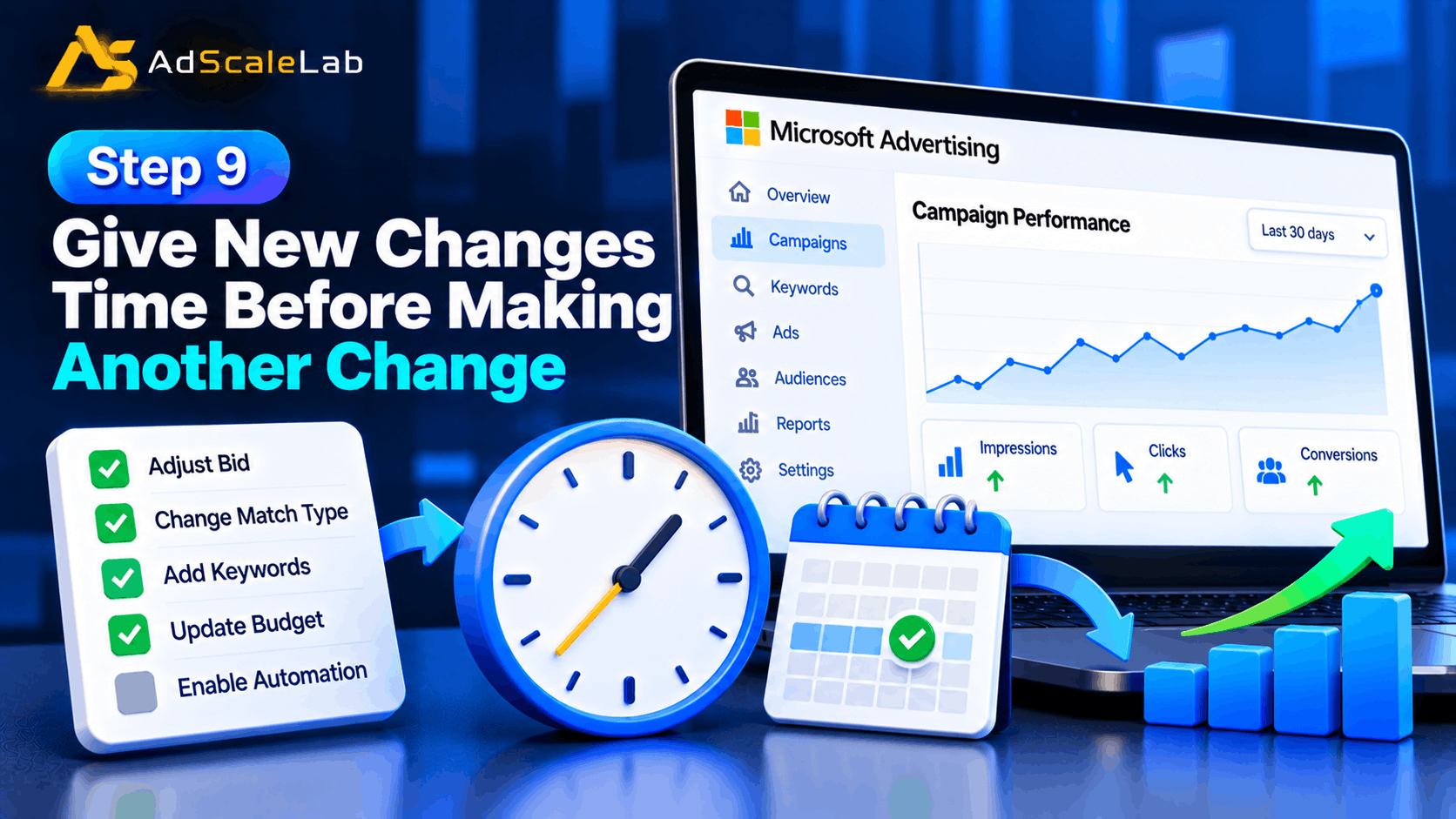
One of the easiest ways to make a low-impression campaign harder to understand is to keep changing it every few hours.
You raise the bid, change the match type, add keywords, change the budget and then turn on automation. If impressions move after that, you will not know which change caused it. Make one or two meaningful changes, then watch the campaign long enough to collect useful data. The exact time depends on search volume, budget, conversion volume and the campaign type, so there is no universal waiting period for every account.
Microsoft’s current guidance is especially clear about new bidding strategies: allow at least four weeks for new bidding strategies to stabilize in the context of holiday preparation. That does not mean you should ignore a broken campaign for four weeks. It means you should not keep resetting the learning process without a reason.
Step 10: Use Impression Share Data To Find The Real Problem
Once your campaign has enough activity, impression share data becomes very useful.
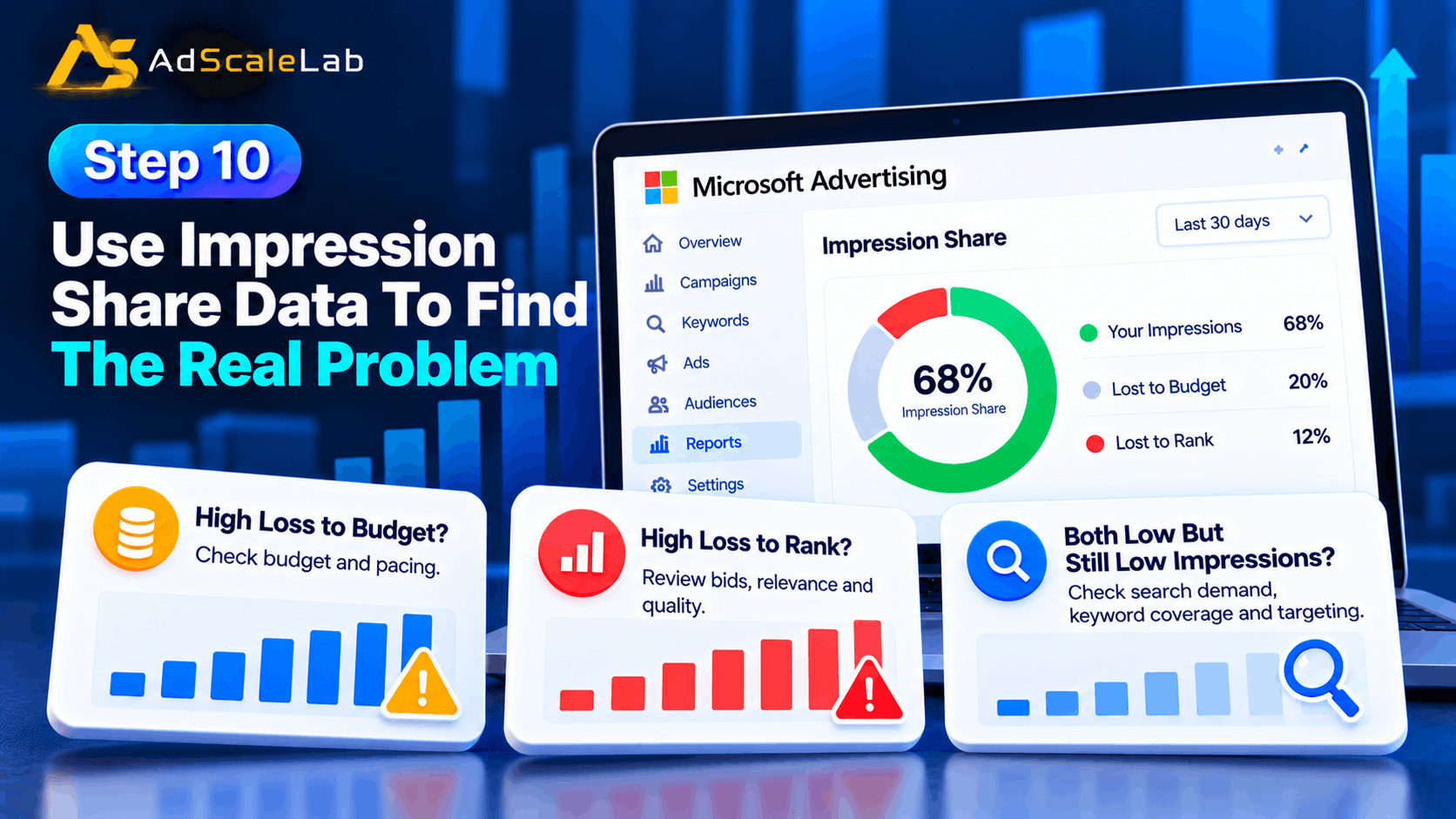
Microsoft Advertising reports an ImpressionSharePercent value, which estimates the impressions you received compared with the total estimated impressions available in the market you targeted. It also reports impression loss related to budget and rank when the data is available.
This gives you a simple way to diagnose the problem.
If impression loss to budget is high, look at budget and pacing. If impression loss to rank is high, investigate bids, relevance and quality. If both are low but total impressions are still small, go back to search demand, keyword coverage and targeting. The important thing is that you are now fixing a measured problem instead of guessing.
What About AI Max And Low Impressions?
This is especially relevant in 2026 because Microsoft has changed how Search campaigns can find and respond to queries.
Microsoft made AI Max generally available in August 2026. It combines search term matching, text customization and final URL expansion. Microsoft says search term matching uses keywords, ads, landing pages and other contextual signals to uncover relevant searches that an advertiser may not be reaching through the existing keyword list.
That can be useful when your campaign is missing longer or more conversational searches. But AI Max should be viewed as an additional way to capture relevant demand, not as a replacement for basic campaign hygiene.
If your campaign has a broken billing setup, disapproved ads, extremely narrow targeting, poor keyword demand or badly matched landing pages, turning on an AI feature does not fix the underlying issue. Microsoft’s September 2026 holiday guidance also connects campaign readiness with having enough data and clear optimization signals. That is a good principle outside the holiday season too: automation works better when the campaign gives it useful information to work with.
Common Mistakes That Keep Bing Ads Impressions Low
One common mistake is increasing the bid immediately. A higher bid can help when rank is the issue, but it does nothing for a keyword that almost nobody searches for.
Another mistake is using too many restrictions. Very narrow locations, short schedules, limited devices and highly specific keywords can leave a campaign with almost no eligible traffic.
A third mistake is ignoring negative keywords. Negative keywords are important for controlling irrelevant traffic, but a wrongly added negative can block valuable searches too.
Another problem is making too many changes at once. When the campaign changes every day, it becomes difficult to tell whether impressions improved because of a new keyword, a bid change, a targeting change or something else.
Finally, do not judge the campaign only by impressions. More impressions are not automatically better if the extra traffic is irrelevant. The real goal is to create enough qualified visibility to support clicks, conversions and business results.
A Simple Checklist For Bing Ads Low Impressions
Before you increase the budget, check these in order:
1. Are the keywords getting enough search volume?
2. Are the ads and keywords approved and eligible?
3. Are negative keywords blocking useful searches?
4. Are bids competitive enough for the target traffic?
5. Is impression loss to rank high?
6. Is impression loss to budget high?
7. Is location, device or schedule targeting too narrow?
8. Are match types limiting useful query coverage?
9. Do the keyword, ad and landing page match closely?
10. Is the campaign split into too many small campaigns or ad groups?
11. Would broader query coverage or AI Max testing make sense?
12. Have you given recent changes enough time to produce useful data?
Final Thoughts
Low impressions in Bing Ads do not always mean the platform is failing or that you need to spend more money. In many cases, the campaign is simply not entering enough relevant auctions because of search demand, targeting, keyword coverage, rank, budget or eligibility.
The best fix is to diagnose the campaign in order. Start with search volume and delivery status, then check targeting, bids, budget, relevance and impression-share data. After the basics are healthy, you can test broader query coverage and newer tools such as AI Max.
The main idea is simple: do not try to fix low impressions with one button. Find out why the campaign is missing impressions first, then make the smallest change that addresses that specific problem.
Agency ad accounts, without the wait.
Buy and top up Google, Meta, native, and more from one dashboard.
Get started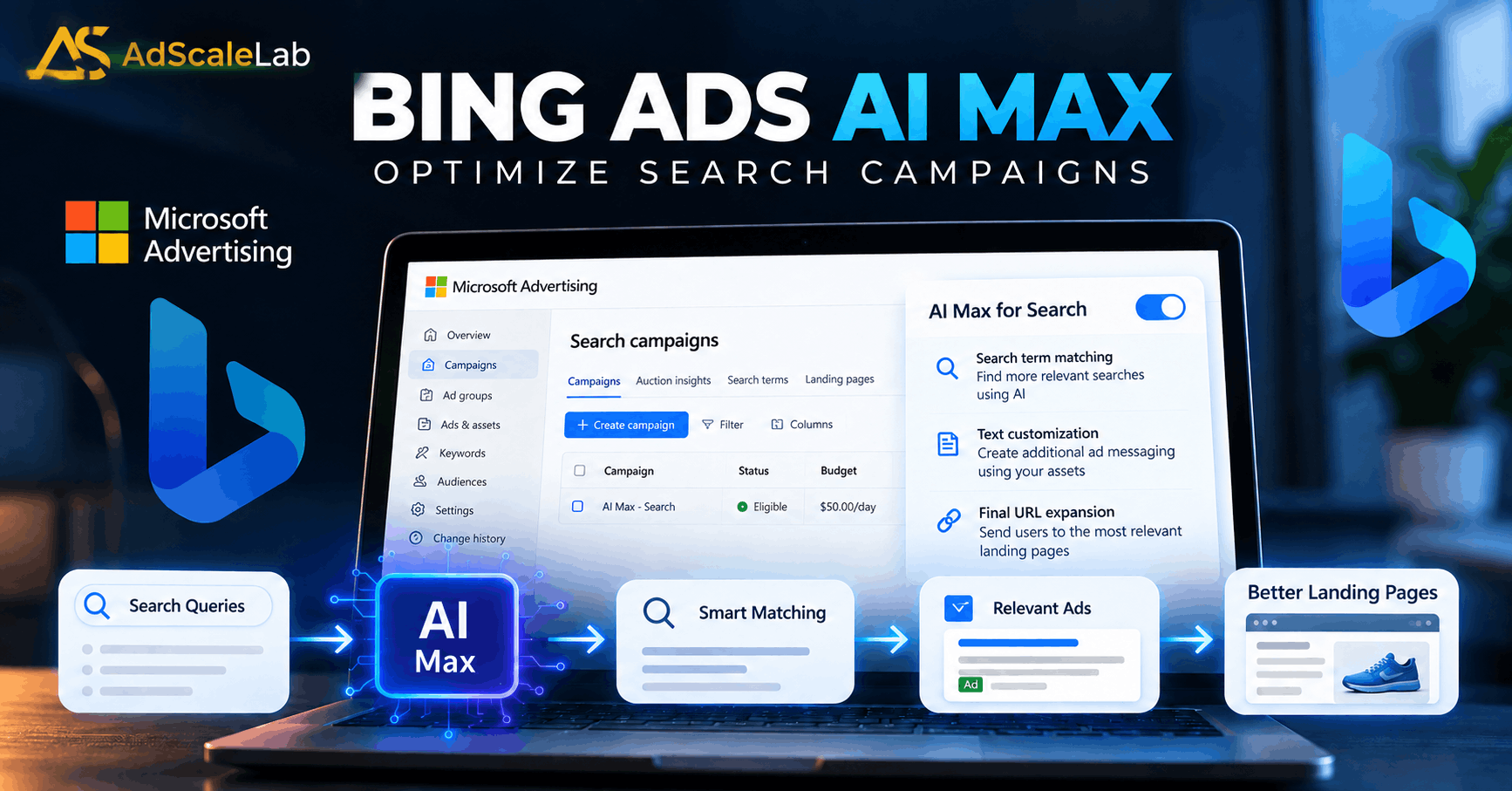

No comments yet. Be the first to comment.
Comments are open to registered AdScaleLab clients.
Sign in to comment