



How to Prepare for Bing Ads Holiday Shopping in the AI Era
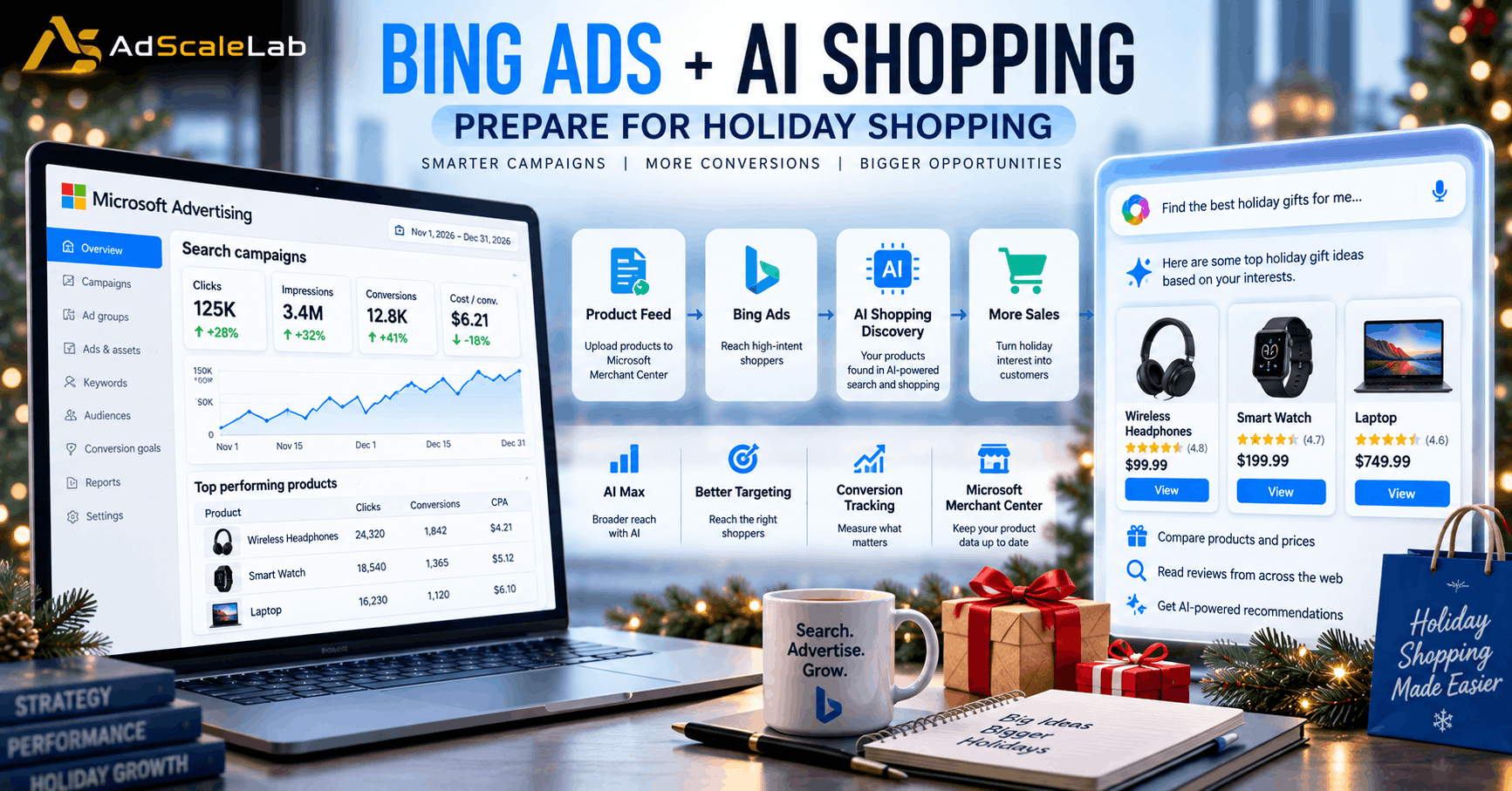
Bing Ads holiday shopping is becoming more important as the 2026 holiday season approaches. Holiday shopping is usually one of the busiest times of the year for advertisers, but this year the customer journey is changing. People are not only using search engines to find products. They are also using AI tools to discover gift ideas, compare products, check prices and decide what to buy.
This change is important for advertisers running Bing Ads, now part of Microsoft Advertising. A campaign can no longer depend only on keywords and ad copy. Product information, conversion tracking, landing pages and the way a brand appears in AI-powered shopping experiences can all play a bigger role in the customer journey.
Microsoft Advertising highlighted this shift in a September 17, 2026 update called “Four foundations to get your brand AI-ready for the holidays.” Microsoft says advertisers should prepare four areas before holiday demand peaks: product feeds, measurement, campaign performance and AI visibility. Microsoft also recommends preparing early because product data and automated campaigns need time to build useful signals.
The change is not based only on Microsoft’s own product announcements. Adobe’s 2025 holiday shopping data found that traffic to U.S. retail sites from generative AI sources increased 693.4% year over year during the 2025 holiday season. Adobe also reported that AI-referred traffic became more valuable as a shopping source. That does not mean AI traffic has replaced paid search, but it shows why advertisers should pay attention to the changing path from product discovery to purchase.
So, how should advertisers prepare their Bing Ads campaigns for this holiday season? The answer starts before the campaign goes live.
Why Bing Ads Holiday Shopping Is Changing
The traditional holiday search journey was fairly simple. A shopper searched for a product, clicked an ad, visited a website and decided whether to buy. AI can make that journey much more conversational.
A shopper might now ask an AI assistant for a gift under a certain budget, compare several products, ask about features and then move toward a purchase. This means the information available about a product has to be clear enough for both people and systems to understand.
Microsoft has been building its advertising products around this change. Its AI Max for Search, which became generally available in August 2026, combines search term matching, text customization and final URL expansion. Microsoft says the features are designed to help advertisers respond to more complex and conversational searches while keeping existing controls such as budgets, bidding strategies, conversion goals and negative keywords.
This does not mean advertisers should simply switch on every AI feature and leave the account alone. Holiday campaigns still need clear goals, good data and regular checks.
The Better Approach Is To Prepare The foundation First And Then Use Automation
Step 1: Make Your Product Feed Ready For AI-Powered Shopping
For ecommerce advertisers, the product feed is one of the most important parts of a holiday campaign.
A product feed tells Microsoft information about what you sell. It can include details such as product names, descriptions, prices, availability, brand information and product identifiers. Microsoft Merchant Center is used to manage product information for shopping campaigns. This becomes even more important as AI systems become part of product discovery. Microsoft says AI shopping experiences depend on structured product information to find, understand and recommend products.
Before holiday traffic increases, review the products in your Merchant Center catalog. Make sure product names are clear, prices are current, stock information is accurate and important attributes are not missing. Do not think only about the products you plan to advertise heavily. Microsoft has said that AI-powered shopping can benefit from having the full catalog available because AI experiences may discover products that are not part of a narrow advertised selection.
This is also a good time to look for product-feed errors and eligibility problems. Microsoft introduced Product Explorer in Merchant Center to help advertisers review their catalog, identify metadata gaps and understand which products are active and performing.
The goal is simple: if a product is available, its information should be accurate and easy to understand.
Step 2: Check Your Conversion Tracking Before Spending More
Holiday traffic can arrive quickly, so advertisers should not wait until Black Friday to discover that conversion tracking is not working correctly.
Microsoft Advertising uses Universal Event Tracking, or UET, to collect website activity that can be used for conversion tracking and remarketing. Microsoft says UET is a prerequisite for conversion tracking and remarketing in paid search. Before increasing your holiday budget, check whether important actions are being recorded correctly. Depending on the business, these could include purchases, leads, sign-ups or other valuable actions.
It is also important to check whether the conversion goals being used for bidding still match the actual business goal. If an account is optimizing toward a weak or incomplete signal, giving the campaign more budget can simply make the problem larger. Good measurement is especially important when using automated bidding. Automated systems need reliable signals to make decisions. If the data is incomplete, the system has less useful information to work with.
Step 3: Give Your Campaigns Enough Time To Learn
One common holiday advertising mistake is waiting until the busiest shopping week to make major changes.
Microsoft’s September guidance says new bidding strategies need at least four weeks to stabilize. That is a useful reminder that automation should not be treated as an instant solution.
If a campaign is already running, avoid making large changes to budgets and targets every day. Microsoft recommends keeping adjustments modest so the bidding strategy can adapt without a disruptive reset. This does not mean advertisers should never change a campaign. Holiday demand can change quickly, and budgets may need to move toward products or audiences that are performing well. The important part is to make changes in a controlled way and give the system enough time to respond.
Starting early also gives advertisers something valuable that cannot be created overnight: historical performance data.
Step 4: Review AI Max Before the Holiday Rush
Microsoft AI Max is one of the biggest recent changes to Search campaigns on the platform.
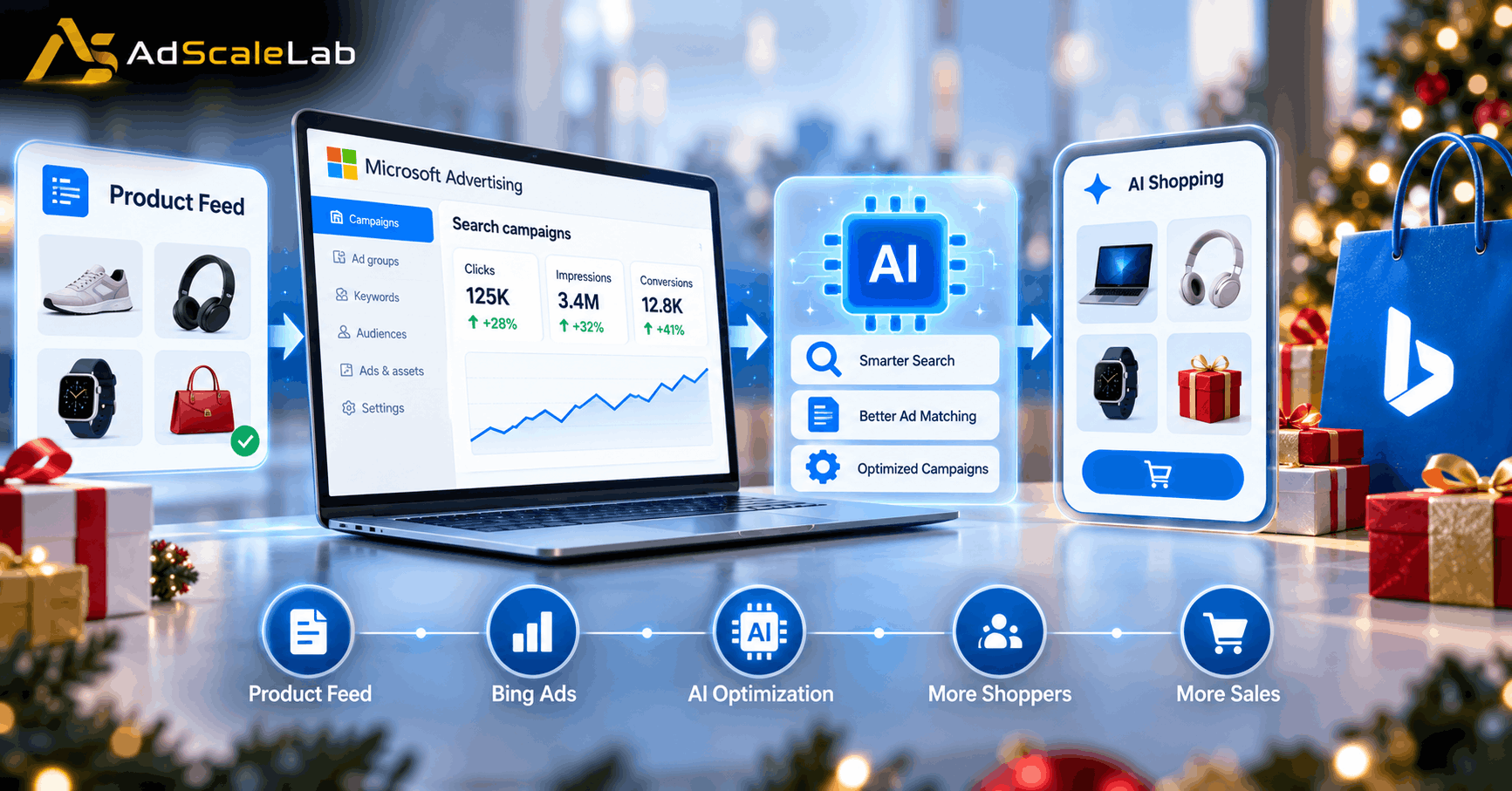
AI Max combines three main capabilities. Search term matching can help discover relevant searches beyond the advertiser’s existing keyword list. Text customization can create additional ad messaging from existing assets and website content. Final URL expansion can send users to a page that better matches their intent instead of always using one fixed landing page.
For holiday campaigns, these features can be useful because shoppers often search in longer and more specific ways. Someone may search for a very detailed gift idea instead of simply typing a product name. AI Max is designed to help campaigns respond to this type of evolving search behavior.
But advertisers should still review what the system is doing. Microsoft provides reporting for AI-optimized matching, AI-generated assets and landing-page routing. Use these reports to understand which searches are being captured, which messaging is being created and where visitors are being sent. Also review negative keywords, brand controls, budgets and conversion goals. AI automation does not remove the need for campaign management.
Step 5: Improve Your Landing Pages Before Holiday Traffic Arrives
A strong ad cannot fix a weak landing page.
When a shopper clicks a Bing ad during the holiday season, they are often looking for a specific product, price, promotion or answer. If the landing page does not match what the ad promised, the visitor may leave quickly. This is especially important when AI-driven systems can help match a query to different pages. If a campaign is allowed to use final URL expansion, the website needs enough useful and well-organized content for the system to understand which page matches different types of intent.
Check your product pages, category pages and promotional pages before the holiday rush. Make sure prices and offers are consistent with the information in your product feed. Make sure important product details are easy to find, and make sure the page works properly on mobile devices. The holiday season is not the right time to discover that a product page is slow, an offer has expired or a checkout link is broken.
Step 6: Make Your Brand Easier for AI to Understand
AI-powered shopping does not look at a brand exactly like a human shopper does.
Microsoft says AI systems rely heavily on structured information and facts when understanding products. That means your website and product data should clearly explain what you sell, who the products are for, important features, pricing and other information that helps a shopper make a decision.
Keep product information consistent across your website and Merchant Center feed. If the price or availability shown in one place is different from another, it can create confusion for both shoppers and automated systems.
Microsoft is also expanding AI Visibility capabilities in Microsoft Clarity. These tools are designed to help businesses understand how AI systems discover and refer traffic and what happens after visitors arrive on the website. This creates a useful feedback loop. Instead of only asking whether an ad received clicks, advertisers can also look at how visitors behave after arriving and whether AI-referred visitors are engaging with the site.
Step 7: Prepare Your Holiday Budget Around Real Demand
Holiday advertising can become expensive when many businesses compete for the same shoppers.
That makes budget planning important. Instead of putting the largest amount of money into a campaign only when Black Friday begins, look at when your customers actually start researching and comparing products.
Microsoft’s 2026 holiday research says shoppers are beginning their holiday journey earlier and spending more time comparing deals and products. Its research also says nearly three in four consumers surveyed plan to use AI tools for holiday shopping-related activities. This suggests that advertisers should think beyond the final purchase day. Discovery and comparison can happen earlier, which means campaigns may need to be active before the biggest sales events.
At the same time, do not assume that every product deserves the same budget. Use previous performance, margins, inventory, conversion rates and current demand to decide where additional budget makes sense.
Step 8: Watch the Campaign Closely During Peak Shopping Days
Once holiday demand rises, campaign monitoring becomes even more important.
Look at spending, conversions, cost per conversion, revenue, product performance, search terms and landing-page behavior. If a campaign is spending more but the business value is not improving, investigate before simply increasing the budget again.
Keep an eye on product availability as well. A successful ad for a product that is suddenly out of stock can waste money and create a poor customer experience. AI-powered advertising can help campaigns react to changing demand, but advertisers still need to provide direction. The best setup is not “AI does everything.” It is a system where automation handles more of the repetitive work while the advertiser remains responsible for goals, controls and business decisions.
What Advertisers Should Not Do
The biggest mistake is treating AI as a replacement for basic advertising work.
AI cannot repair inaccurate product information, broken conversion tracking or a poor checkout experience. It also cannot decide whether a campaign makes financial sense for a business without reliable business data.
Advertisers should also avoid changing everything at the same time. If you change the budget, bidding strategy, landing pages, product feed and targeting on the same day, it becomes difficult to understand what actually changed performance.
Holiday campaigns work better when the account has a clear structure and changes are made with a reason. For advertisers working across Bing Shopping Ads, Microsoft Ads holiday shopping, and wider ecommerce advertising, the same preparation matters. Strong product feeds, accurate UET tracking, and a clear understanding of AI shopping agents can help connect paid search activity with the wider holiday shopping journey. Microsoft Clarity can also help teams understand what visitors do after they arrive.
The Bigger Picture For Bing Ads Holiday Shopping
Bing Ads holiday shopping is becoming part of a wider change in how people discover products.
Search is still important, but shoppers are increasingly moving between search engines, AI assistants, product feeds, social platforms, websites and other digital experiences. The lines between search, shopping and AI are becoming less clear.
Microsoft’s recent advertising updates show that it is preparing its ecosystem for this shift. AI Max is bringing more AI into Search campaigns, Microsoft Merchant Center is becoming more important for product information, and Microsoft is developing tools around AI visibility and agentic commerce.
For advertisers, the practical lesson is not to abandon the traditional parts of PPC. It is to strengthen them. A clean product feed, reliable conversion tracking, useful landing pages, controlled campaign settings and clear product information are still the foundation. AI features can then help advertisers respond to new types of searches and shopping journeys.
The holiday season is getting closer, but there is still time to prepare. Advertisers who check their data and campaigns now will have a better chance of understanding what is happening when traffic and competition increase.
Agency ad accounts, without the wait.
Buy and top up Google, Meta, native, and more from one dashboard.
Get started
No comments yet. Be the first to comment.
Comments are open to registered AdScaleLab clients.
Sign in to comment