






How To Create Better Responsive Search Ads In Microsoft Advertising
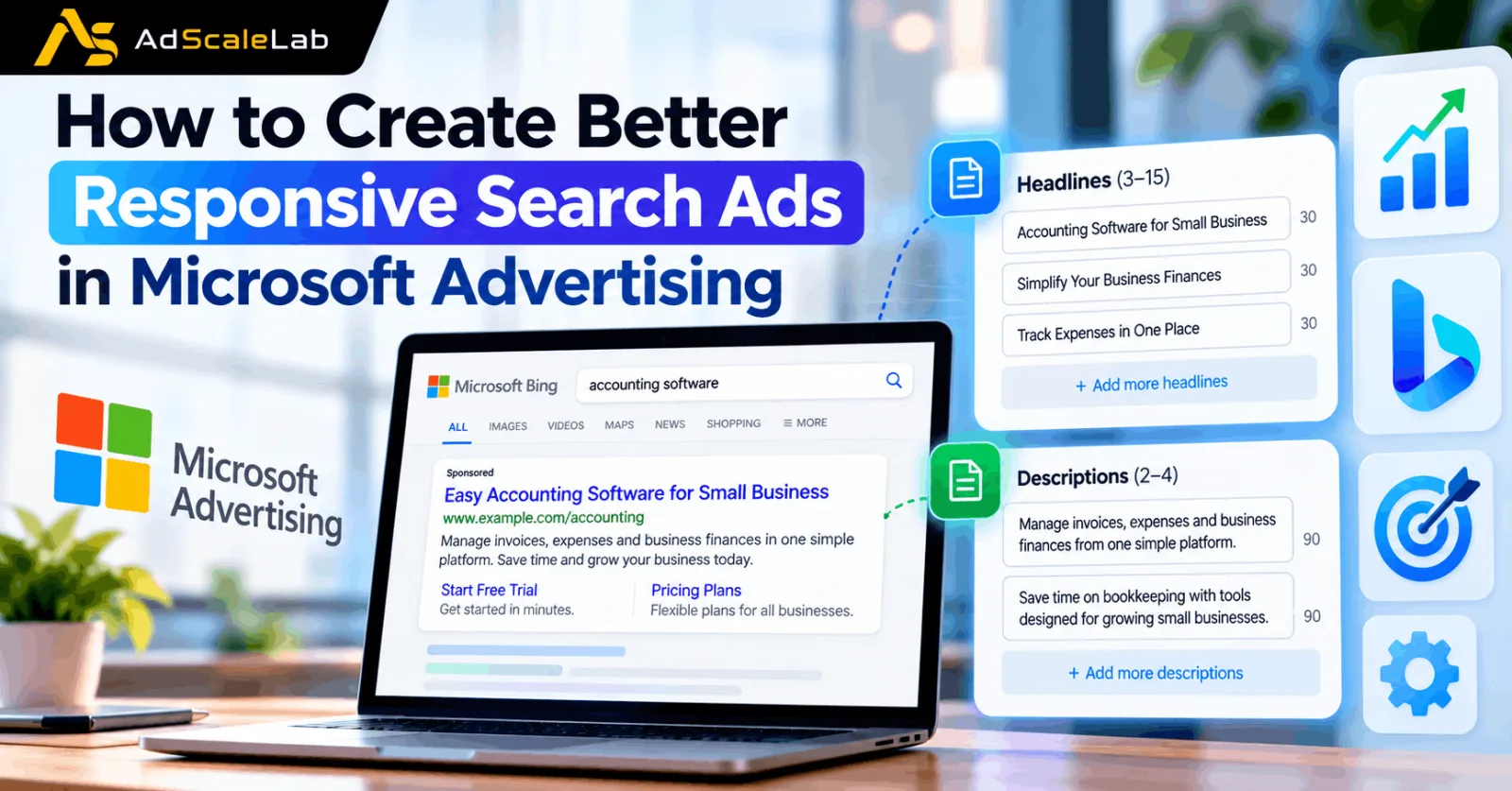
Responsive Search Ads have become one of the main ways advertisers create text ads in Microsoft Advertising. Instead of writing one fixed combination of headlines and descriptions, advertisers can provide multiple assets and let Microsoft Advertising choose combinations that fit different searches and users. Microsoft currently allows between 3 and 15 headlines and 2 to 4 descriptions in a Responsive Search Ad. This gives advertisers more flexibility, but it also means the quality of the assets matters.
That flexibility is useful, but it also creates a common problem. Adding more headlines does not automatically make an ad better. If ten headlines all say almost the same thing, Microsoft has very little useful variety to work with.
A better approach is to create different messages around the same product or service. Some headlines can focus on the keyword, others on a benefit, price, feature, trust point or call to action. The descriptions can then explain the offer in more detail.
Microsoft has also been adding more AI into Responsive Search Ads. In 2026, Microsoft expanded autogenerated assets, allowing the platform to create additional text assets from website information and campaign context. Microsoft says these assets are intended to give its system more relevant and varied material to work with. So the goal is not to fight the automation. The goal is to give it better information.
What Makes a Responsive Search Ad Better?
A good Responsive Search Ad should connect four things: the user’s search, the ad message, the landing page and the actual business goal.
For example, someone searching for “small business accounting software” should see an ad that clearly relates to accounting software for small businesses. If the ad talks about a completely different product or sends the visitor to a generic homepage, the extra headlines will not solve the problem.
Microsoft’s search advertising guidance gives advertisers control over headlines, ad copy, landing pages and offers, while its AI can help optimize how those assets are used. This is why creating better RSAs starts before you even write the first headline.
How to Create Better Responsive Search Ads
Step 1: Start With The Search Intent Behind Your Keywords
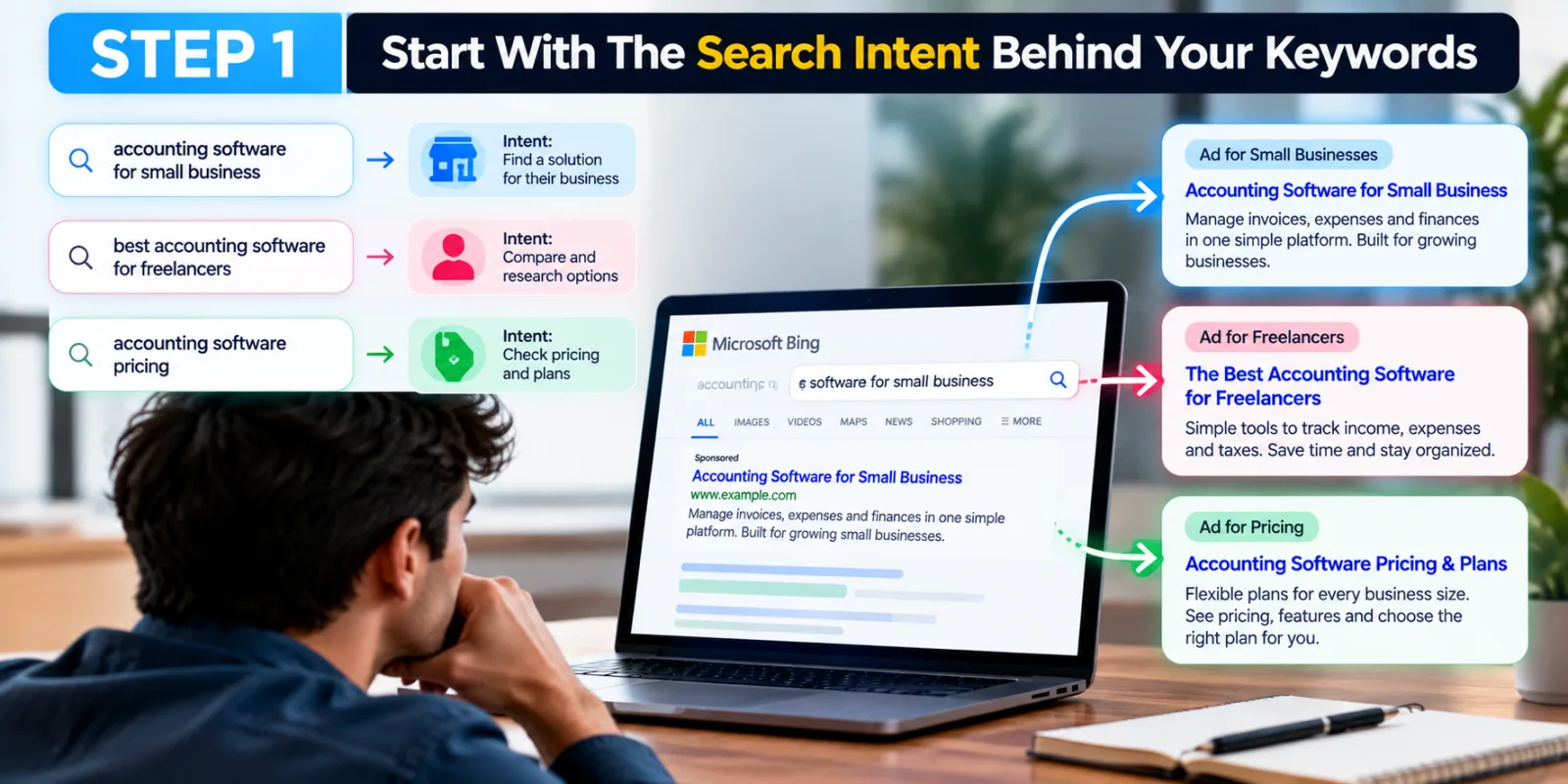
The first step is to understand what the person is actually looking for. A keyword is only a starting point. The search behind that keyword tells you what the user wants to do.
Imagine you are advertising accounting software. A search such as “accounting software for small business” has a different intent from “best accounting software for freelancers” or “accounting software pricing.” Your Responsive Search Ads should reflect those differences where possible.
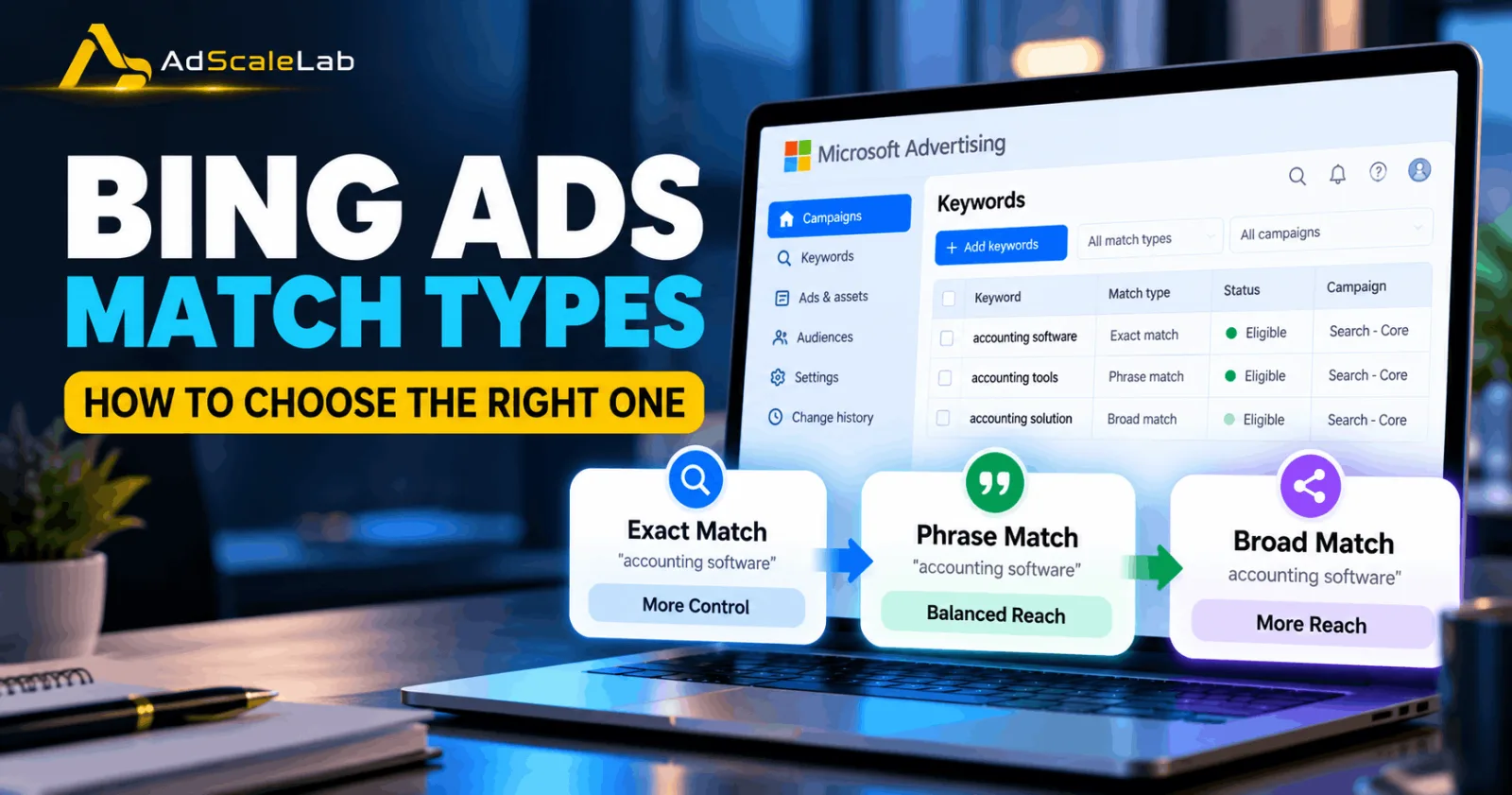
If the ad group contains very different types of searches, consider whether the keywords should be separated into tighter groups. Your Microsoft Ads match types also matter because Broad, Phrase and Exact can provide different levels of reach and control. For related guidance, see AdScaleLab’s Bing Ads Match Types.
The simple rule is this: write the ad for the searcher’s intent, not just for the keyword.
Step 2: Build Different Headline Ideas Instead Of Repeating The Same Keyword
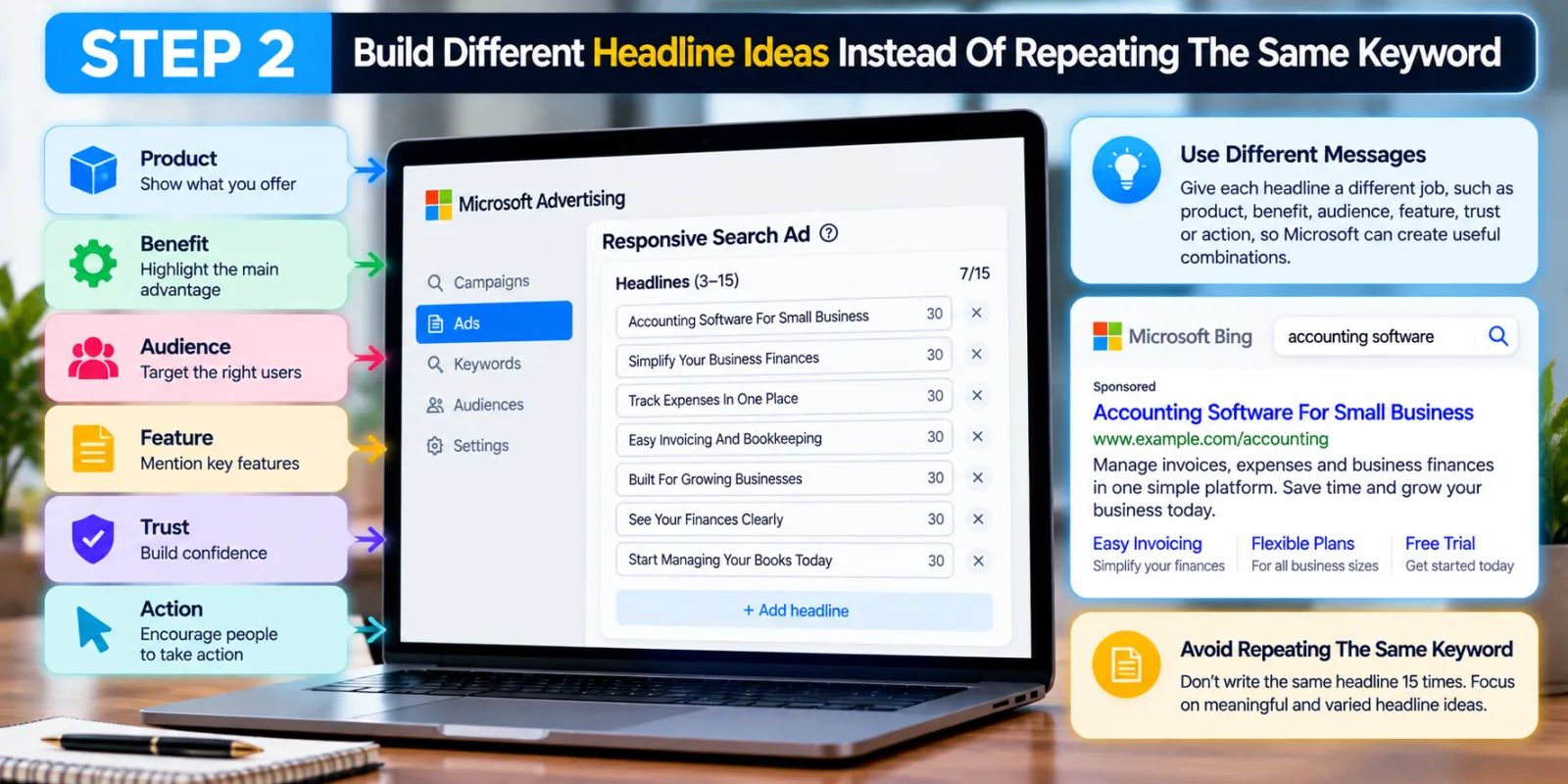
Microsoft allows up to 15 headlines in a Responsive Search Ad, but that does not mean you should write the same headline 15 times with small wording changes. The system needs meaningful choices if it is going to build useful combinations.
A better structure is to give each headline a different job. An accounting software campaign could have headlines based on the product, benefit, audience, feature, trust and action.
Examples include “Accounting Software For Small Business,” “Simplify Your Business Finances,” “Track Expenses In One Place,” “Easy Invoicing And Bookkeeping,” “Built For Growing Businesses,” “See Your Finances Clearly,” and “Start Managing Your Books Today.” These are different messages, but they still belong to one offer.
Step 3: Put Your Main Keyword In The Right Headlines
Keywords still matter in Responsive Search Ads, but keyword insertion should not turn your ad into a collection of awkward phrases.
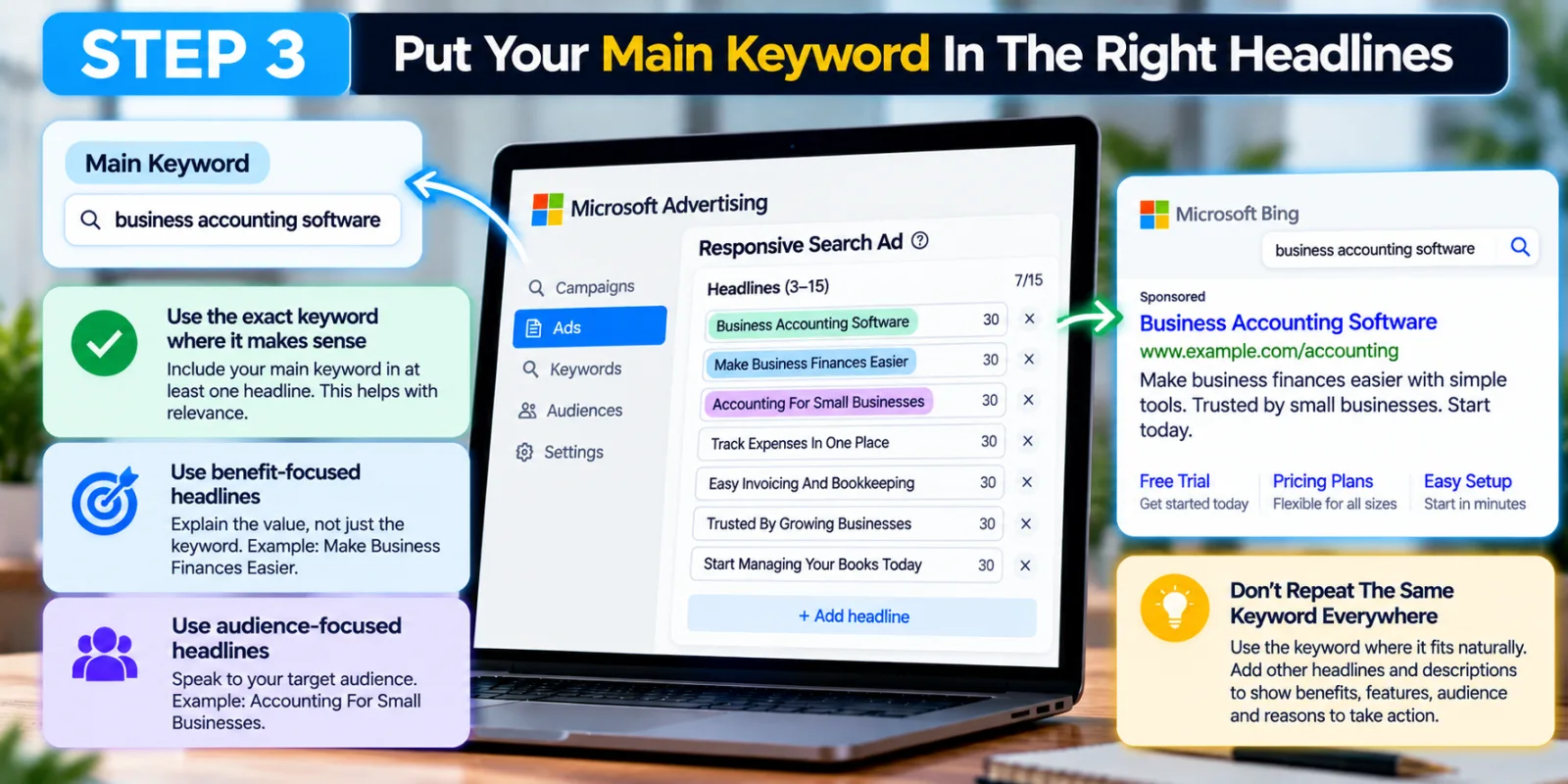
Suppose your main keyword is “business accounting software.” One headline could directly use that phrase. Another could focus on the benefit, such as “Make Business Finances Easier.” Another could focus on the audience, such as “Accounting For Small Businesses.”
You do not need to put the exact keyword into every headline. Use the keyword where it makes sense, then use the remaining assets to explain why the person should care. The same idea applies to descriptions.
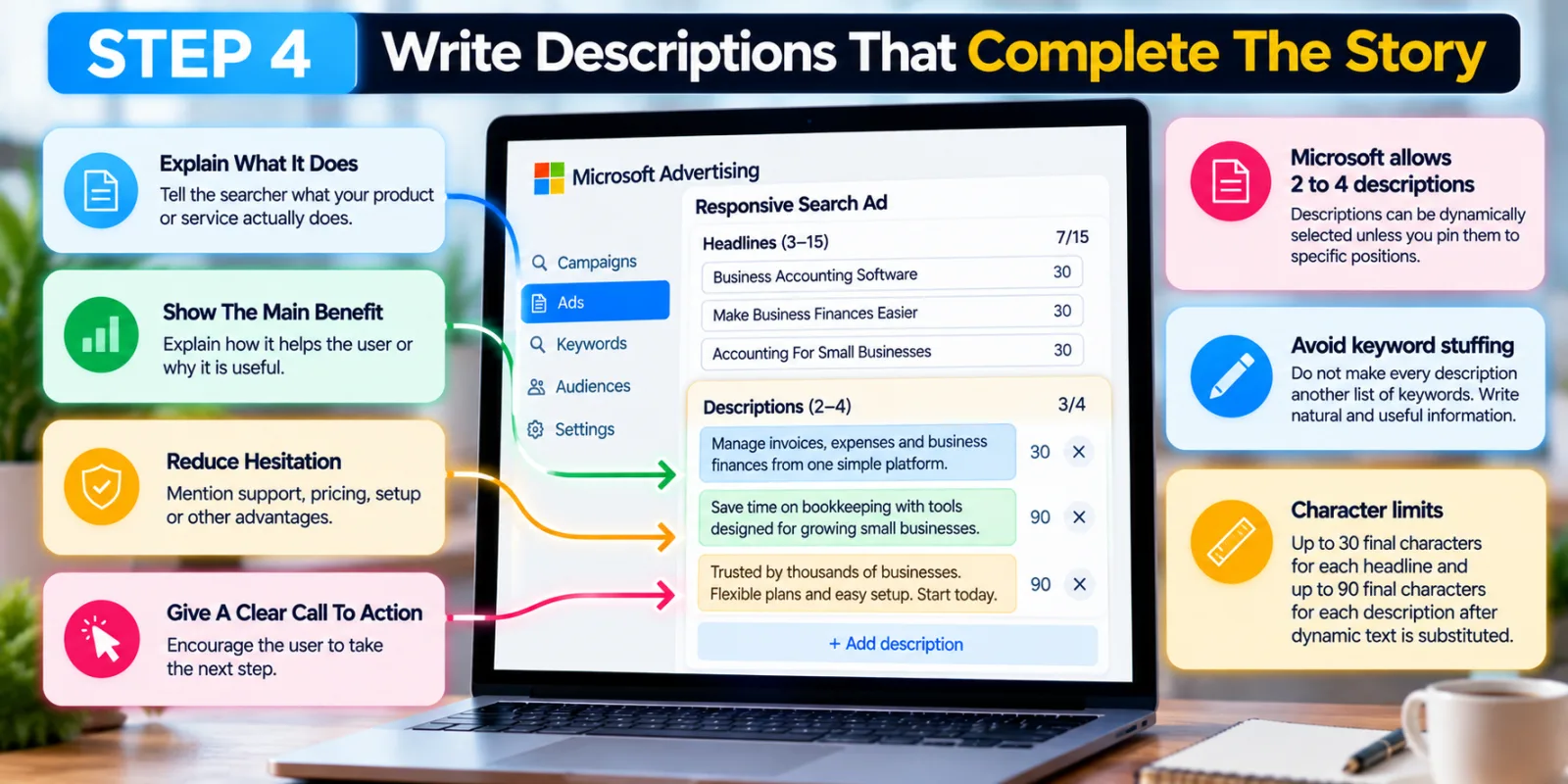
Step 4: Write Descriptions That Complete The Story
Headlines get attention, but descriptions give the searcher more information before the click. Microsoft allows between 2 and 4 descriptions for Responsive Search Ads. Descriptions can be dynamically selected unless they are pinned to particular positions.
Do not make every description another list of keywords. Think of each description as answering a different question. One can explain what the product does. Another can explain the main benefit. A third can reduce hesitation by mentioning support, pricing, setup or another legitimate advantage. A fourth can give a clear call to action.
For example: “Manage invoices, expenses and business finances from one simple platform.” Another could say: “Save time on bookkeeping with tools designed for growing small businesses.” Also watch character limits: Microsoft documents up to 30 final characters for each headline and 90 final characters for each description after dynamic text is substituted.
Step 5: Keep Your Headlines Different But Consistent
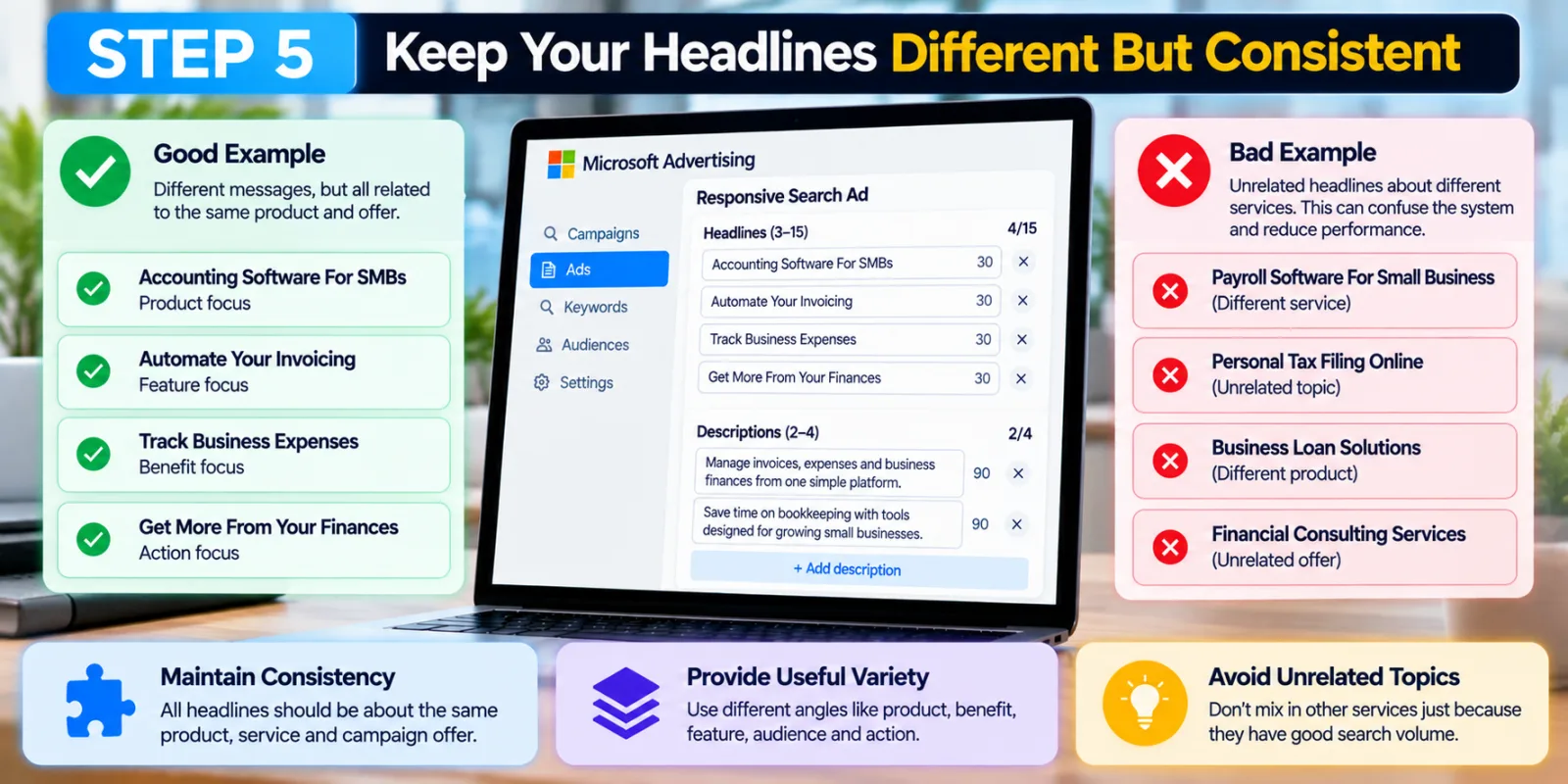
There is a balance between variety and consistency. Your headlines should be different enough to give Microsoft useful combinations, but they should still describe the same product and offer.
For example, “Accounting Software For SMBs,” “Automate Your Invoicing,” “Track Business Expenses,” and “Get More From Your Finances” can work together. They are different messages, but they belong to the same campaign.
An ad group for accounting software should not suddenly include headlines about payroll software, personal tax filing and unrelated financial services simply because those terms have good search volume. Think of your RSA as a collection of building blocks. Every block should be able to fit into the same house. Microsoft has said campaigns with insufficient or infrequently optimized text assets can underperform because there is not enough asset volume and variety to help its AI assemble relevant ads.
Step 6: Do Not Pin Everything
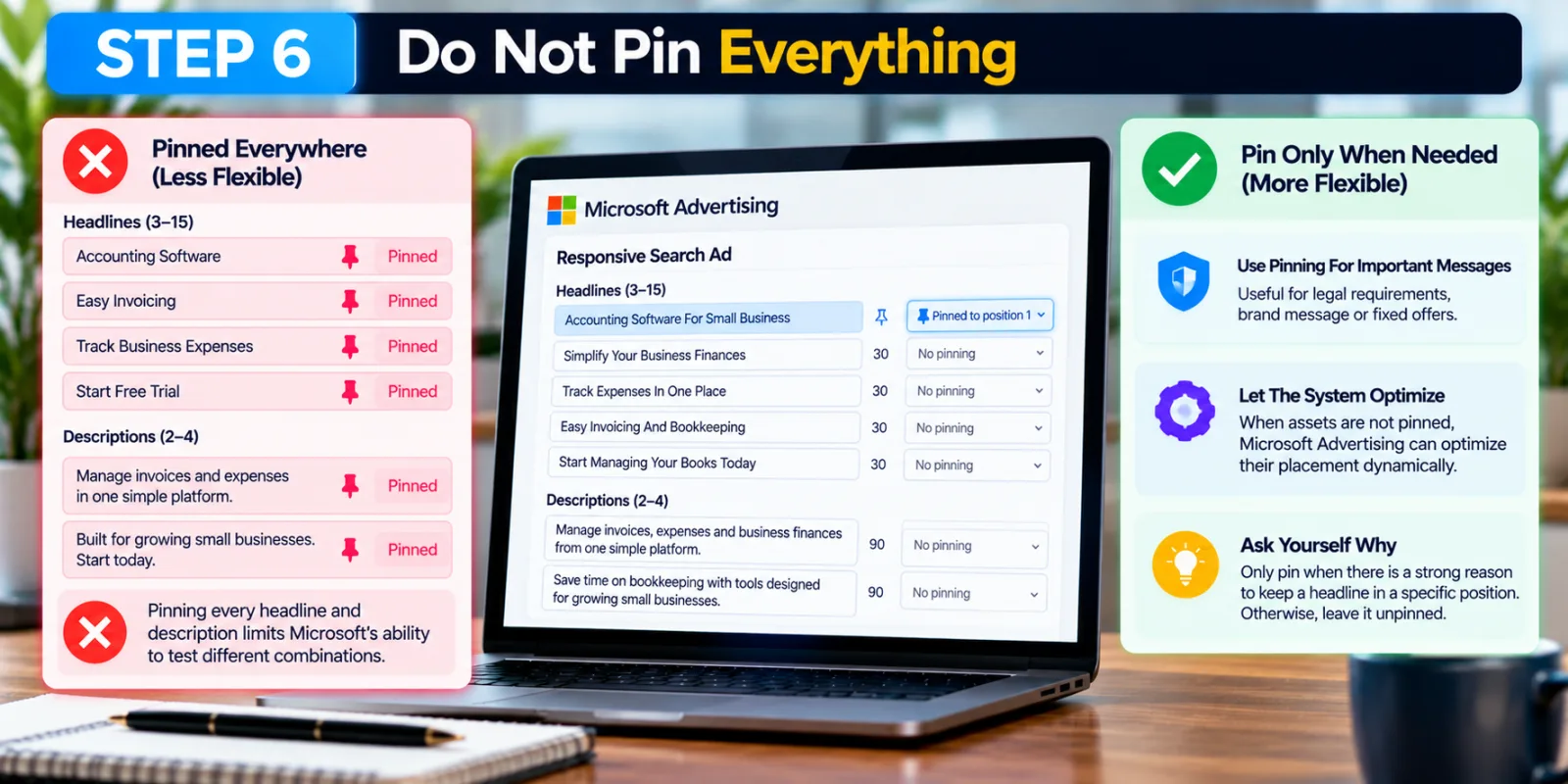
Pinning can be useful when you need specific information to appear in a particular position. A legal requirement, important brand message or fixed offer may sometimes need tighter control.
But pinning every headline defeats much of the purpose of a Responsive Search Ad. Microsoft’s asset documentation says that when assets are not pinned, Microsoft Advertising can optimize their placement dynamically.
Before pinning a headline, ask yourself why it needs to stay in that position. If there is no strong reason, leave it unpinned and give Microsoft’s system room to test different combinations.
Step 7: Use Ad Strength As A Guide, Not The Final Goal
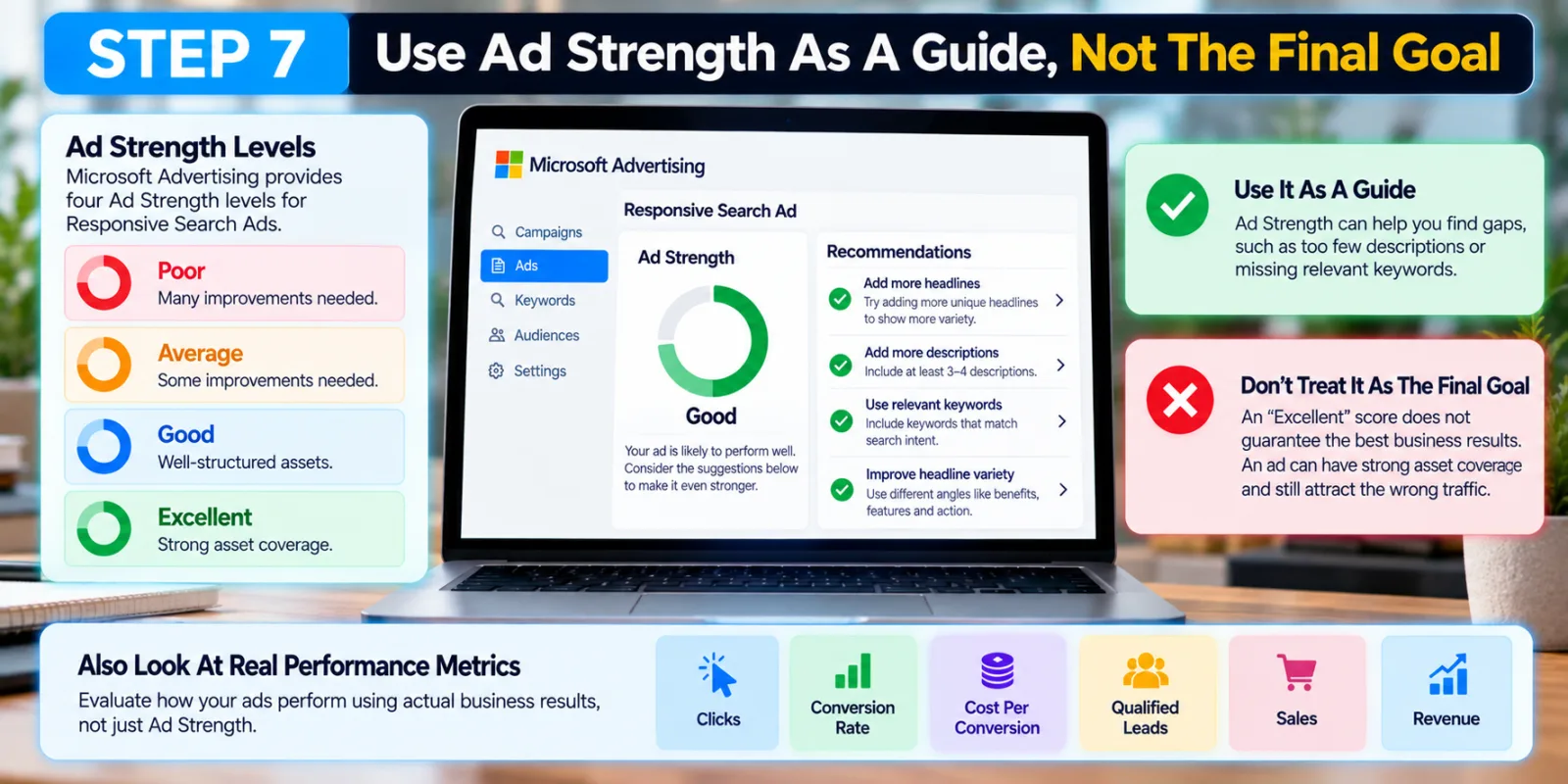
Microsoft Advertising provides an Ad Strength score for Responsive Search Ads. Microsoft’s reporting documentation describes four levels: Poor, Average, Good and Excellent. The platform also provides action items explaining areas where an RSA can be improved.
This makes Ad Strength useful when building an ad. If the platform tells you that you have too few descriptions or recommends adding relevant keywords, those suggestions can help you find gaps in your asset set. But do not treat an Excellent score as proof that the ad will produce the best business results. An ad can have strong asset coverage and still attract the wrong traffic. Look at clicks, conversion rate, cost per conversion, qualified leads, sales and revenue when those metrics are available.
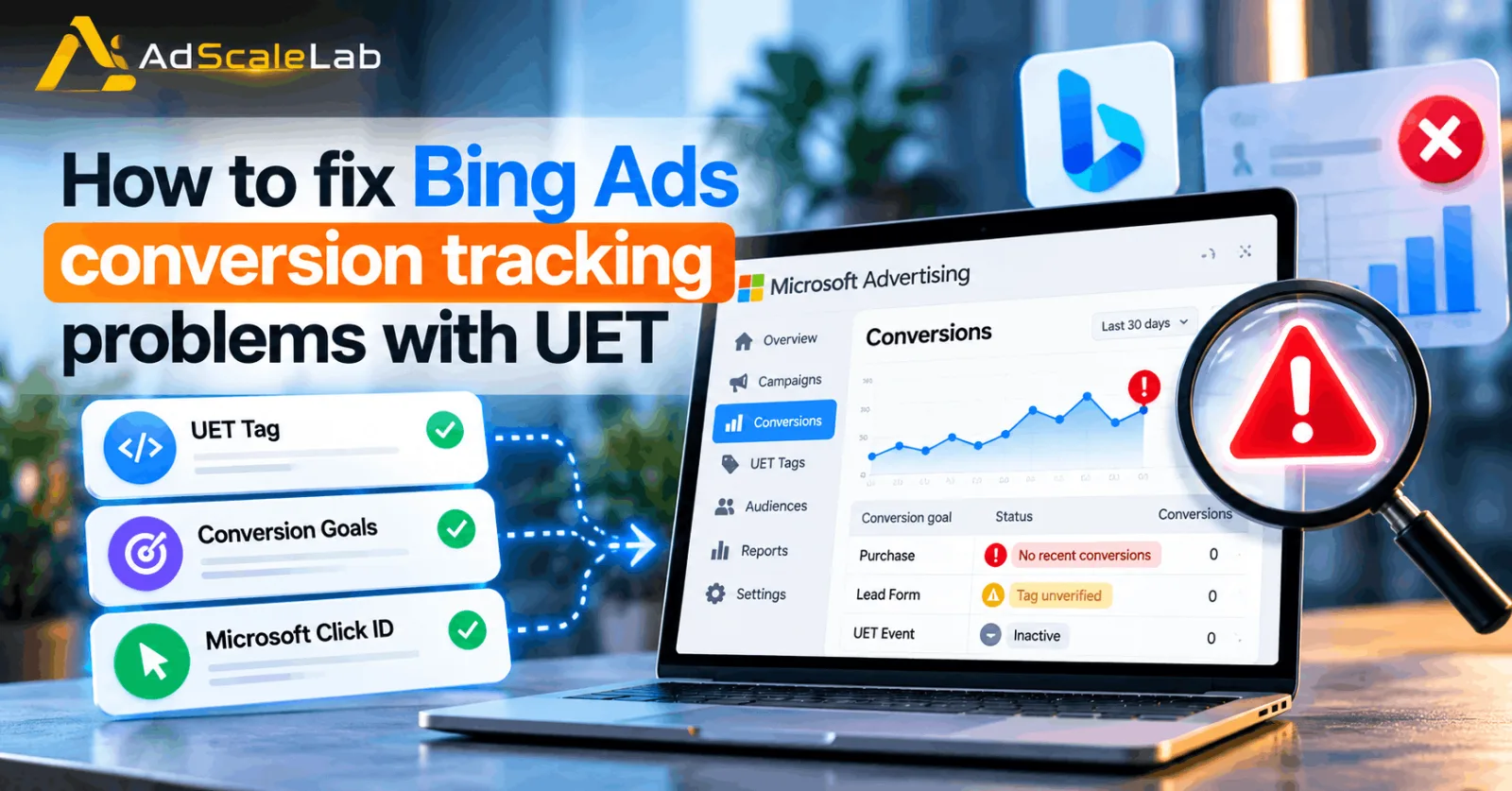
For the wider relationship between relevance, traffic and conversion tracking, see AdScaleLab’s Bing Ads Conversion Tracking Problems.
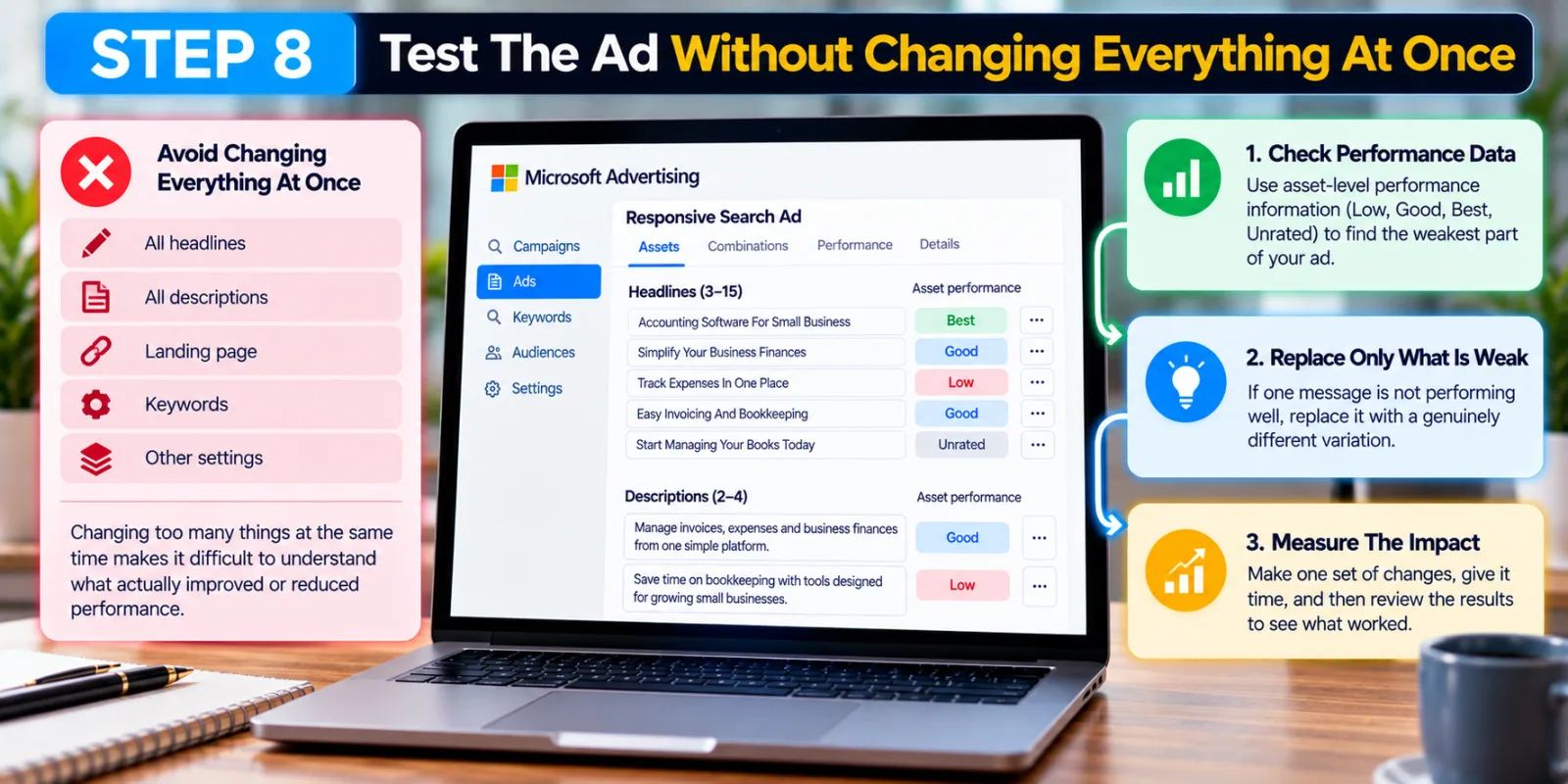
Step 8: Test The Ad Without Changing Everything At Once
One of the easiest mistakes in Responsive Search Ads is making too many changes at the same time. If you replace every headline, rewrite every description, change the landing page and modify the keywords on the same day, it becomes difficult to understand what actually changed the result.
Instead, look at the performance information available in Microsoft Advertising and identify the weakest part of the asset set. Microsoft also provides asset-level performance information, with labels such as Low, Good, Best and Unrated for assets. If one message is consistently weak while another type of message is working better, replace the weak idea with a genuinely different variation. This makes optimization much easier to understand.
How AI-Generated Assets Are Changing Responsive Search Ads
Responsive Search Ads are becoming more automated, and this is something advertisers need to understand.
Microsoft began rolling out autogenerated assets for new Responsive Search Ads in January 2026. The company said the feature was automatically enabled for new RSAs globally, excluding China and South Korea, while sensitive industries remained opt-in. Microsoft later expanded autogenerated assets to existing RSAs that did not have the maximum number of advertiser-provided text assets.
The idea is simple: Microsoft can use information from the advertiser’s website and campaign to generate additional text variations. This does not mean advertisers should stop writing their own headlines. Your manually created assets provide the foundation and the brand direction.
Microsoft has also connected this capability with the broader AI Max for Search system. In August 2026, Microsoft described AI Max as combining search-term matching, text customization and final URL expansion. Existing auto-generated RSA assets are reflected within AI Max as text customization.
A Simple Responsive Search Ad Example
Imagine a company selling project management software to small businesses. Instead of creating 15 headlines that all say “Project Management Software,” the advertiser could build a broader asset set.
Some headlines could focus on the product: “Project Management Software” and “Simple Project Management.” Others could focus on benefits: “Keep Projects On Track” and “Manage Teams In One Place.” Audience-focused examples could include “Built For Growing Teams” and “Project Tools For Small Business.” Action-focused examples could include “Start Your Free Trial” and “Organize Your Projects Today.”
The descriptions could then explain the product, benefits, features and call to action. This gives Microsoft several different ideas to work with while keeping every asset connected to the same commercial message. The important thing is that the advertiser is not simply creating more text. They are creating more useful choices.
What You Should Avoid When Creating Responsive Search Ads
The first mistake is keyword stuffing. Putting the same keyword into almost every headline may make the ad look relevant on paper, but it can make the actual message repetitive and unnatural. The second mistake is creating headlines that cannot work together. Microsoft is selecting combinations, so the individual assets need to make sense when paired with other assets. Another mistake is making every description sound identical. If all four descriptions say the same thing, you are wasting the flexibility of the format.
You should also avoid changing your RSA every time the numbers move slightly. Search advertising has normal fluctuations, and changing too many things makes it difficult to learn from your own data.
Finally, do not judge the RSA only by CTR. A high click-through rate is useful, but if those clicks do not turn into leads, purchases or other valuable actions, the ad may not be doing its real job.
Do Responsive Search Ads Need Strong Conversion Tracking?
Yes. Better ad copy is much easier to evaluate when you can see what happens after the click.
Microsoft’s Universal Event Tracking (UET) system records activity on your website and supports conversion goals and remarketing. If your conversion tracking is broken, you may end up choosing headlines based on clicks instead of actual business results. Before making major changes to your ad copy, make sure your conversion goals are working correctly.
How Responsive Search Ads Fit Into A Bigger Microsoft Advertising Strategy
Responsive Search Ads should not be treated as a separate part of the campaign. Your keywords determine what searches can trigger the campaign. Your ad copy explains why the searcher should click. Your landing page continues the message. Your conversion tracking tells you whether the click created value.
That means a strong RSA cannot completely rescue poor targeting or a weak landing page. The same applies to newer Microsoft Advertising automation. AI Max can expand search-term matching, customize text and help connect searches with relevant landing pages, but Microsoft still gives advertisers controls and reporting to guide the system.
Final Thoughts
Creating better Responsive Search Ads is not about writing the maximum number of headlines and hoping Microsoft’s AI figures everything out.
The better approach is to give the system useful material. Start with the search intent. Build different headline ideas. Use your main keywords naturally. Write descriptions that add real information. Keep your assets relevant to the same offer. Avoid unnecessary pinning. Use Ad Strength to identify gaps, but judge the campaign by conversions and business results.
As Microsoft continues adding autogenerated assets and AI-powered features, advertisers will have more automation available. That makes the quality of the information you give the system even more important. A good Responsive Search Ad gives Microsoft room to optimize without giving up the basic message of the business. That is the balance advertisers should aim for.
Agency ad accounts, without the wait.
Buy and top up Google, Meta, native, and more from one dashboard.
Get started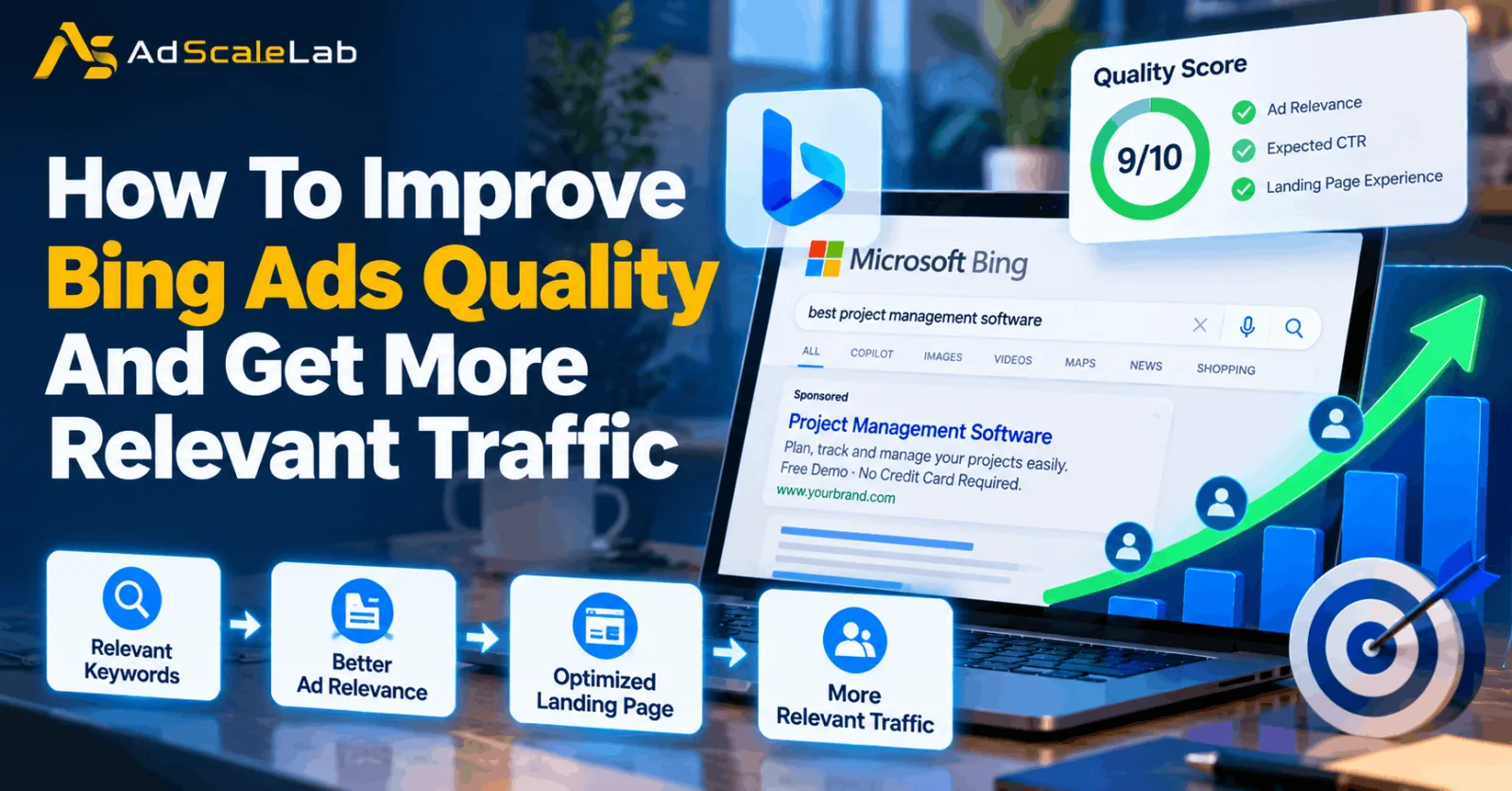
No comments yet. Be the first to comment.
Comments are open to registered AdScaleLab clients.
Sign in to comment