






How To Track Outbrain Agency Account Billing, Top-Ups and Remaining Balance
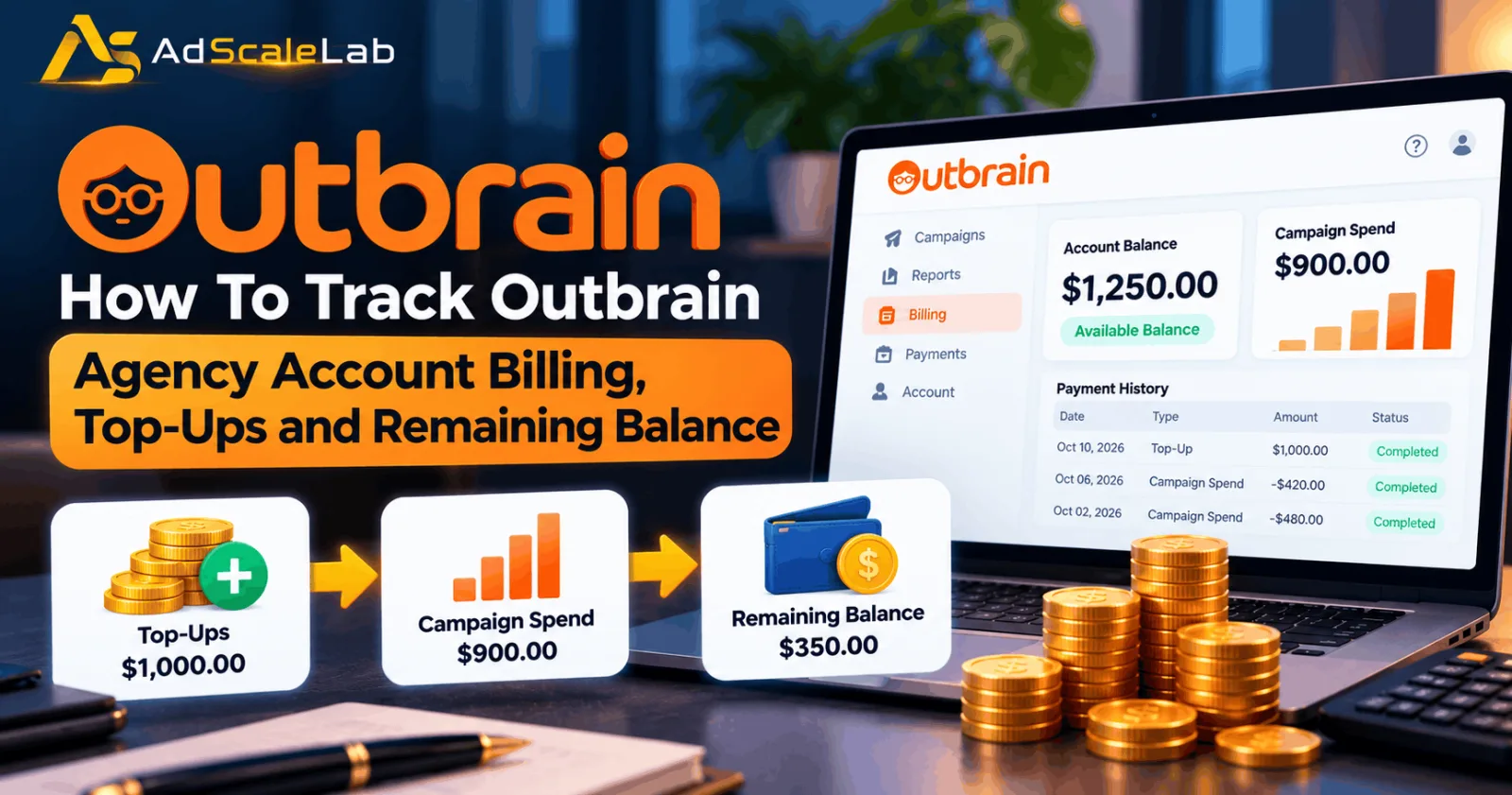
Outbrain agency account billing is something media buyers need to understand before they start spending money on campaigns. When you fund an advertising account, the money does not always match the amount available for ads. Campaign spending, payment processing fees, agency service charges, and other adjustments can affect the final balance. If you do not keep track of these numbers, it becomes difficult to know how much you have spent and how much money is left.
This matters even more when an agency account provider manages your advertising account. You may have to check both the advertising platform and the provider's dashboard to understand your total costs. Outbrain's direct billing system and an agency provider's payment arrangement are not necessarily the same, so it is important to know which system applies to your account.
The good news is that you do not need complicated accounting software to keep track of your advertising money. By checking top-ups, campaign spend, fees, and balance records regularly, you can understand where your budget is going and spot problems before they affect your campaigns.
How Outbrain Agency Account Billing Works
Outbrain is a native advertising platform that helps advertisers promote content across publisher websites. Advertisers create campaigns, set budgets and bids, and pay for the traffic their campaigns receive. However, the way they pay can depend on their account and billing arrangement.
Outbrain's official advertiser help center describes two payment methods available through its Amplify dashboard: automatic billing and prepayment billing. With automatic billing, payments are collected as campaign spend reaches billing thresholds. With prepayment billing, advertisers add funds before their campaigns run. Access to prepayment billing may require assistance from an account manager or Outbrain's Customer Success team. You can read the details in Outbrain's official payment methods guide.
Agency accounts can work differently. An agency provider may manage account access, funding, billing records, and support for its customers. The advertiser may pay the provider, which then manages the account arrangement. In that situation, the provider's fees and funding rules should be checked separately from Outbrain's own charges.
This is why the first step is to identify who receives your payment and which dashboard shows your actual account balance. Without that information, you may compare figures that belong to different systems and mistakenly think money is missing.
How To Track Outbrain Account Top-Ups
A top-up is money added to an account so that it can be used for advertising. For example, a media buyer may add $1,000 to fund a new campaign or continue running an existing one. The important thing is to record the amount paid, the date of payment, and the amount that actually became available for advertising.
Start by checking your payment confirmation or receipt. Compare it with the transaction shown in your Outbrain dashboard or agency provider account. If you paid through a provider, check whether the payment was credited in full or whether a disclosed fee was deducted before the funds became available.
For example, imagine you pay $1,000 and the provider charges a hypothetical 5% funding fee. If that fee is deducted from the payment, $950 remains available for advertising. If the provider adds the fee separately, the balance may be different. These are two possible billing arrangements, not a statement about Outbrain's or any particular provider's standard fee. Keep a simple record of every top-up, including the payment date, transaction reference, amount paid, fee, and amount credited. This makes it easier to check your account balance later and resolve a disagreement with a provider.
Outbrain's direct billing guidance explains that advertisers using prepayment can add funds through the Payments tab once they have access to that option. Bank transfers may take a few days to clear, while credit card payments generally do not have the same delay. Agency provider top-ups may follow a different process and timeline.
How To Check Your Outbrain Campaign Spend
Campaign spend is the amount used to deliver advertising. It is different from the amount you deposit into your account. A top-up adds funds, while campaign spend records the advertising costs that have accumulated. For direct Outbrain Amplify accounts, the official pricing and billing guide explains that advertisers can view their current balance and previous invoices through the Payments tab. The dashboard also provides access to payment receipts. This is a useful place to start when you need to compare campaign costs with payments.
Check your campaign reports alongside the billing records. Look at the dates covered by each report, the amount spent by each campaign, and any payment or account adjustments. If you manage several campaigns, reviewing them individually can help you identify which one is using most of the budget.
It is also important to remember that campaign spend may not stop appearing at the exact moment you pause a campaign. Outbrain explains that users may still be charged for clicks on content that was served before a campaign was paused or reached its budget limit. This means a small difference between the time you pause a campaign and the final reported spend does not automatically indicate a billing error. If the numbers do not match, first check the reporting dates and whether all campaign activity has been recorded. Then compare the totals with your payment history before contacting support.
How To Calculate Your Remaining Advertising Balance
Your remaining balance is the money still available after relevant campaign costs and charges have been accounted for. The exact calculation depends on whether you are using a prepaid account, automatic billing, or an agency provider's funding system.
For a simple prepaid arrangement, you can use this basic calculation:
Starting balance + credited top-ups − campaign spend − applicable deductions = estimated remaining balance.
For example, suppose an advertiser starts with $200, adds another $800, and spends $650 on campaigns. If there are no additional charges or adjustments, the estimated remaining balance is $350.
If a provider fee or another charge applies, include it in the calculation. For instance, a $20 fee would reduce that example balance to $330 if it is deducted from the same funds. The figures are illustrative; always use the actual amounts shown in your account records. Do not assume that every balance displayed in a dashboard means the same thing. A platform may show campaign spend or billing credit, while an agency provider may show a wallet balance, reserve balance, or amount available for a new top-up. These figures can be related without being identical.
If you use an agency account provider, ask for a clear explanation of each balance field. Confirm which amount is available to spend immediately, which amount is reserved, and whether any payment is still processing.
What Fees Should You Check?
Fees are one of the main reasons the amount paid can differ from the amount available for advertising. They may include payment processing charges, agency service fees, funding fees, or other charges listed in the agreement.
Outbrain's official payment documentation states that a processing fee applies to credit card payments. Its published guide lists a fee of around 3% for credit card payments and a higher rate for customers based in Brazil. Fees and eligibility can depend on the payment arrangement and region, so check the current official terms before budgeting. These direct-platform charges should not be confused with fees charged by an agency account provider.
A provider may have a separate funding fee or service charge. Before making a top-up, ask whether the fee is deducted from the amount paid or added on top. Also confirm whether there are withdrawal charges, minimum funding requirements, or fees associated with moving unused funds to a reserve.
The most useful approach is to request a written breakdown of the costs. You should be able to see how much you paid, how much was credited, how much was spent on ads, and which fees were applied. If the provider cannot explain these figures clearly, it is worth resolving the issue before adding more money.
Why Your Outbrain Account Balance May Look Different
Sometimes advertisers notice that their account balance does not match their own spreadsheet. There are several possible reasons, and not all of them mean that something has gone wrong.
The first thing to check is the date range. Your campaign report might cover the last seven days, while your payment history covers a calendar month. Comparing those totals will not give you an accurate result. Make sure both records cover the same period. Next, check whether your top-up has cleared. Bank transfers can take time to process, so a payment confirmation does not always mean that funds are immediately available in the advertising account. If you paid through an agency provider, check whether the provider has marked the payment as received and credited.
You should also check fees and pending campaign activity. Payment processing charges, provider deductions, and clicks recorded after a pause can affect the final figure. Outbrain's help center also explains that failed threshold payments, expired cards, and other billing problems can disable an account. If the account has a finance error, review the message in the dashboard and follow the platform's instructions to resolve it. See Outbrain's billing troubleshooting guide.
If the difference remains unexplained, collect the transaction reference, payment receipt, campaign report, and a screenshot of the balance. Send these details to the relevant support team so it can check the same transactions you are reviewing.
How To Keep Agency Account Billing Under Control
The easiest way to avoid billing surprises is to check your account on a regular schedule. For active campaigns, review spend and available balance daily. For less active accounts, a weekly review may be enough, but check more often when you are adding funds or launching several campaigns.
Keep payment records separate from campaign performance reports. The payment record shows the money added to the account, while the campaign report shows how much was spent on advertising. Keeping both records makes it easier to explain any difference between deposits and remaining balance.
If you manage accounts for several clients, track each account separately. Record the client name, account identifier, payment date, top-up amount, fees, campaign spend, and remaining balance. Avoid relying on memory or combining several accounts into one total without a clear breakdown. It is also useful to set a low-balance reminder. When your remaining funds reach a level that may not cover the next few days of campaign spend, you can decide whether to top up, reduce budgets, or pause campaigns. This helps avoid unexpected interruptions and gives you time to check that payments are working correctly.
For more information about Outbrain account access, you can visit the AdScaleLab Outbrain agency account page. If you use an agency provider, check its own dashboard and written billing terms as well as Outbrain's official documentation.
Final Thoughts
Outbrain agency account billing becomes much easier to manage when you separate top-ups, campaign spend, fees, and remaining balance. The amount you pay is not always the same as the amount available for advertising, especially when a payment is still processing or an agency provider charges a separate fee. For direct Outbrain Amplify accounts, the Payments tab is the main place to review balances, invoices, and payment records. For agency accounts, you may also need to check the provider's dashboard and terms. These systems should be compared carefully rather than treated as identical.
Make a habit of recording each top-up, reviewing campaign spend, and checking the final balance against payment records. If anything does not match, investigate the dates, pending charges, and applicable fees before depositing more money. A clear record of your advertising costs helps you manage budgets with greater confidence and keeps your campaigns running with fewer billing surprises.
Agency ad accounts, without the wait.
Buy and top up Google, Meta, native, and more from one dashboard.
Get started

No comments yet. Be the first to comment.
Comments are open to registered AdScaleLab clients.
Sign in to comment