






How To Use Taboola Dynamic Conversion Values to Improve ROAS Tracking
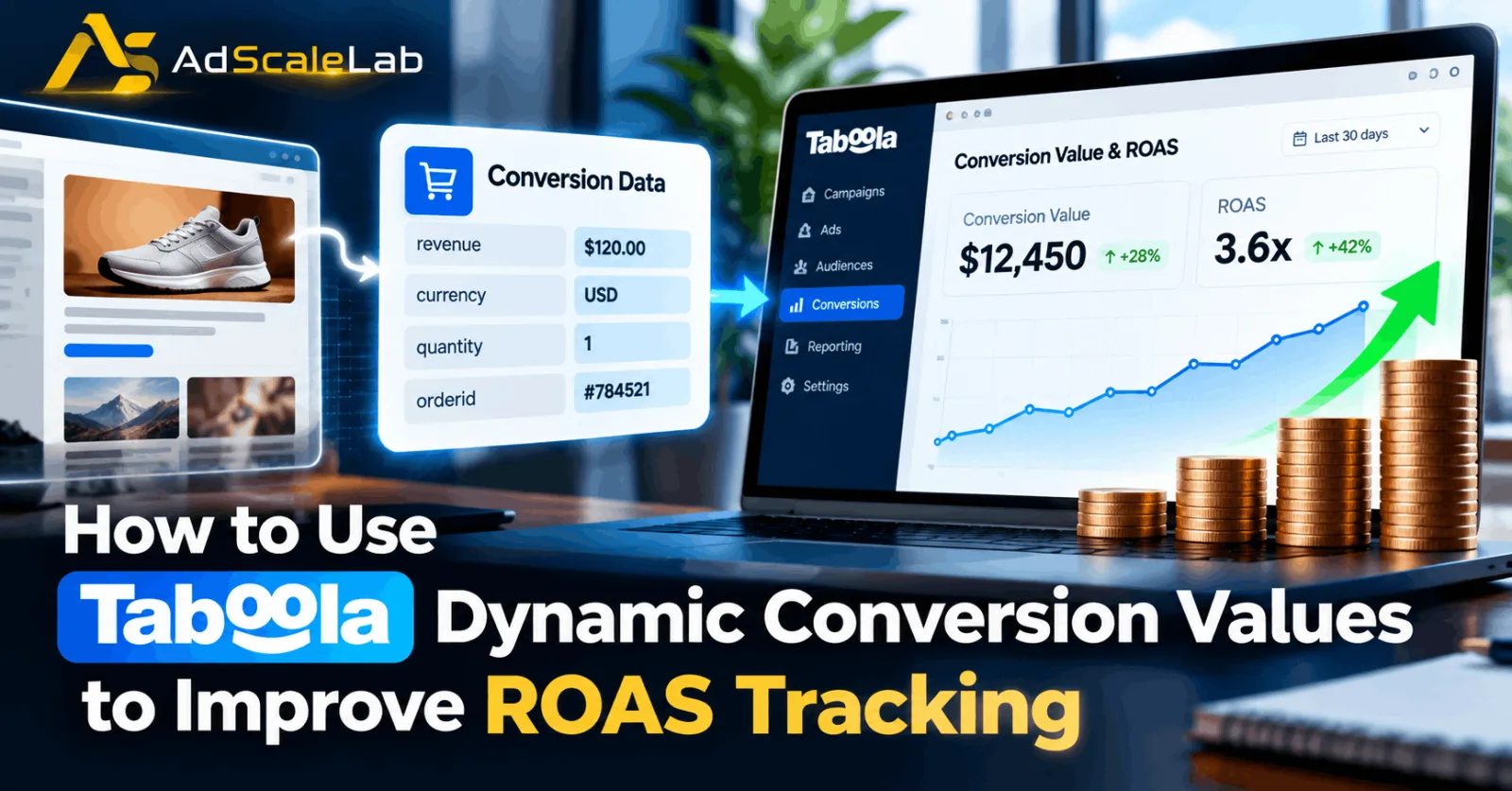
Getting a conversion from a Taboola campaign is useful, but not every conversion has the same value. A customer who buys a $20 product and another customer who buys a $200 product are both counted as conversions, but the business value of those two sales is very different.
This is where Taboola Dynamic Conversion Values become important. Instead of telling Taboola only that a conversion happened, advertisers can pass additional information about the conversion, such as the actual revenue, currency, quantity and, when relevant, the order ID. Taboola says this information can provide a more accurate view of metrics such as Return on Ad Spend, or ROAS.
The idea is fairly simple. If your campaign spends $1,000 and generates $3,000 in tracked conversion value, the reported ROAS is 3x. But that number is only useful if the conversion values being sent to Taboola represent what those conversions are actually worth.
So, in this guide, we will look at how Taboola Dynamic Conversion Values work, how to set them up, what information should be passed, how to check whether the values are being recorded correctly, and how to use the data when making campaign decisions.
What Are Taboola Dynamic Conversion Values?
A normal conversion tells Taboola that a particular action happened. For example, a customer completed a purchase. A dynamic conversion value adds another layer of information. It can tell Taboola that the purchase was worth $75, for example, instead of treating every purchase as having the same value.
Taboola's current developer documentation explains that dynamic values can include parameters such as revenue, currency, quantity and orderid The platform can then use the conversion value in reporting, including conversions_value and roas metrics. This is especially useful for ecommerce businesses, subscription businesses, lead-generation companies with different lead values, and other advertisers where one conversion can be worth more than another.
For example, imagine an ecommerce advertiser gets 20 purchases from Taboola. If every purchase is simply recorded as one conversion, the advertiser knows there were 20 sales. But if the actual purchase values are passed dynamically, the advertiser can see the total value generated by those sales and compare that value with the advertising spend. That gives you a much better starting point for ROAS analysis.
How to Use Taboola Dynamic Conversion Values Step by Step
Step 1: Make Sure Your Taboola Conversion Tracking Is Already Working
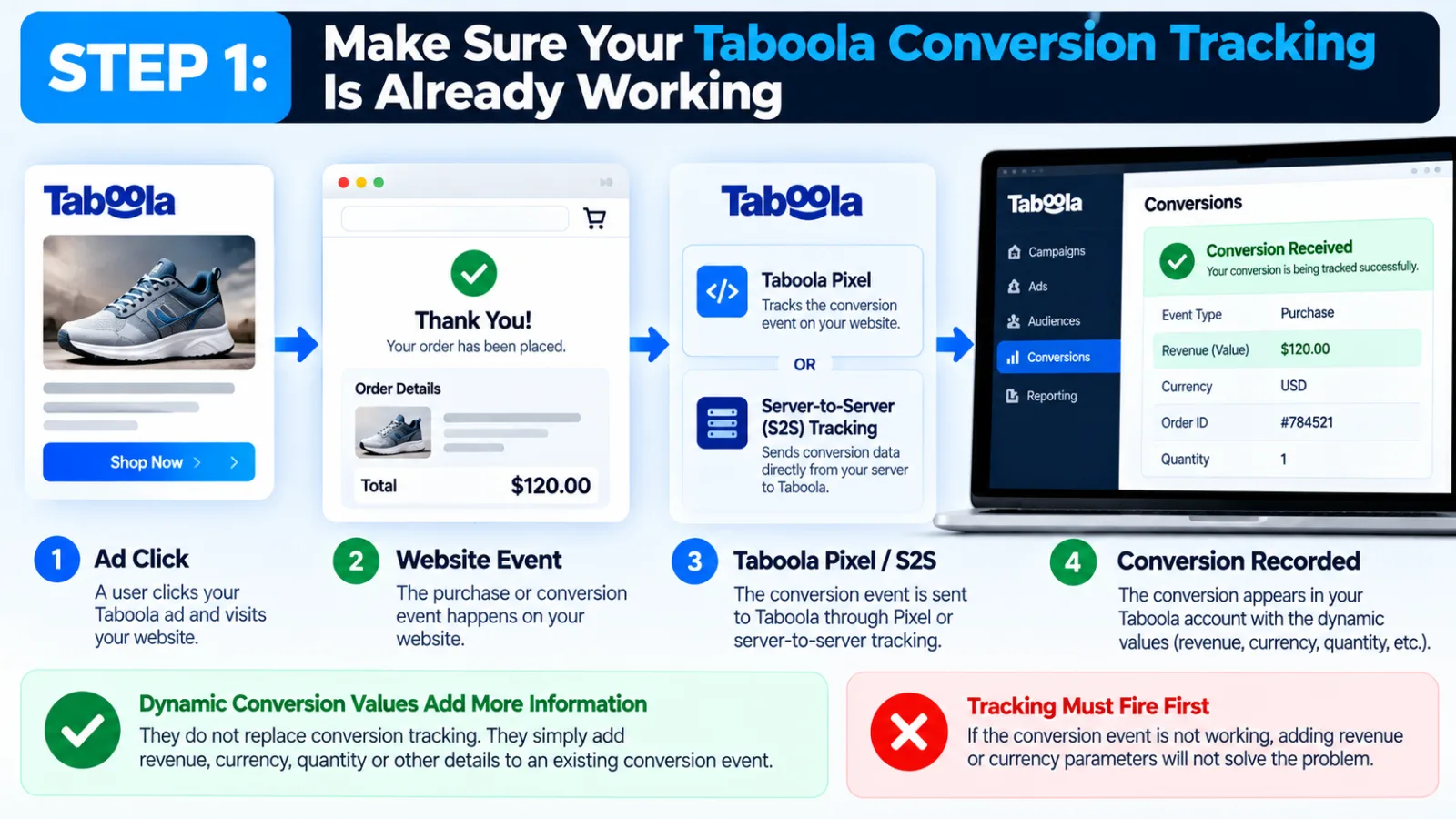
Before adding dynamic values, make sure your basic Taboola conversion tracking is working correctly.
Dynamic conversion values do not replace conversion tracking. They add information to an existing conversion event. Taboola's documentation says that dynamic tracking relies on the existing Taboola Pixel or server-to-server conversion tracking infrastructure. If your conversion event is not firing correctly, adding revenue or currency parameters will not solve the problem.
For example, if a purchase event is supposed to be recorded but the event itself never reaches Taboola, there is nothing for the revenue value to attach to. If you have not completed the basic setup yet, first complete your Taboola conversion tracking setup. Once your purchase or other important conversion is being received correctly, you can move to the next step.
Step 2: Choose the Conversion That Should Carry the Value
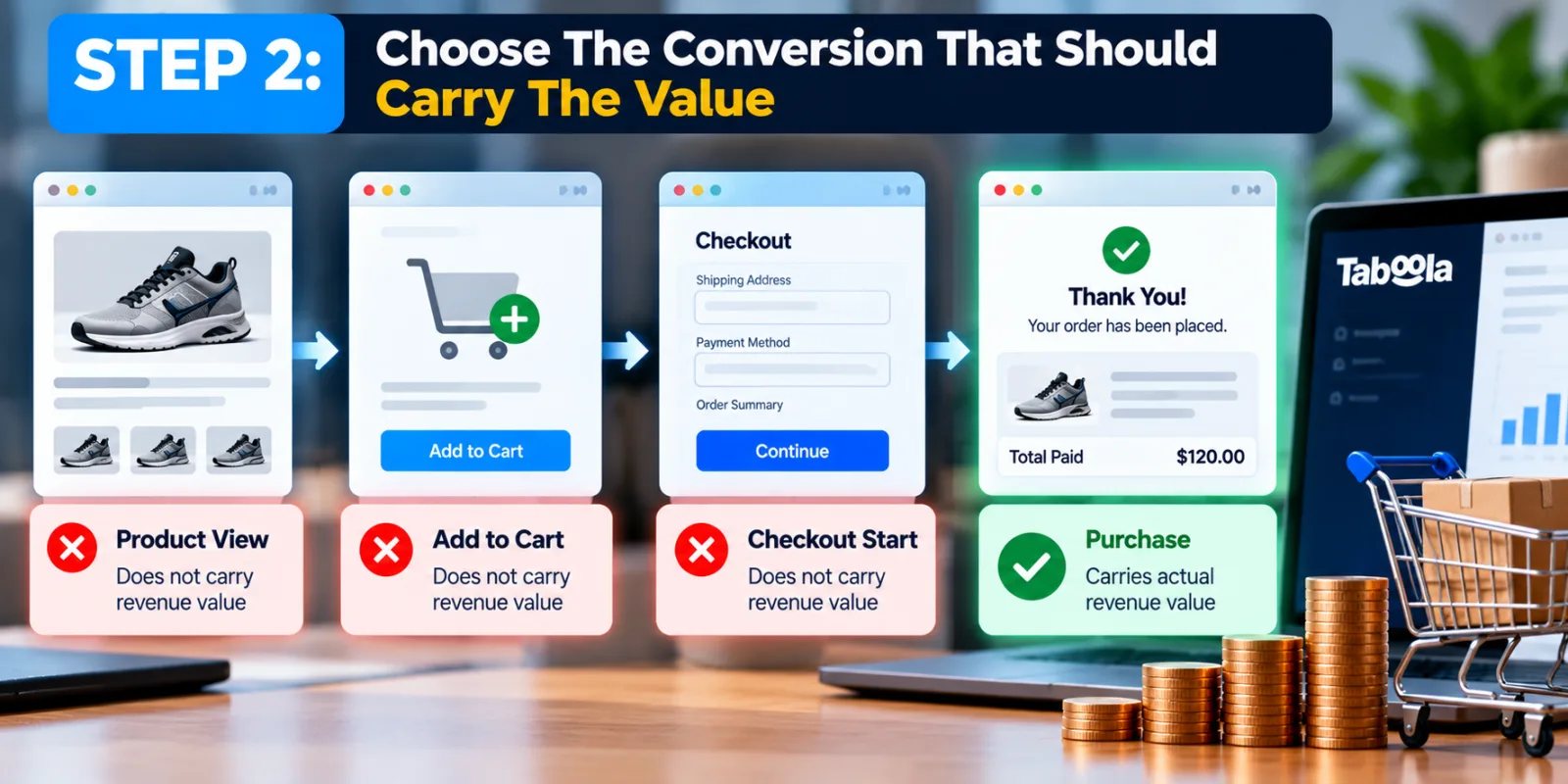
Not every event on your website should necessarily carry a revenue value. An ecommerce website may have product views, add-to-cart events, checkout starts and purchases. These actions do not all represent the same business value.
For ROAS tracking, the final purchase or another clearly valuable business action is normally the most important place to start. The main question should be: “What action represents real business value for my campaign?”
If the answer is a purchase, then the purchase event is where the actual transaction value should be passed.
Step 3: Send the Actual Revenue Instead of a Fixed Value
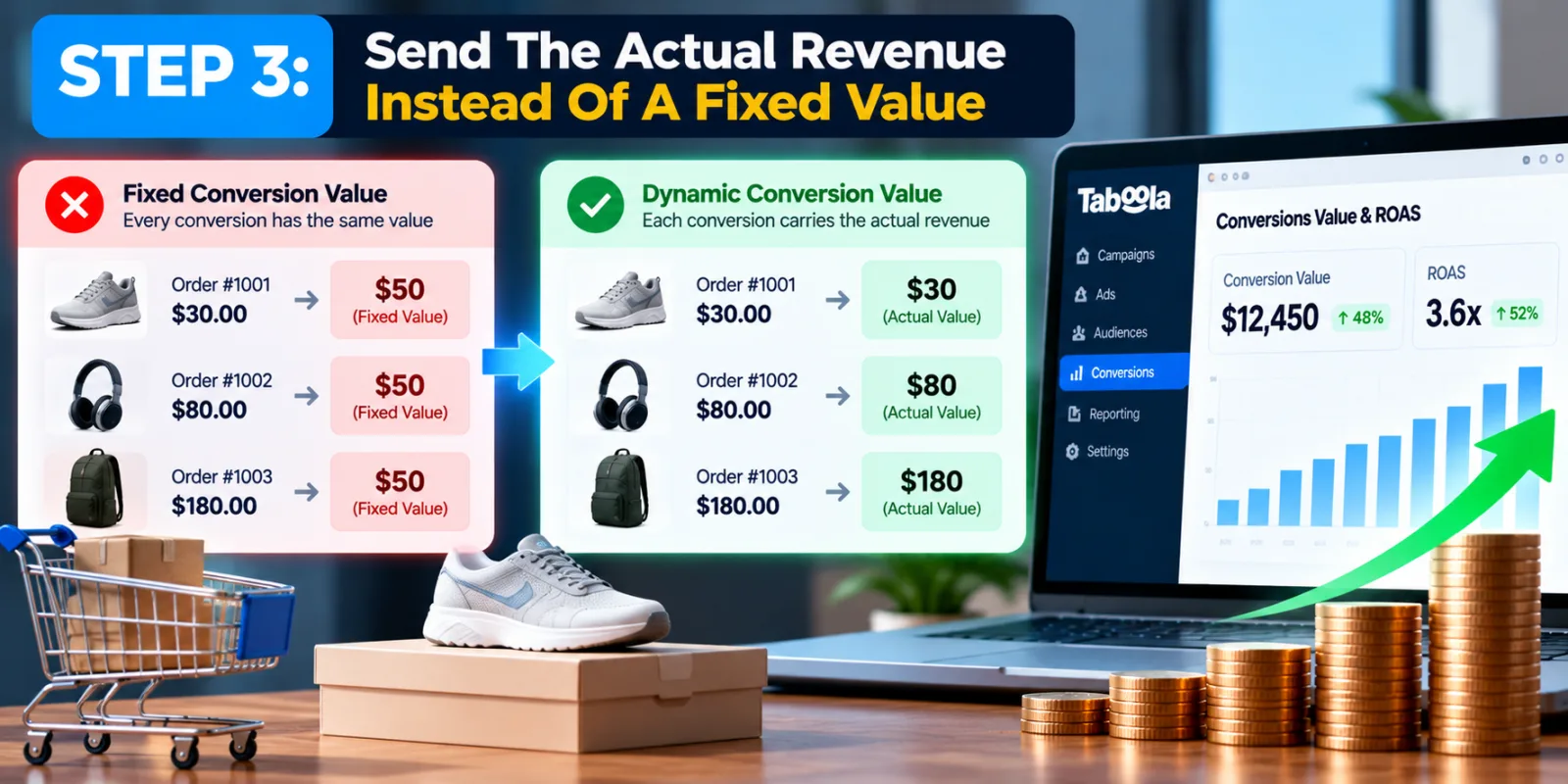
This is the main difference between fixed conversion values and dynamic conversion values. With a fixed value, every conversion receives the same amount. That can work when every conversion is genuinely worth about the same amount.
But ecommerce orders often have different totals. One customer may spend $30 while another spends $180. If both are assigned a fixed value of $50, your ROAS report will not represent the actual revenue generated by those orders. Taboola recommends using the dynamic revenue parameter when the conversion value changes. The revenue value should represent the actual conversion value at the time of the event.
So if one customer purchases for $45 and another purchases for $120, the conversion events can carry those different values. This is what makes the data more useful for ROAS tracking.
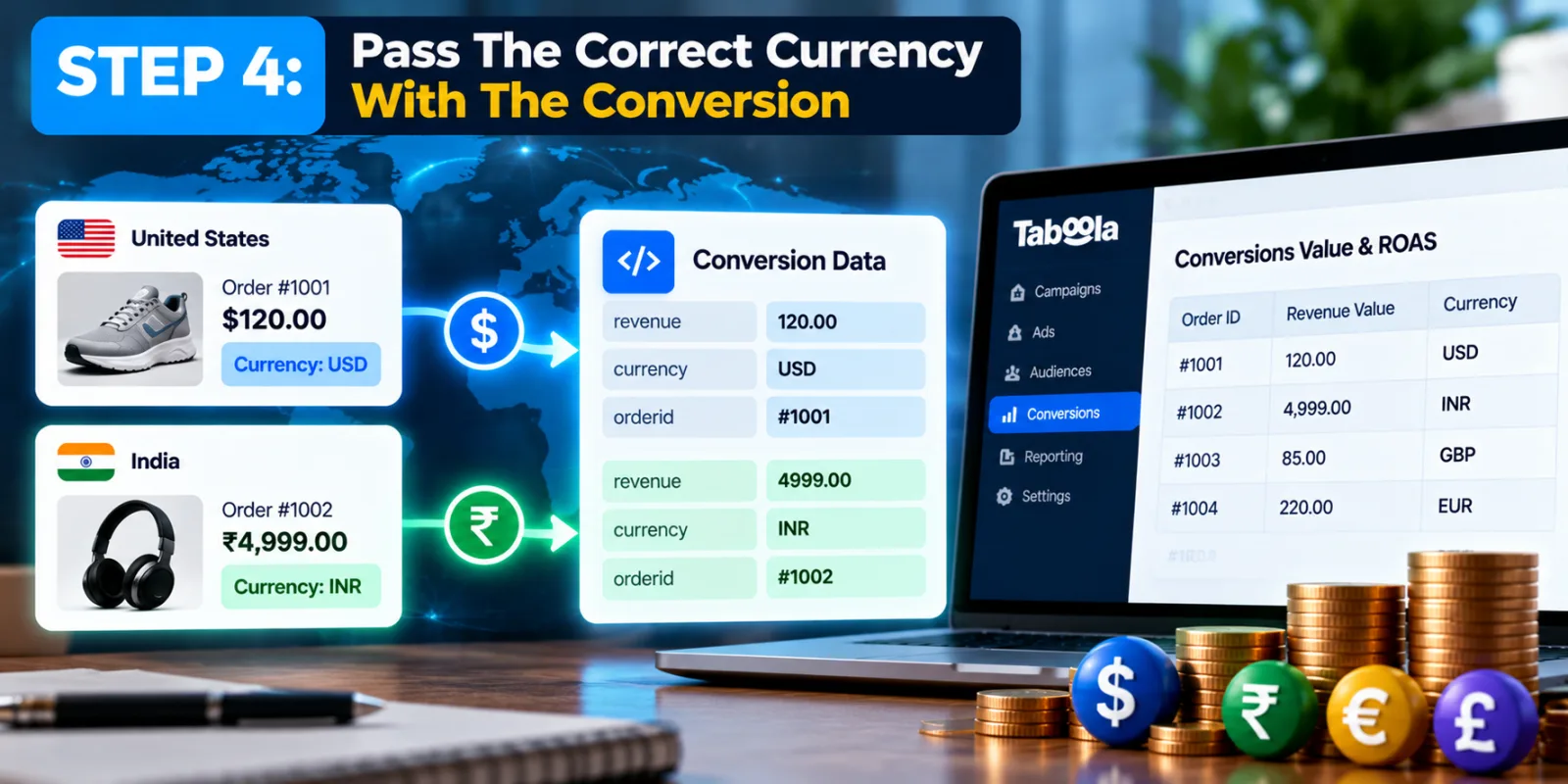
Step 4: Pass the Correct Currency With the Conversion
Revenue without the correct currency can create another problem.
If your account has one default currency but your website processes purchases in different currencies, Taboola needs to know which currency belongs to each conversion. Taboola supports a currency parameter for this purpose and documents supported three-letter currency codes.
The currency value is especially important for businesses operating across different markets. For example, a business may record one purchase in USD and another in INR. Passing the correct currency with the conversion helps Taboola understand what the reported revenue represents. If the currency parameter is not passed, Taboola uses the account's default currency, so advertisers working with multiple currencies should pay particular attention to this part of the implementation.
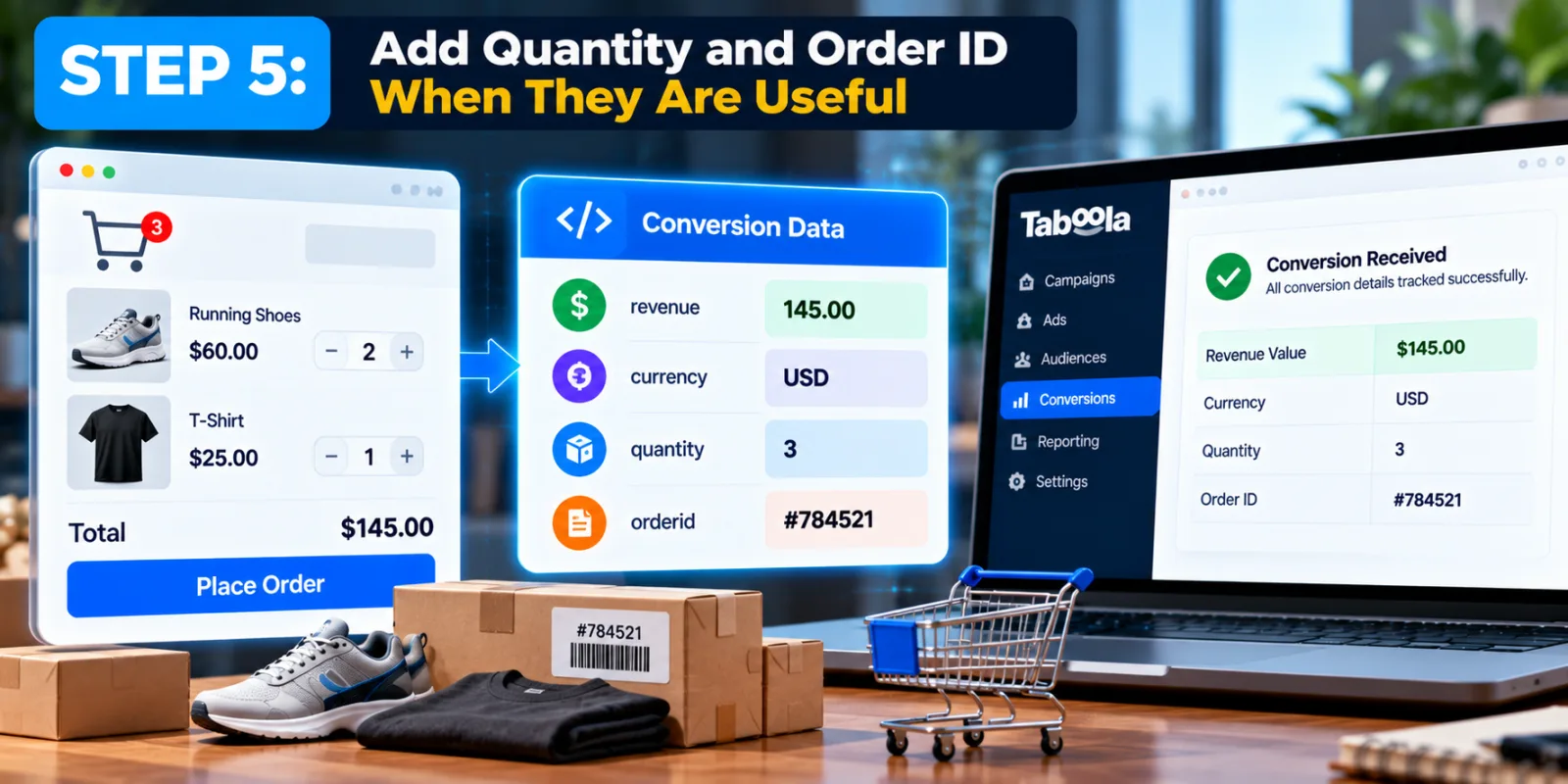
Step 5: Add Quantity and Order ID When They Are Useful
Revenue is usually the most important dynamic value for ROAS, but Taboola also supports quantity and orderid. The orderid parameter tells Taboola how many items were included in the order. The orderid parameter can be used to pass the order or CRM identifier associated with the conversion.
You do not necessarily need every parameter for every type of conversion. For a normal purchase, however, sending revenue, currency and quantity can give you a richer conversion record. Taboola notes that order ID is relevant to some events such as purchases. These values should come from your actual transaction or business system. Do not manually type random numbers into the event code and expect the ROAS report to become accurate.
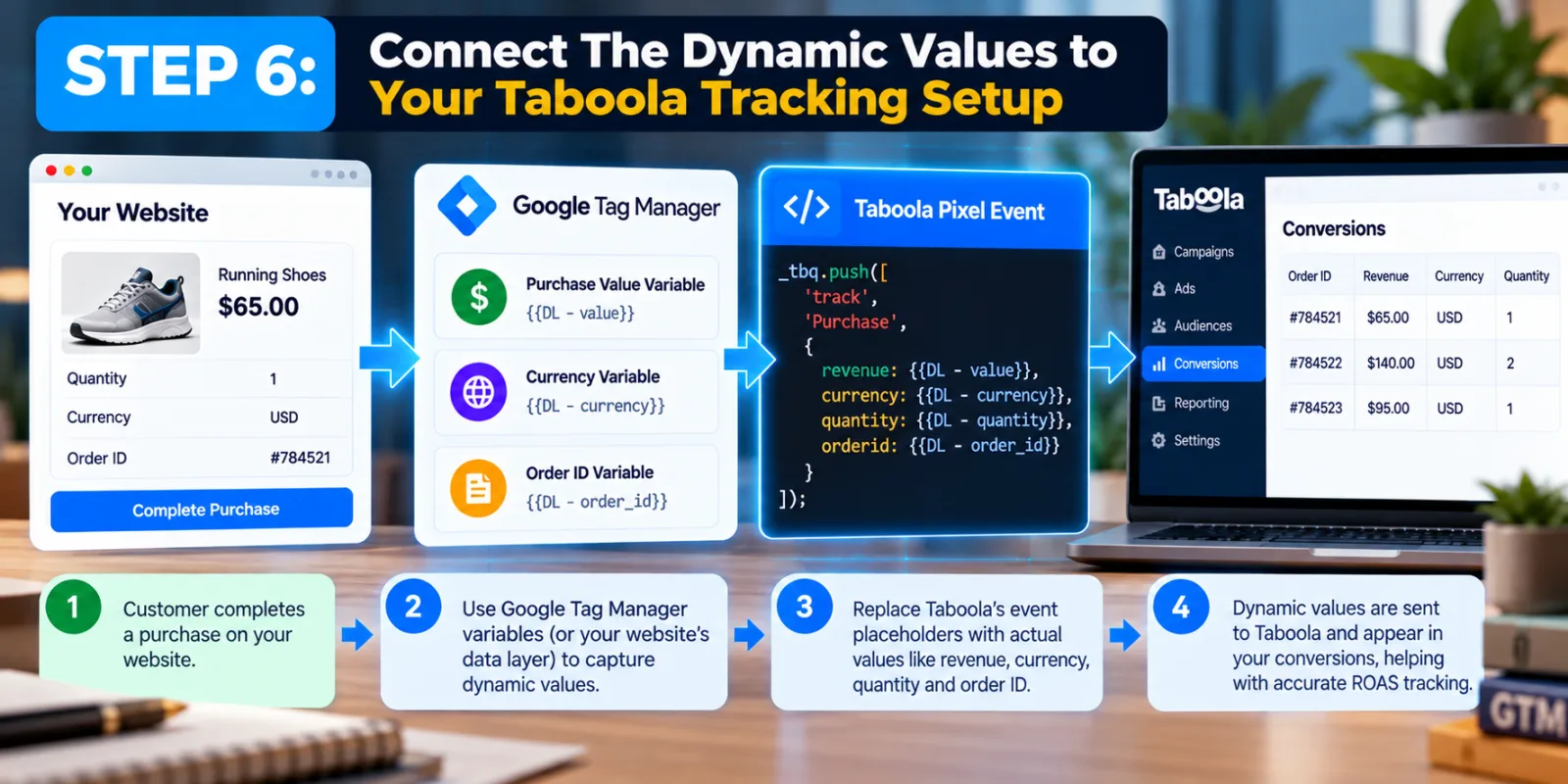
Step 6: Connect the Dynamic Values to Your Taboola Tracking Setup
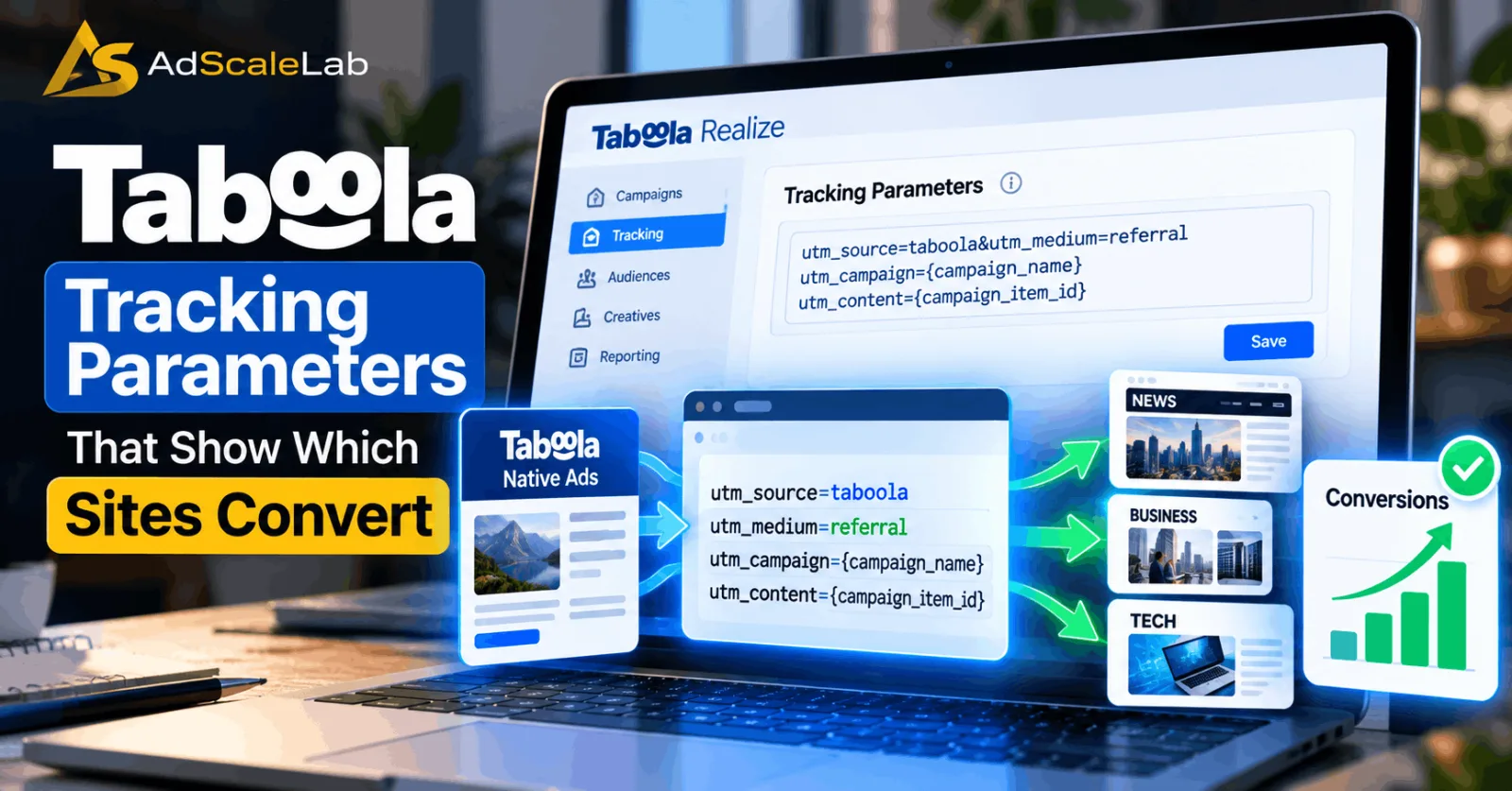
For Taboola Pixel users, the current setup allows advertisers to edit or create an event-based conversion inside Realize and select the relevant dynamic parameters. Taboola then generates placeholders in the event code, which need to be replaced with actual values at runtime by the website or development setup.
If you use Google Tag Manager, Taboola also supports passing dynamic values through GTM variables. A purchase value can come from a purchase-value variable or a data-layer variable, while currency and order ID can also be passed through variables. This is where your developer or tracking specialist may need to help.
The important part is that the value should change according to the real transaction. If the customer's order is $65, the event should pass $65. If the next order is $140, the next event should pass $140. The system should not keep sending the same value for every purchase.
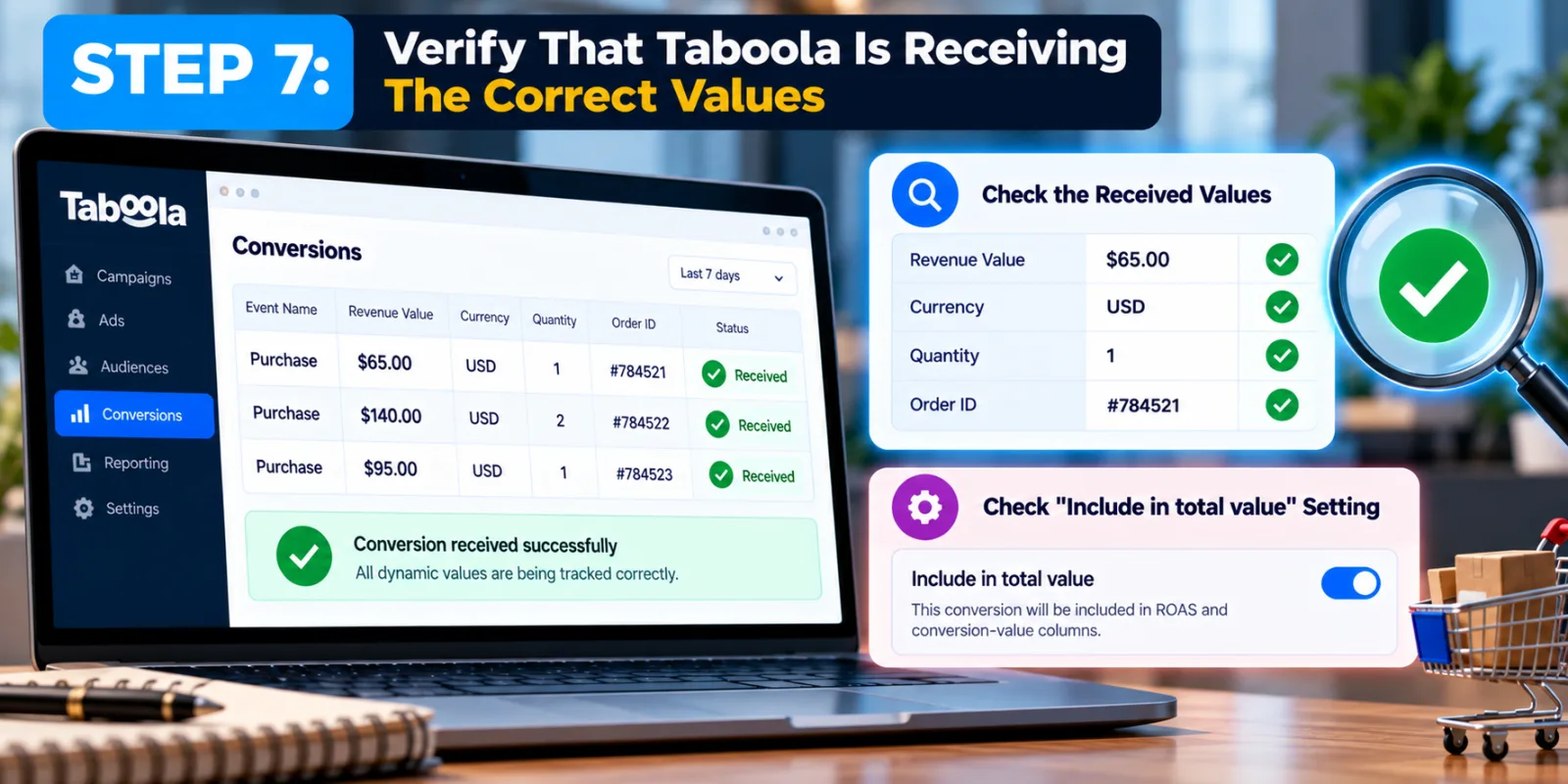
Step 7: Verify That Taboola Is Receiving the Correct Values
Never assume that tracking is working simply because the code was installed. A tracking implementation can technically fire while still sending the wrong value, wrong currency or empty parameters. After implementation, test a suitable transaction and check whether Taboola receives the conversion correctly. There is another important setting to check: Include in total value.
If you want the conversion to contribute to the ROAS and conversion-value columns, the conversion should be included in total value.
This matters because you may have several conversion events on the same website. You do not want a simple page view or an add-to-cart event accidentally inflating your revenue reporting. Your final purchase event and your reporting settings need to agree about which actions represent actual value.
Step 8: Use Conversion Value and ROAS Together When Evaluating Campaigns
Once dynamic values are working, the next step is actually using the data. Taboola defines conversions_value as the total revenue from conversions and roas as conversion value divided by advertising spend.
For example, suppose a campaign spends $2,000 and generates $6,000 in tracked conversion value.
ROAS = Conversion Value ÷ Ad Spend
ROAS = $6,000 ÷ $2,000 = 3x
That means the campaign generated three dollars in tracked conversion value for every dollar spent. But do not look at ROAS alone. A campaign can have a good ROAS while producing very little total revenue. Another campaign may have a slightly lower ROAS but generate much more revenue and have greater potential to scale.
That is why it is useful to look at spend, conversions, conversion value, CPA, conversion rate and ROAS together. The goal is not simply to find the campaign with the biggest percentage. The goal is to understand which campaign is producing valuable business results at a cost the business can accept.
A Simple Example of Taboola Dynamic Conversion Values
Imagine an online store is running two Taboola campaigns. Campaign A spends $1,000 and generates 20 purchases. If every purchase is treated as having a fixed $40 value, the reported conversion value would be $800.
But suppose the actual orders were larger and those 20 purchases generated $2,400 in real revenue. Dynamic conversion values would allow the actual purchase values to be passed into Taboola, giving the advertiser a much more useful view of campaign performance.
This example is only for explaining the difference between fixed and dynamic values. Actual campaign results will depend on the advertiser's business, attribution settings and conversion data. The important lesson is that conversion count alone does not tell you how much money the campaign generated.
What If You Use Shopify?
Taboola's current documentation says its Shopify app manages dynamic conversion tracking for Shopify users, so advertisers using the supported integration do not need to manually build the same dynamic-value implementation described for other setups. This is useful for ecommerce advertisers because the order value already exists inside the Shopify transaction.
However, you should still verify that purchases are being recorded correctly and that the values appearing in Taboola make sense. Do not assume that an integration is correct simply because it is installed. Always compare a few real transactions against what appears in the advertising platform.
Common Mistakes When Using Taboola Dynamic Conversion Values
One common mistake is sending the same fixed amount for every purchase even though order values are different. This defeats the main purpose of dynamic revenue tracking. Another mistake is sending revenue but forgetting currency when the website operates across multiple currencies. A third problem is tracking the wrong event. If the advertiser wants ROAS based on purchases but the conversion included in total value is actually an earlier funnel action, the resulting ROAS will not represent the intended business result.
Another issue is assuming that a high ROAS automatically means a campaign should receive more budget. You should also look at revenue volume, conversion volume, CPA, campaign scale and the quality of the customers being generated.
Finally, avoid changing several tracking settings at the same time. If you change the conversion event, value logic, attribution settings and campaign strategy together, it becomes much harder to understand what caused a change in the numbers.
How Dynamic Conversion Values Fit Into Taboola Campaign Optimization
Dynamic conversion values are not a replacement for good campaign management. They are a better measurement layer. You still need relevant creative, a strong landing page, reliable conversion tracking and enough data to make sensible decisions.
This is also why your site-level tracking and conversion data should work together. If you want to understand which publisher sites are producing valuable traffic, you can combine conversion value with the publisher information you pass through your tracking setup. AdScaleLab's guide on How to Analyze Taboola Tracking Parameters to Find Which Sites Convert explains how site-level data can be used to investigate traffic quality.
In other words, dynamic conversion values can answer “How much value did this traffic generate?”, while site-level tracking can help answer “Where did that traffic come from?” Those two questions become much more useful when you are trying to improve a Taboola campaign.
Final Thoughts
Taboola Dynamic Conversion Values are useful because they move conversion tracking beyond simply counting actions. Instead of treating every purchase as equal, advertisers can send the actual revenue associated with each conversion. Taboola supports dynamic parameters such as revenue, currency, quantity and order ID, and its reporting can use conversion value to calculate ROAS.
The most important part is not simply adding the parameters. The values have to be accurate, attached to the correct conversion event and included in the right reporting settings. Once that is working, ROAS becomes a much more meaningful number because it is based on the value your campaigns are actually generating rather than a simple conversion count or an arbitrary fixed value.
For advertisers who want to make better budget and optimization decisions, that difference can be important.
Agency ad accounts, without the wait.
Buy and top up Google, Meta, native, and more from one dashboard.
Get started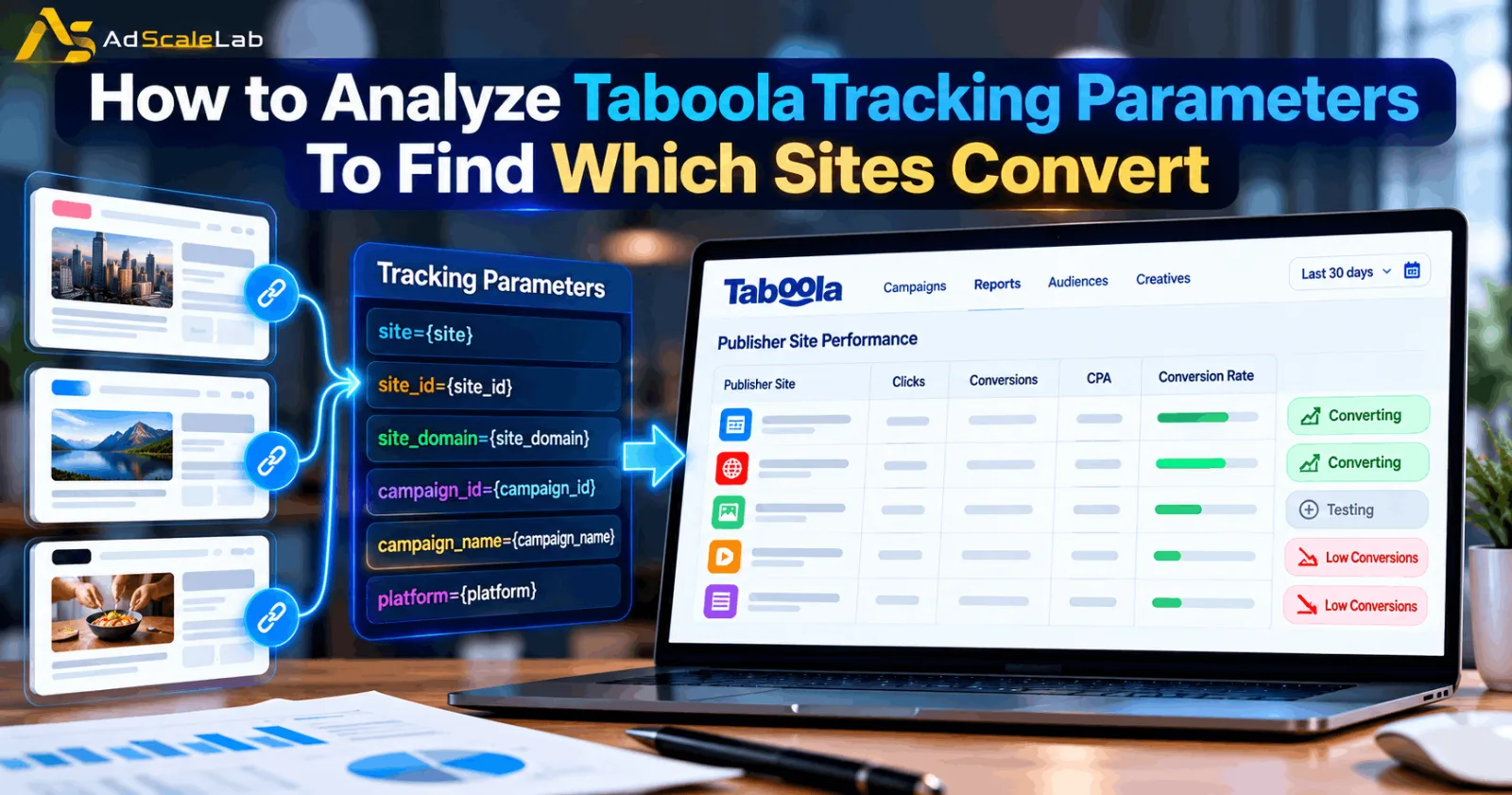
No comments yet. Be the first to comment.
Comments are open to registered AdScaleLab clients.
Sign in to comment