






Outbrain Publisher And Section Data Scale Campaigns Safely
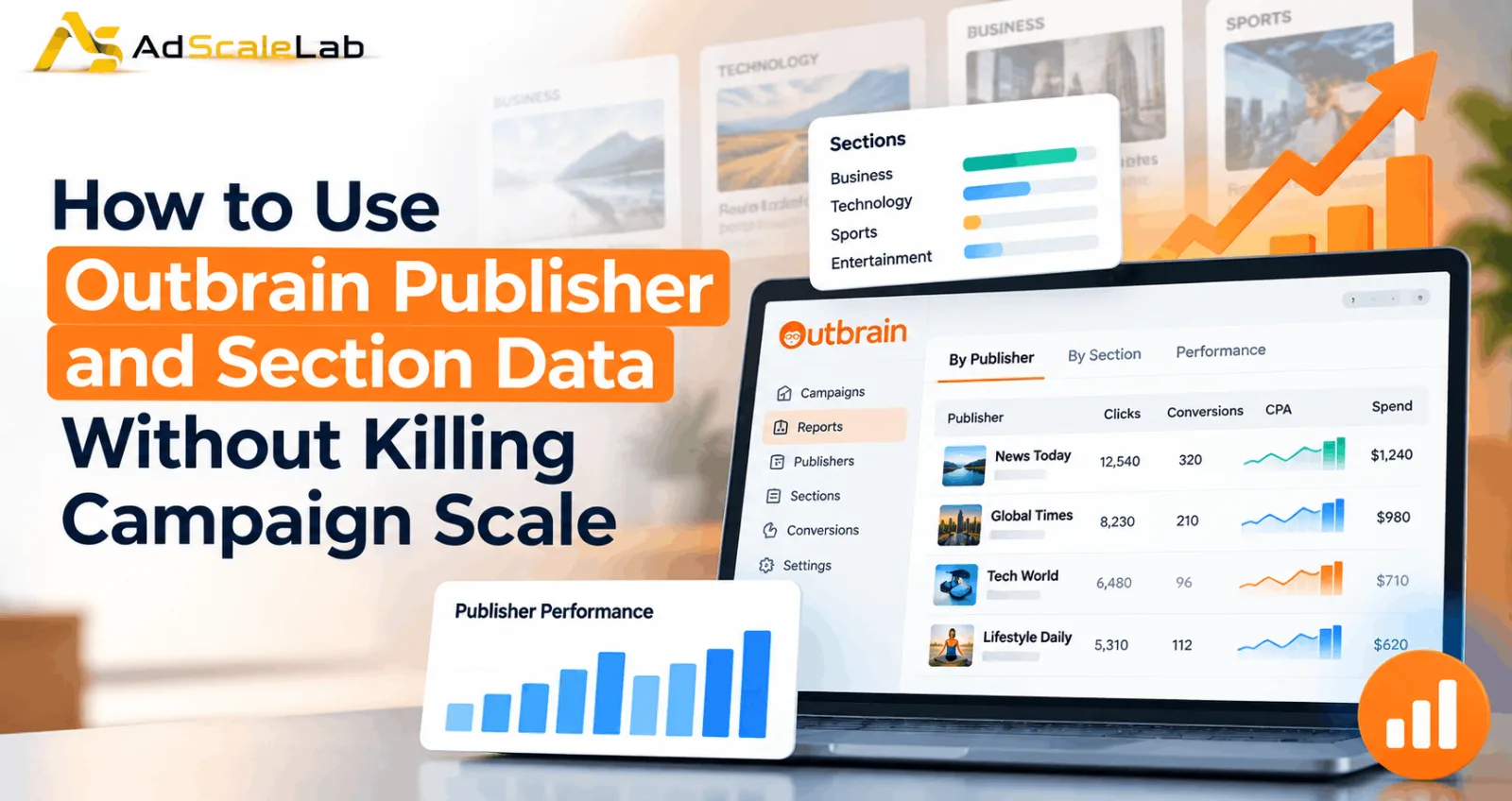
When an Outbrain campaign starts spending, one of the first things advertisers usually want to know is where the traffic is coming from. This is where Outbrain Publisher and Section Data becomes useful. Instead of looking only at campaign-level numbers, you can see how individual publishers and publisher sections are contributing to clicks, conversions, spend and other performance signals.
But there is a problem. It is very easy to look at a report, find a few expensive sources and start blocking them. After a few rounds of exclusions, the campaign may look cleaner on paper but struggle to spend its budget.
That is why publisher and section optimization needs to be handled carefully. Outbrain's advertiser guidance supports granular placement controls, while its optimization material repeatedly emphasizes gradual changes. The goal is not to remove as much inventory as possible. The goal is to understand which parts of the network deserve more or less of your budget while keeping enough inventory available for the campaign to continue learning and scaling.
One naming note is also useful. Outbrain and Teads combined in 2025, and the combined company now operates under the Teads name. However, the advertiser resources and workflows discussed here still use Outbrain terminology, including publisher and section reporting.
What Are Outbrain Publisher And Section Data?
Outbrain gives advertisers reporting views that break campaign performance down by publisher and by section. In practical terms, a publisher is the broader website or media source, while a section represents a specific area within that publisher's environment.
For example, imagine an advertiser is running on a large news website. The publisher might be the overall news site, while sections could represent areas such as Business, Technology, Sports or another category.
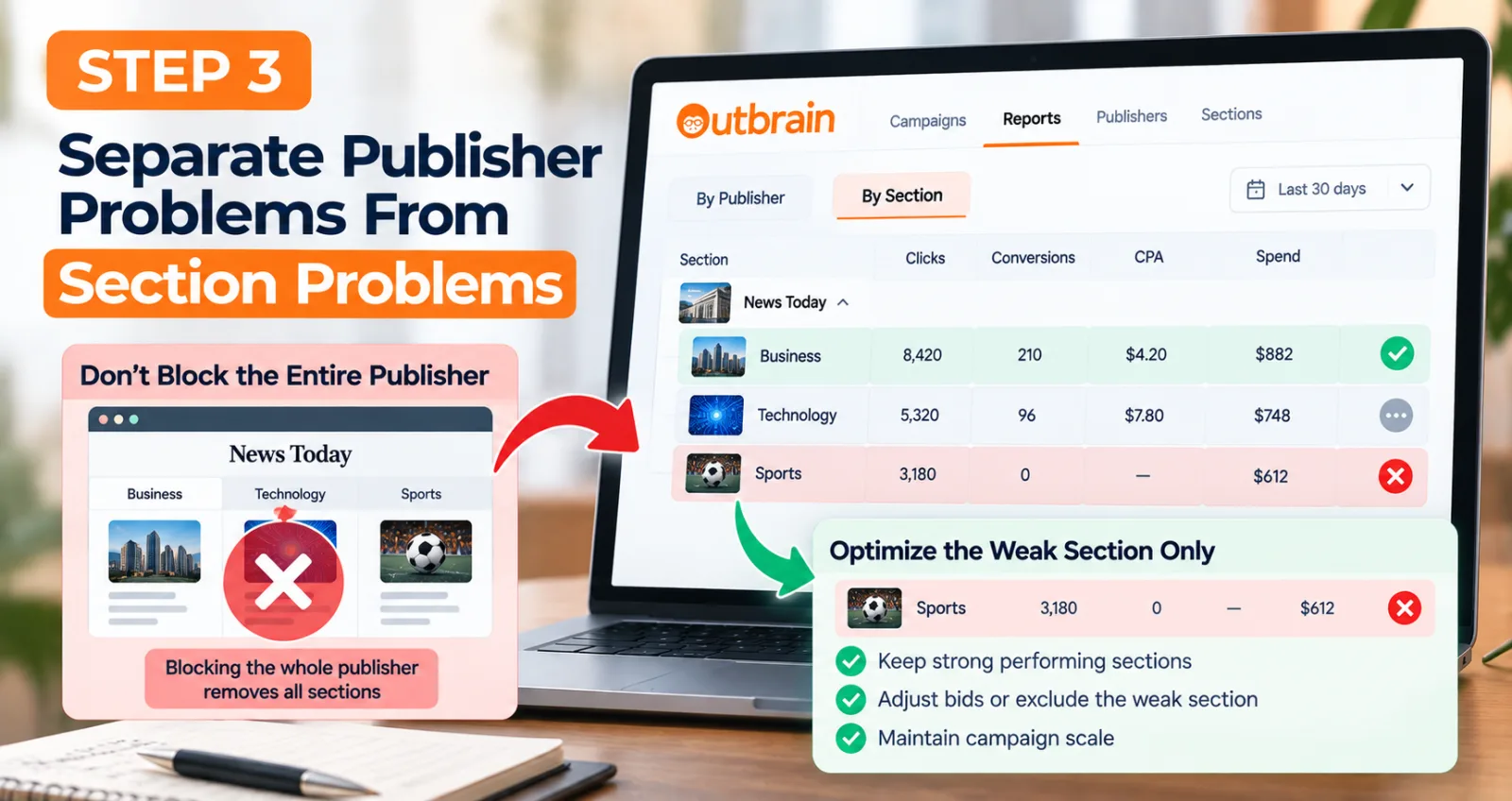
This difference matters because a publisher is not always one single type of traffic. One section of a publisher may generate useful conversions while another section produces many clicks but very little business value. If you block the entire publisher because one section is weak, you may remove the good traffic along with the bad.
That is why section-level analysis can be more useful than immediately blocking an entire publisher. You can make a more focused decision based on the part of the inventory that is actually showing the problem.
Why Blocking Too Much Can Kill Campaign Scale
The easiest mistake is to confuse optimization with restriction.
Suppose a campaign is receiving traffic from many different sections. You identify several sections with a high CPA and block them. Then you identify more sections with low conversion volume and block those too. The campaign may now have fewer sources, but that does not automatically mean it is healthier.
Those removed sections were also potential sources of impressions and clicks. Once they disappear, the system has fewer places where it can find users. This can make it harder to spend the daily budget and can reduce the room available for the campaign to find new converting traffic.
Outbrain's campaign optimization guidance has emphasized using section-level bid controls and making gradual changes. It also warns that aggressive CPC reductions can reduce traffic and scale. This is why the right question is not simply which sources can be removed, but where the next dollar has the best chance of producing useful results.
How to Use Outbrain Publisher and Section Data Without Losing Scale
Step 1: Give The Campaign Enough Data Before Judging A Source
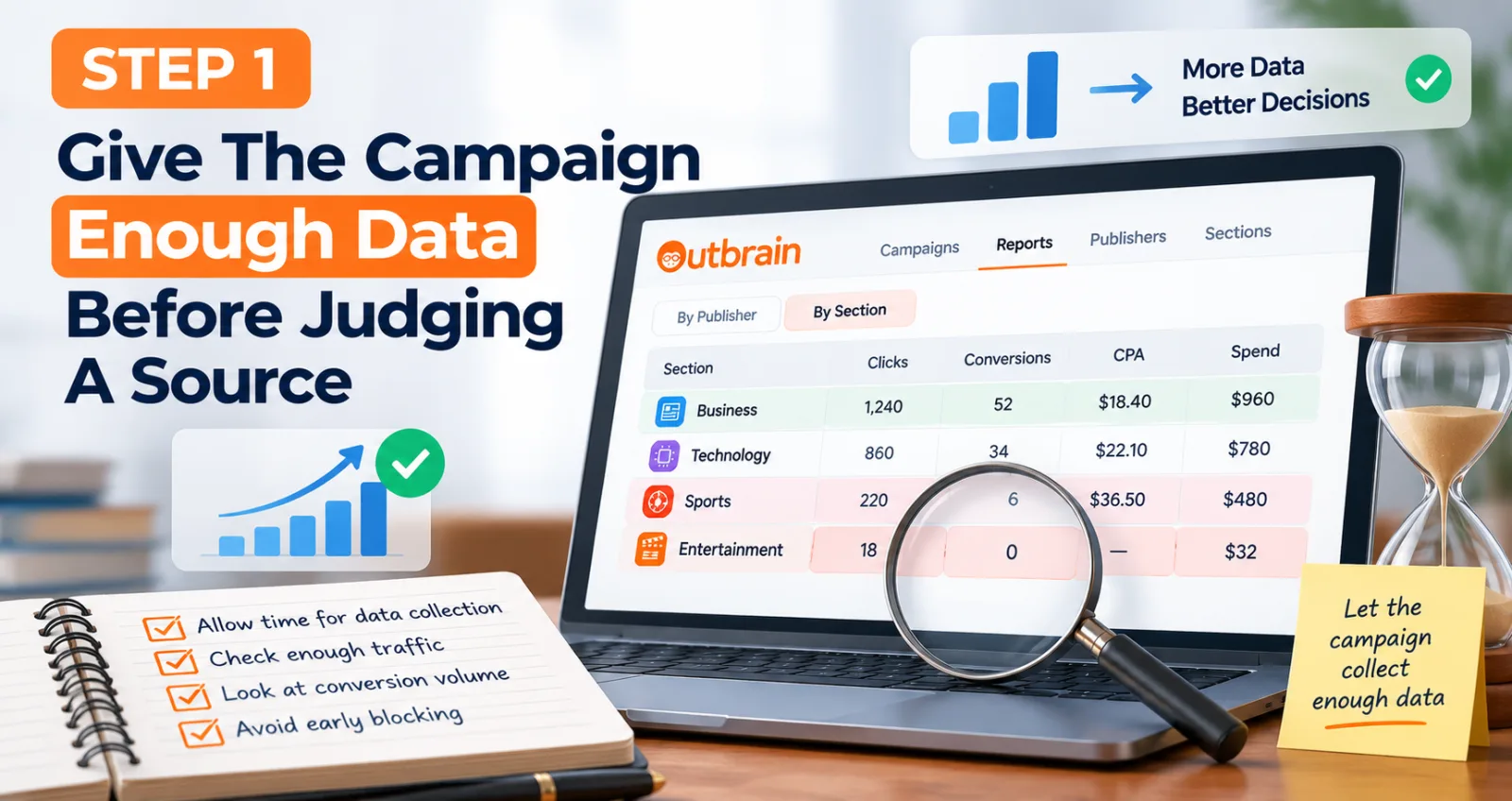
Do not start by blocking anything. Before deciding that a publisher or section is bad, make sure it has received enough traffic to make the comparison meaningful. A section with only a few clicks and zero conversions has not necessarily failed; there may simply not be enough information yet. Outbrain's optimization guidance recommends making decisions with enough performance data and avoiding premature changes. The right amount of data depends on your campaign goal, conversion volume and economics, so one click threshold should not be treated as a universal rule.
Step 2: Open The By Publisher And By Section Views
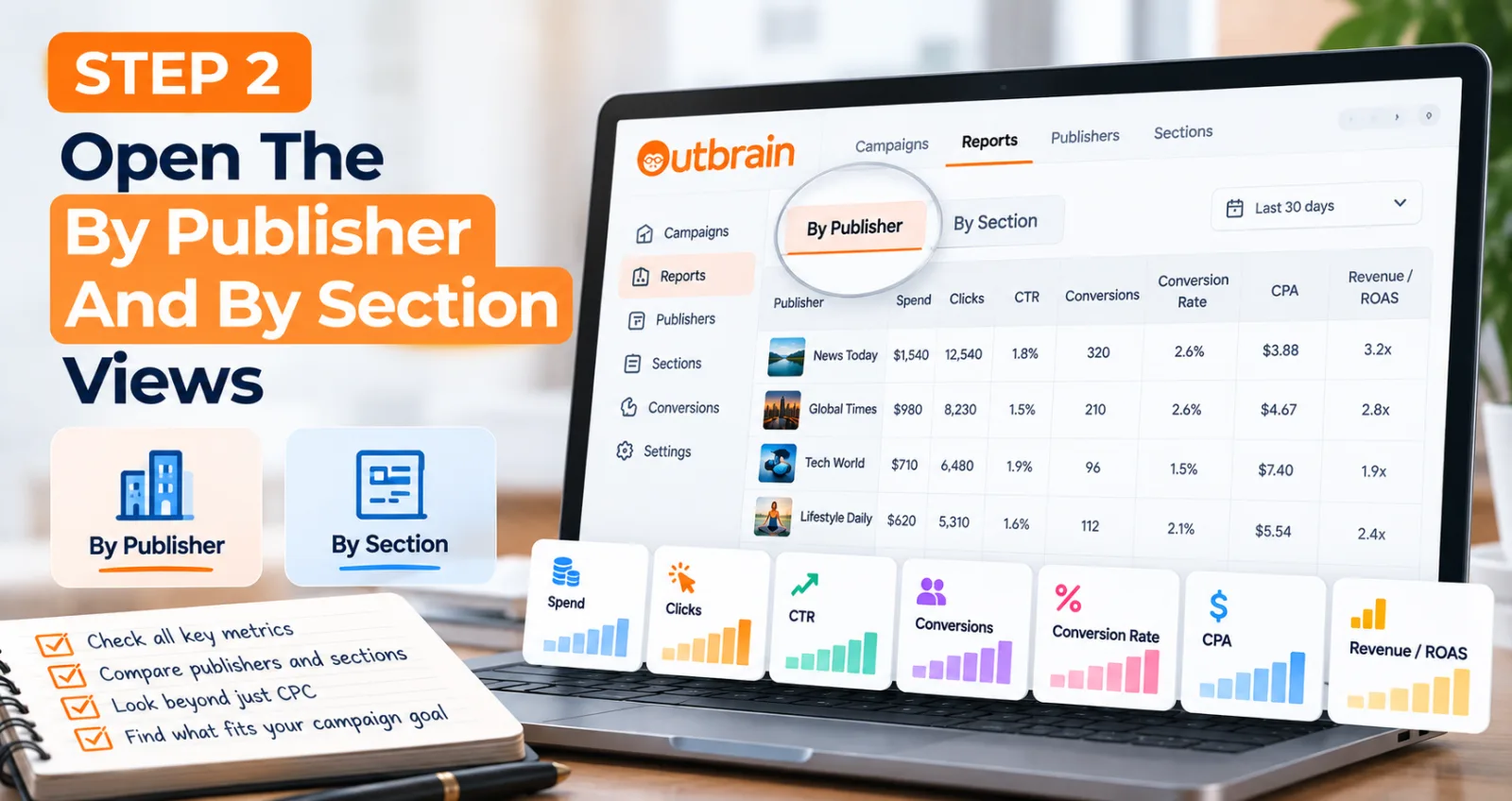
Once the campaign has enough data, move from the campaign-level report to publisher and section views. Do not look at only one column. A publisher with a high CPC is not automatically bad, and a publisher with a low CPC is not automatically good. Depending on the campaign goal, compare spend, clicks, CTR, conversions, conversion rate, CPA and revenue or ROAS where available.
Step 3: Separate Publisher Problems From Section Problems
Imagine a publisher has three sections. One section is producing strong conversion performance, another is average, and a third is spending without producing results. If you block the publisher completely, you remove all three. Start by looking at the weak section. Outbrain's placement guidance supports granular section-level optimization, which can address weaker inventory without unnecessarily removing the whole publisher.
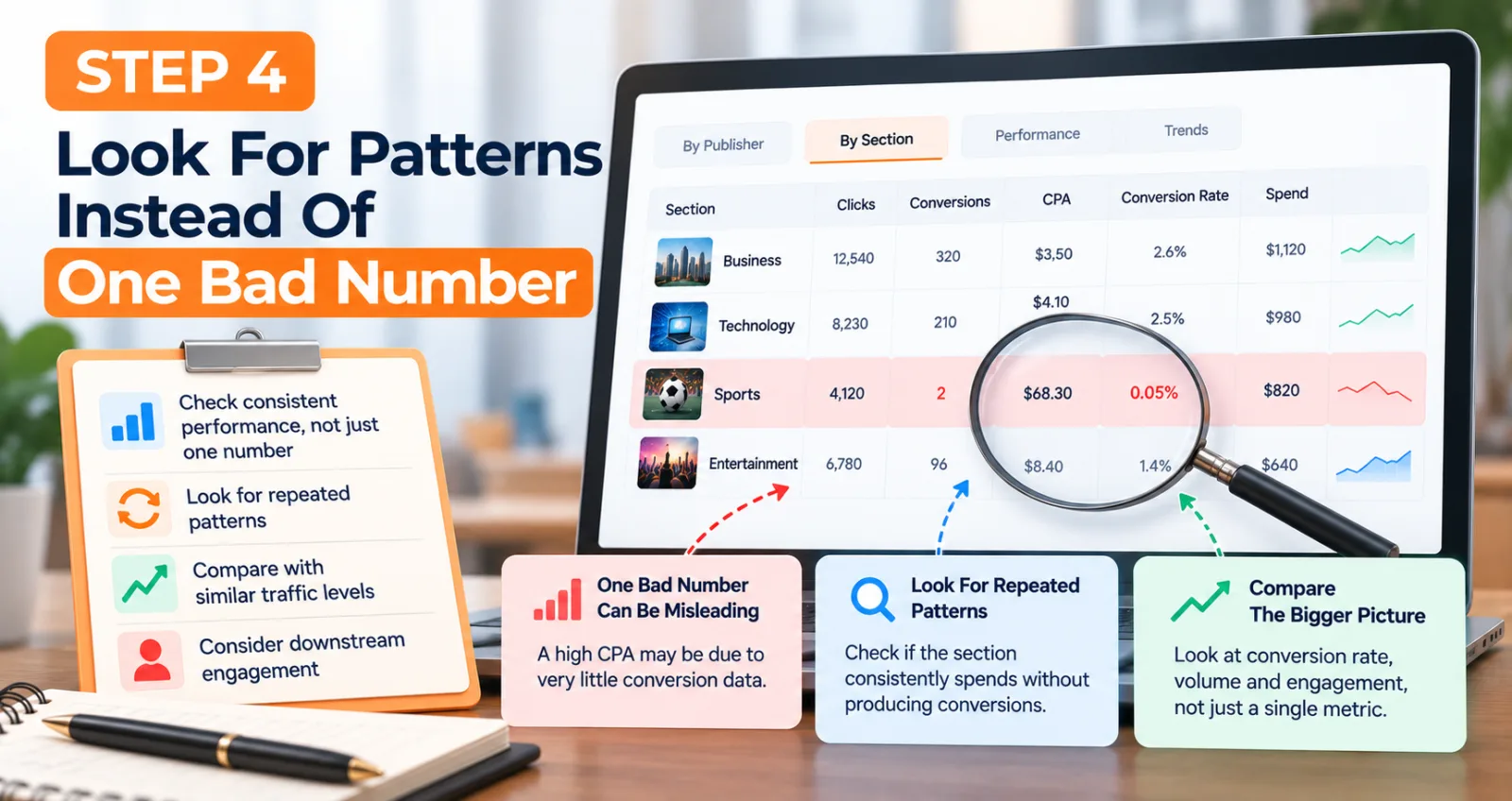
Step 4: Look For Patterns Instead Of One Bad Number
One bad number can be misleading. A section might have a high CPA because it has received very little conversion data. Instead, look for a repeated pattern. Ask whether the section consistently spends without producing conversions, whether its conversion rate remains weak after comparable traffic, and whether downstream engagement is poor. These questions are more useful than sorting a table by CPA and blocking the bottom rows.
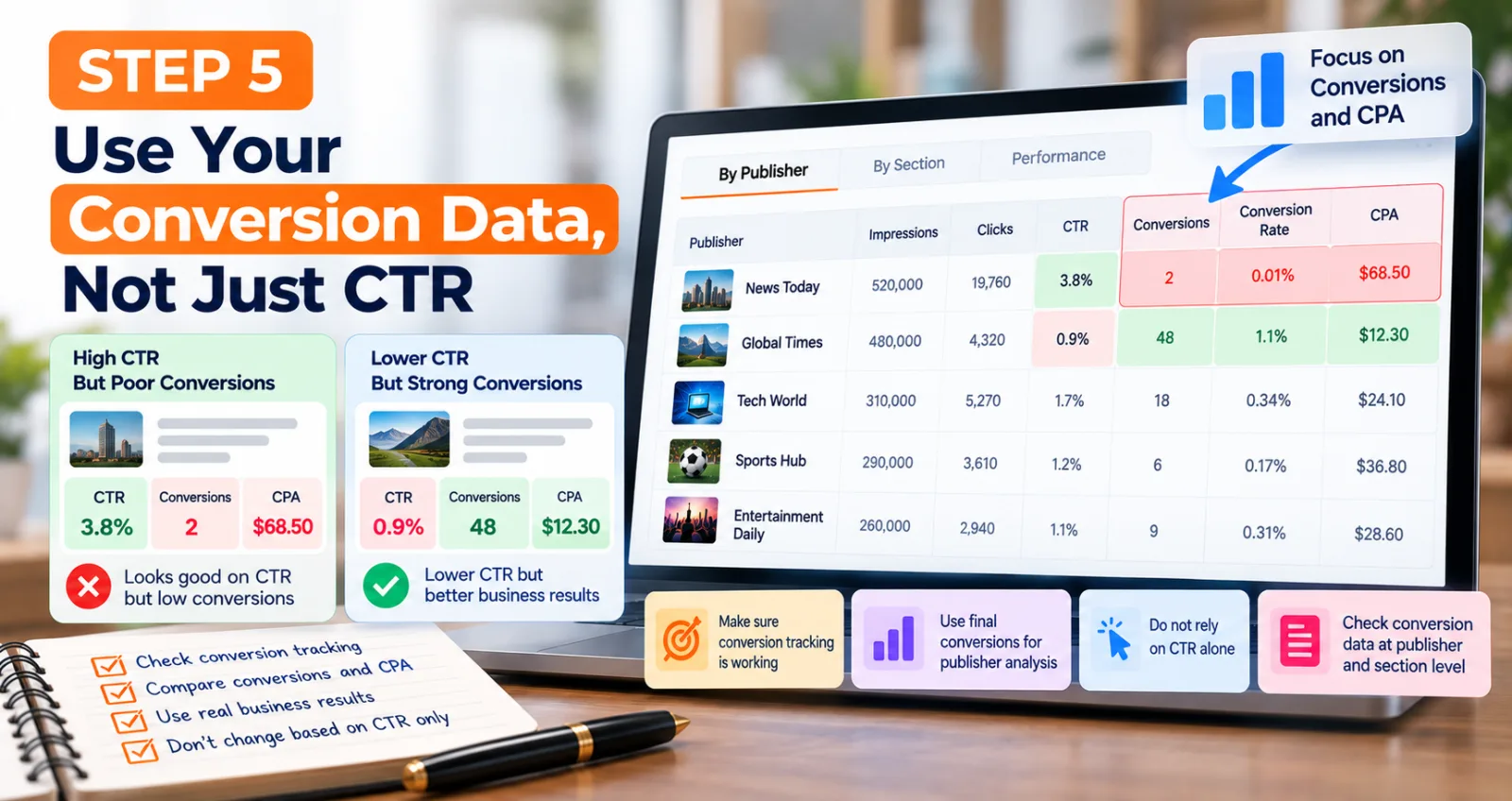
Step 5: Use Your Conversion Data, Not Just CTR
CTR can be useful, but it should not be the only reason you change a publisher or section. A section can have an excellent CTR and still produce poor business results. If your campaign is conversion-focused, final conversions should play a major role in publisher analysis. Outbrain's conversion tracking resources support publisher and publisher-section breakdowns for optimization. Make sure conversion tracking is working before making aggressive placement decisions.
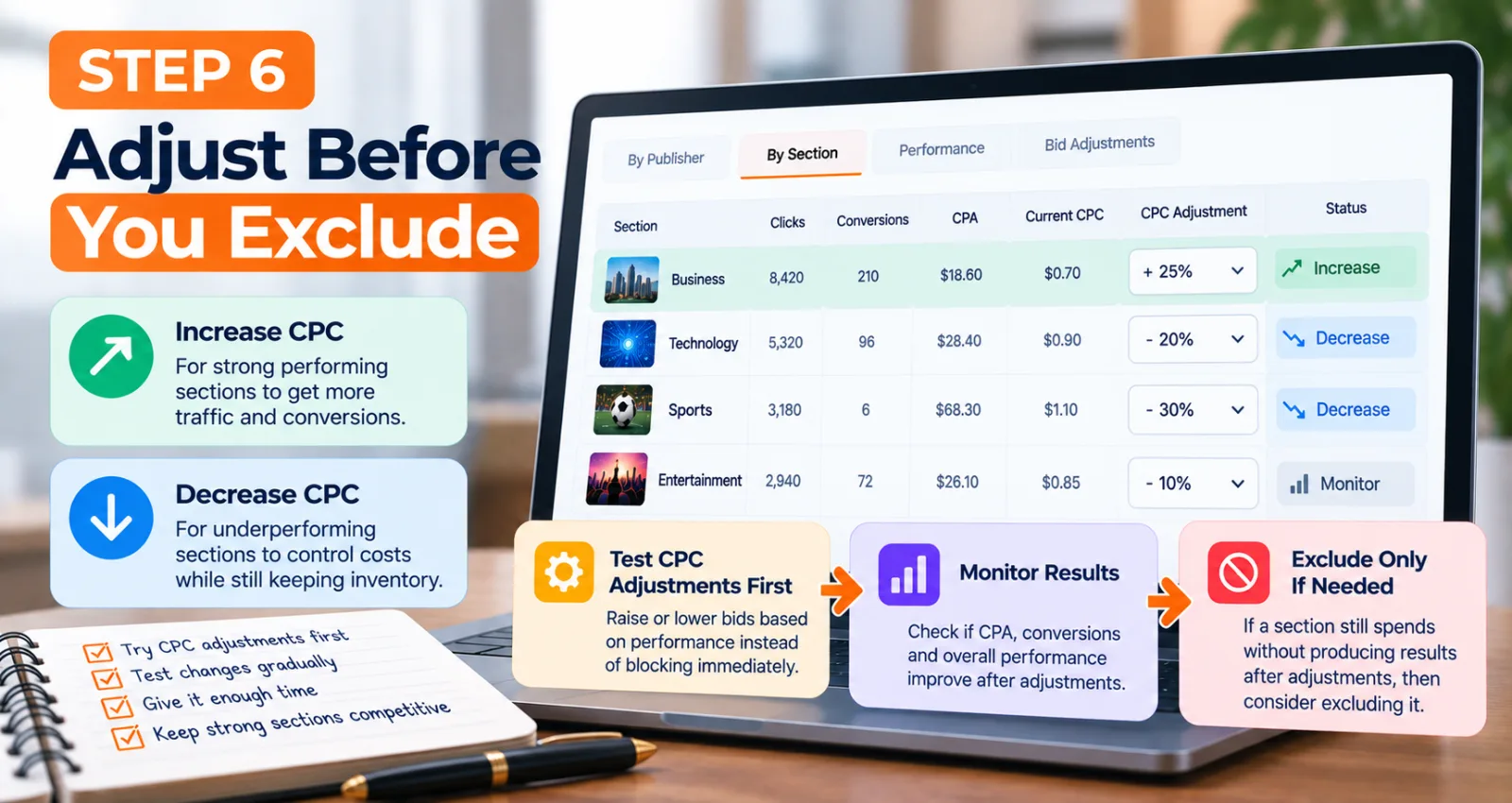
Step 6: Adjust Before You Exclude
You do not always have only two choices: keep the source or block it. Outbrain provides section-level CPC adjustment tools that can raise or lower bids instead of immediately removing inventory. If a section is producing conversions but at a somewhat high CPA, a gradual CPC adjustment may be worth testing. Stronger sections can also be considered for higher competitiveness where appropriate.
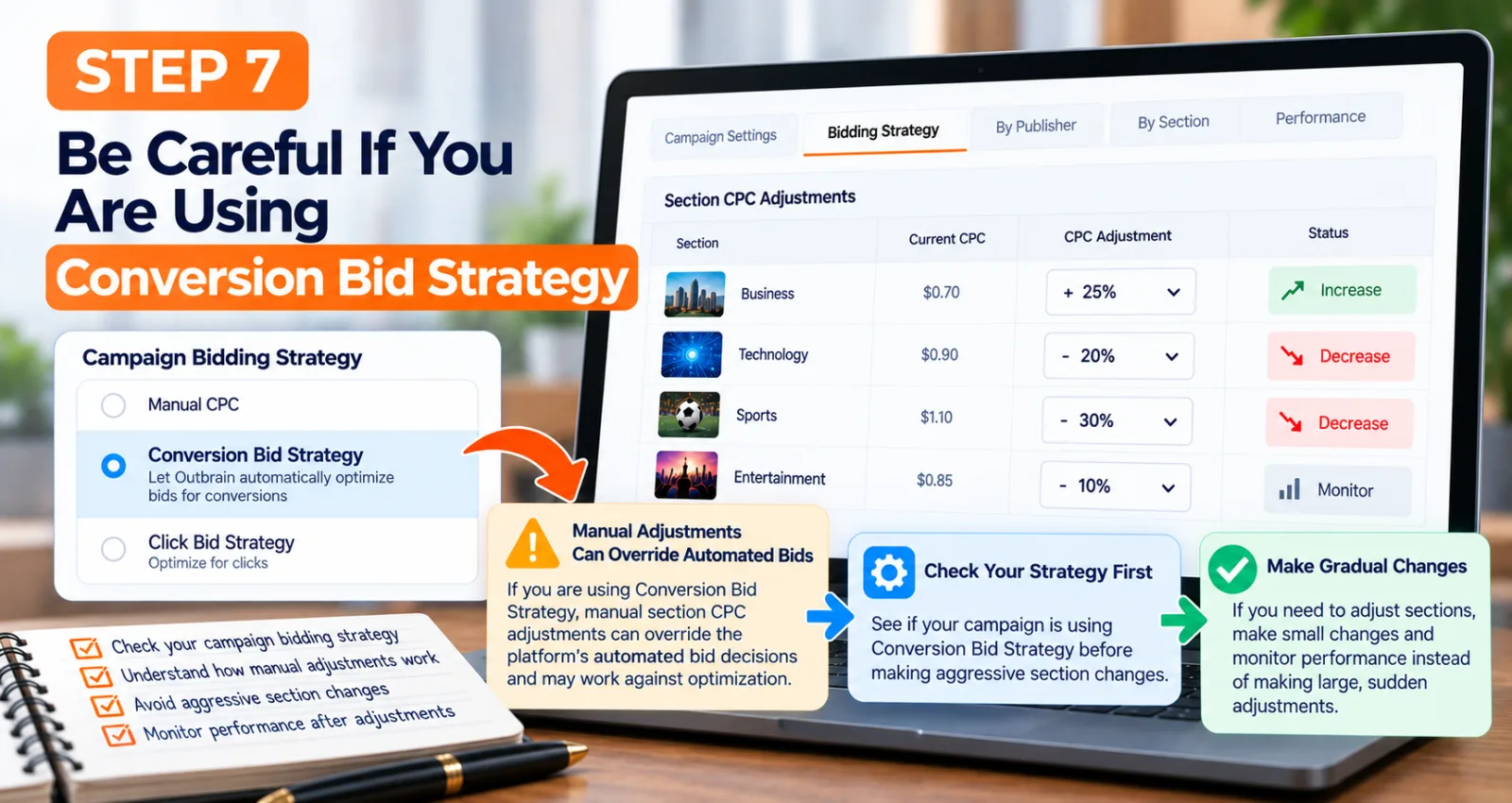
Step 7: Be Careful If You Are Using Conversion Bid Strategy
Check the campaign's bidding strategy before making manual section changes. Outbrain's documentation explains that manual section CPC adjustments can interact with Conversion Bid Strategy and, depending on the mode, can override automated CPC decisions. If the platform is already making automated bid decisions, aggressive manual controls can work against that optimization.
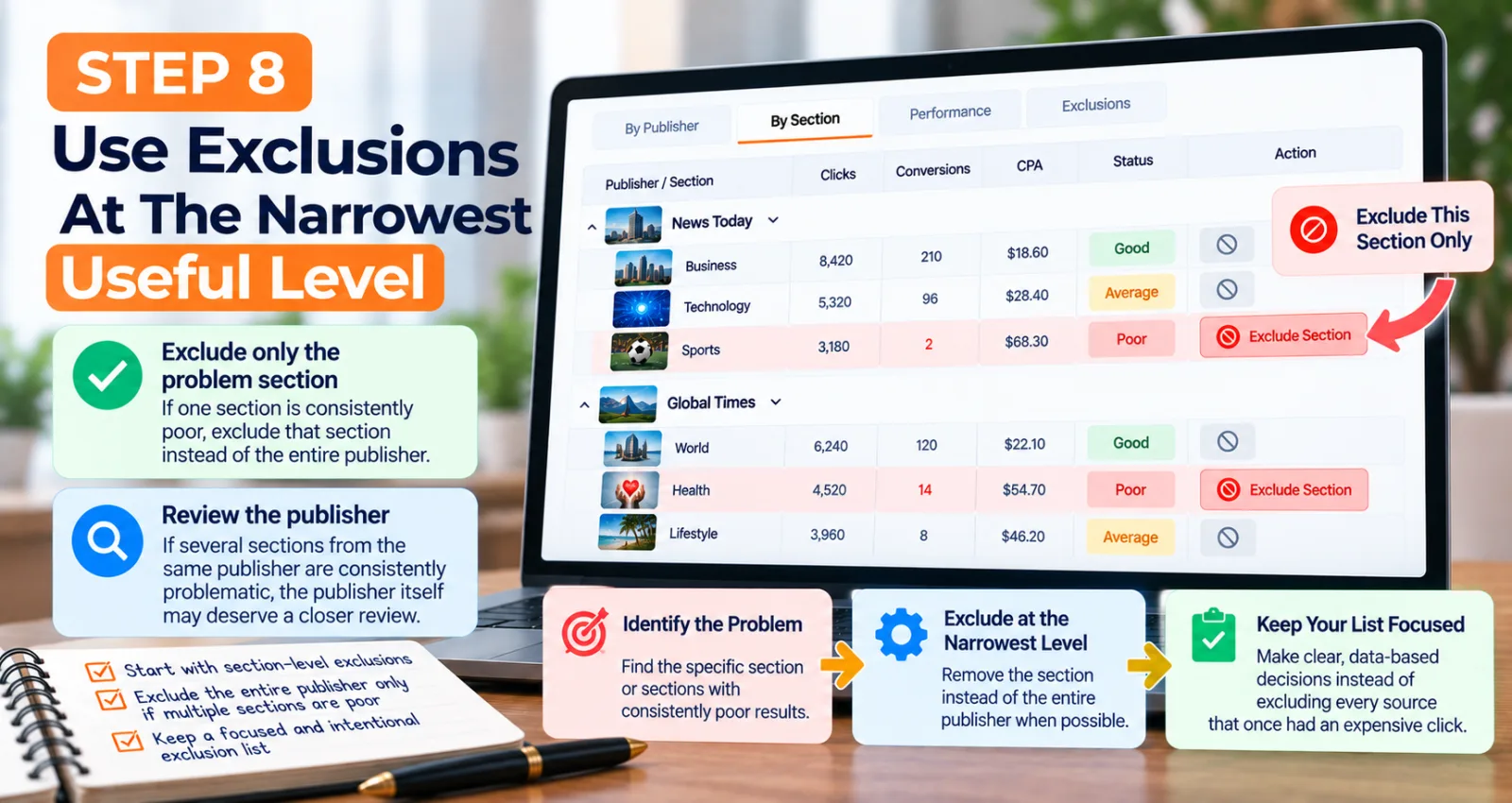
Step 8: Use Exclusions At The Narrowest Useful Level
When a source clearly needs to be removed, start as narrowly as practical. If one section is consistently poor, exclude that section rather than the entire publisher. If several sections from the same publisher are consistently problematic, the publisher itself may deserve a closer review. Your exclusion list should represent clear decisions, not every source that once produced an expensive click.
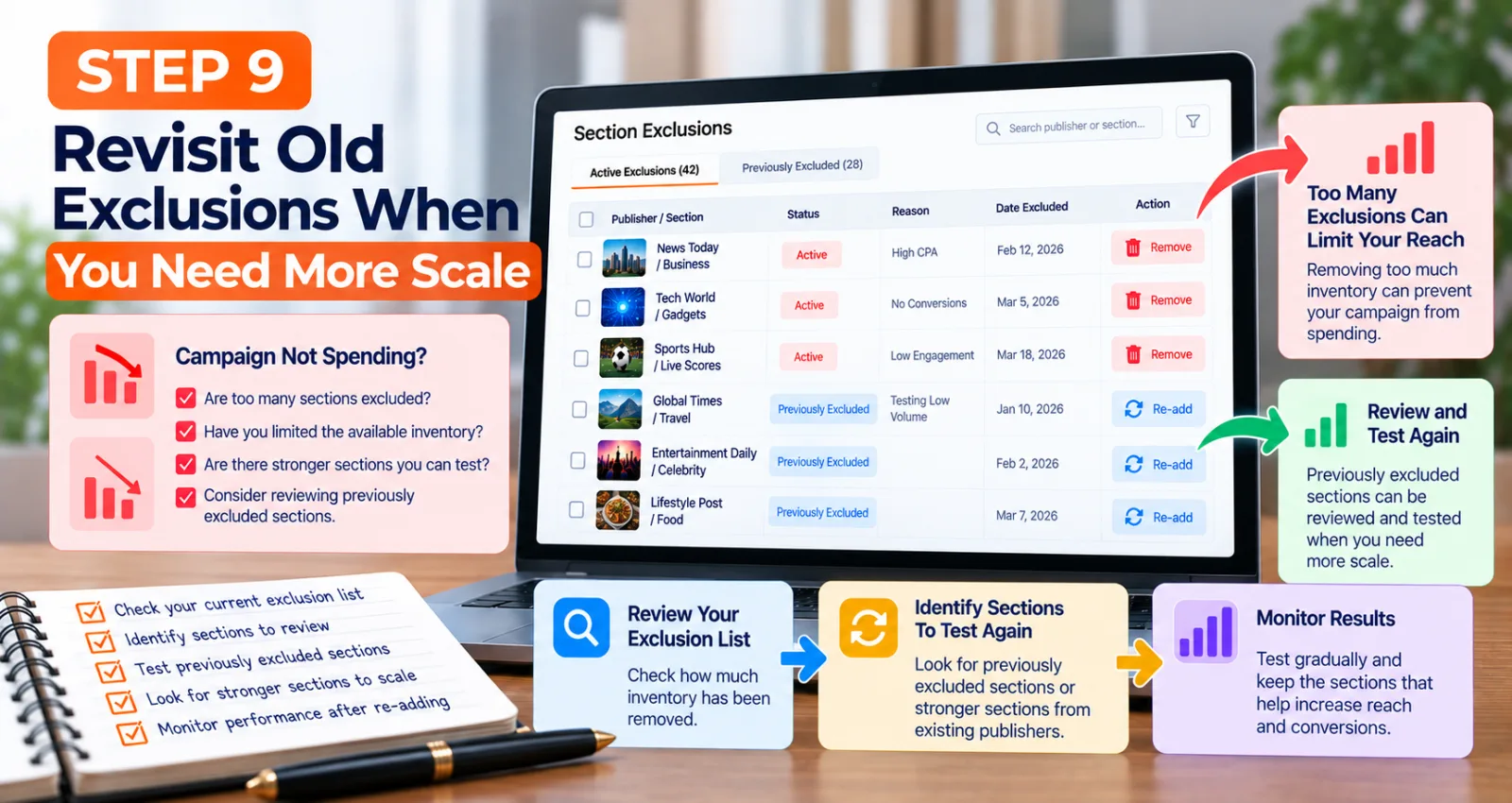
Step 9: Revisit Old Exclusions When You Need More Scale
When a campaign struggles to spend, advertisers often increase CPC or budget immediately. Also ask how much inventory has been removed. Outbrain's scaling guidance recommends reviewing targeting restrictions and looking at stronger sections when expanding delivery. Previously excluded sections can also be reviewed and tested again when the campaign needs more reach.
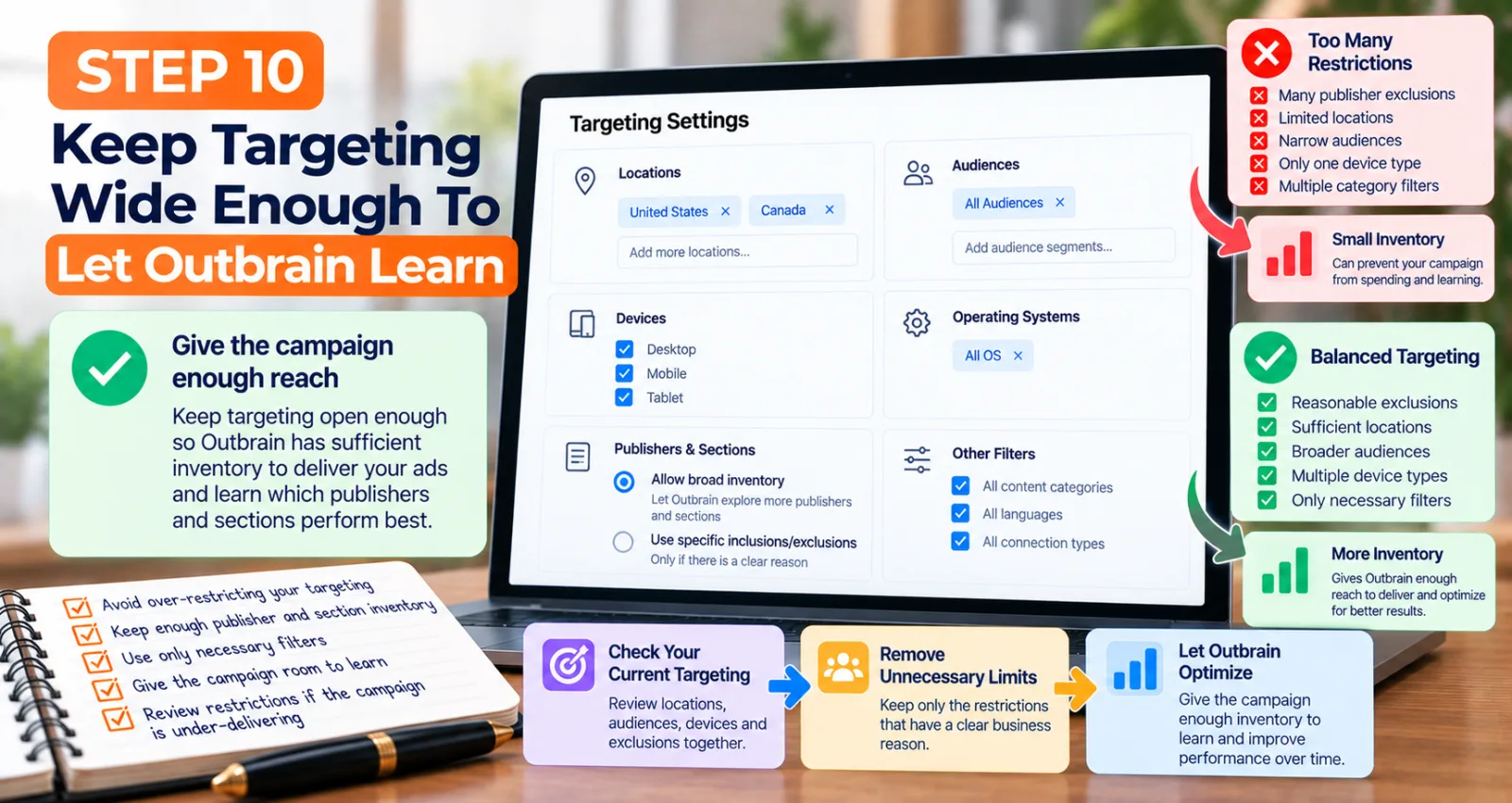
Step 10: Keep Targeting Wide Enough To Let Outbrain Learn
Publisher and section controls are only one part of targeting. If you combine aggressive exclusions with narrow locations, restrictive audiences, limited devices and other filters, available inventory can become very small. Outbrain's campaign guidance emphasizes balancing precision with enough reach for delivery and learning. Each restriction should have a clear reason.
A Simple Way To Read Outbrain Publisher And Section Data
When looking at your report, think about sources in four groups. The first group is clear performers. These sources are producing the type of traffic your campaign wants and may deserve continued access to budget.
The second group is promising but incomplete. These sources have some positive signals but not enough data for a strong decision. Leave them available and keep collecting information.
The third group is inefficient sources. These have enough data to show that they are struggling against your campaign goal. They can be candidates for a lower CPC or, when the evidence is strong enough, a section-level exclusion.
The fourth group is clear problems. These repeatedly consume meaningful budget while producing results far below the campaign requirement. This is where blocking becomes easier to justify.
This approach is better than simply sorting by CPA and deleting everything at the bottom.
How To Protect Campaign Scale While Optimizing Publishers
The biggest lesson from Outbrain's optimization guidance is that optimization and scale have to be balanced.
Outbrain's resources recommend monitoring publishers and sections and using bid adjustments based on performance, while also warning that overly restrictive targeting and aggressive changes can reduce traffic.
Instead of asking, 'Which publishers should I block?' ask, 'Where should my next dollar go?' A good publisher report is not only an exclusion list. It is also a map of where your campaign is finding useful traffic.
How Publisher and Section Data Fits Into a Bigger Outbrain Strategy
Publisher and section optimization works better when it is connected to the rest of the campaign. Your creative determines who clicks. Your landing page determines what happens after the click. Your conversion tracking tells Outbrain which actions matter. Your bidding strategy influences how the platform competes for traffic. Your publisher and section data helps you understand where that traffic is coming from.
You can connect this process with our Outbrain Dynamic Titles guide when headline personalization affects CTR across publisher environments.
You can also review our Outbrain Supportive Conversions guide when final conversion volume is limited.
For account and compliance preparation, see our Outbrain agency account guide before scaling traffic.
What You Should Avoid When Optimizing Outbrain Publishers
The first mistake is blocking a source after only a handful of clicks.
The second is judging every source by CTR when the campaign is optimized for conversions.
The third is blocking an entire publisher when only one section is causing the problem.
The fourth is making many changes at the same time. If you change bids, block sections, change targeting and add creatives on the same day, it becomes difficult to understand what changed the result.
The fifth is forgetting about exclusions after the campaign has changed. Traffic, goals, budgets and bidding strategies change, so a section that was weak earlier may become useful later.
Final Thoughts
Outbrain Publisher and Section Data is most useful when it helps you make smaller and more informed decisions. The goal is not to create the shortest possible publisher list. It is to understand where your traffic is coming from, identify clear performance problems, give stronger sources room to grow and keep enough inventory available for the campaign to continue learning.
Start with enough data. Compare publishers and sections separately. Look beyond CTR. Use conversion information when it is available. Adjust CPC where appropriate instead of automatically blocking. Be careful when manual controls interact with automated bidding. When a campaign needs more scale, review old exclusions before adding more restrictions.
The best publisher strategy is not 'block bad traffic everywhere.' It is 'remove clear problems without closing the door on useful traffic.'
Agency ad accounts, without the wait.
Buy and top up Google, Meta, native, and more from one dashboard.
Get started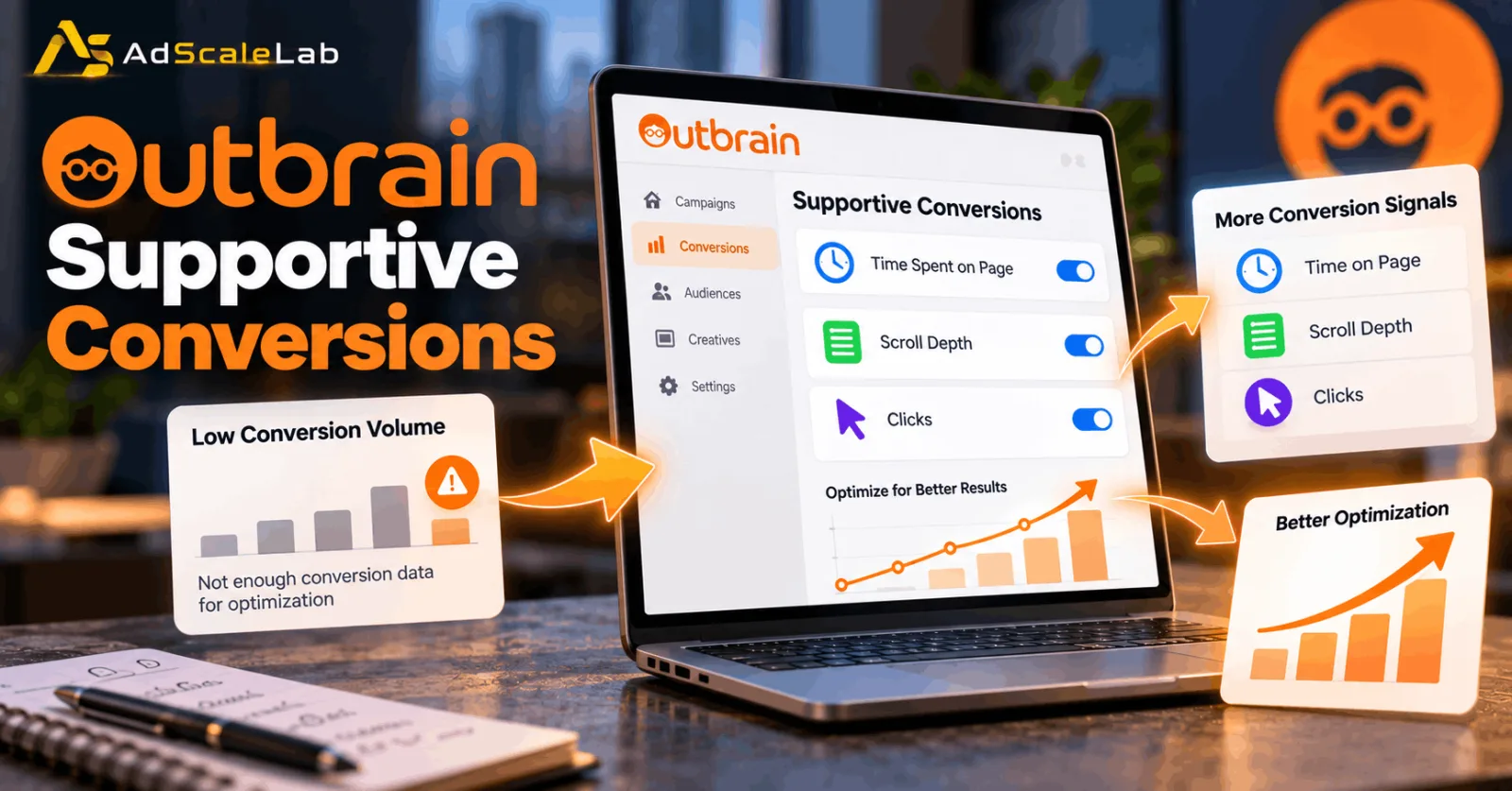
No comments yet. Be the first to comment.
Comments are open to registered AdScaleLab clients.
Sign in to comment