



Taboola Campaign Not Spending and How to Fix It Fast
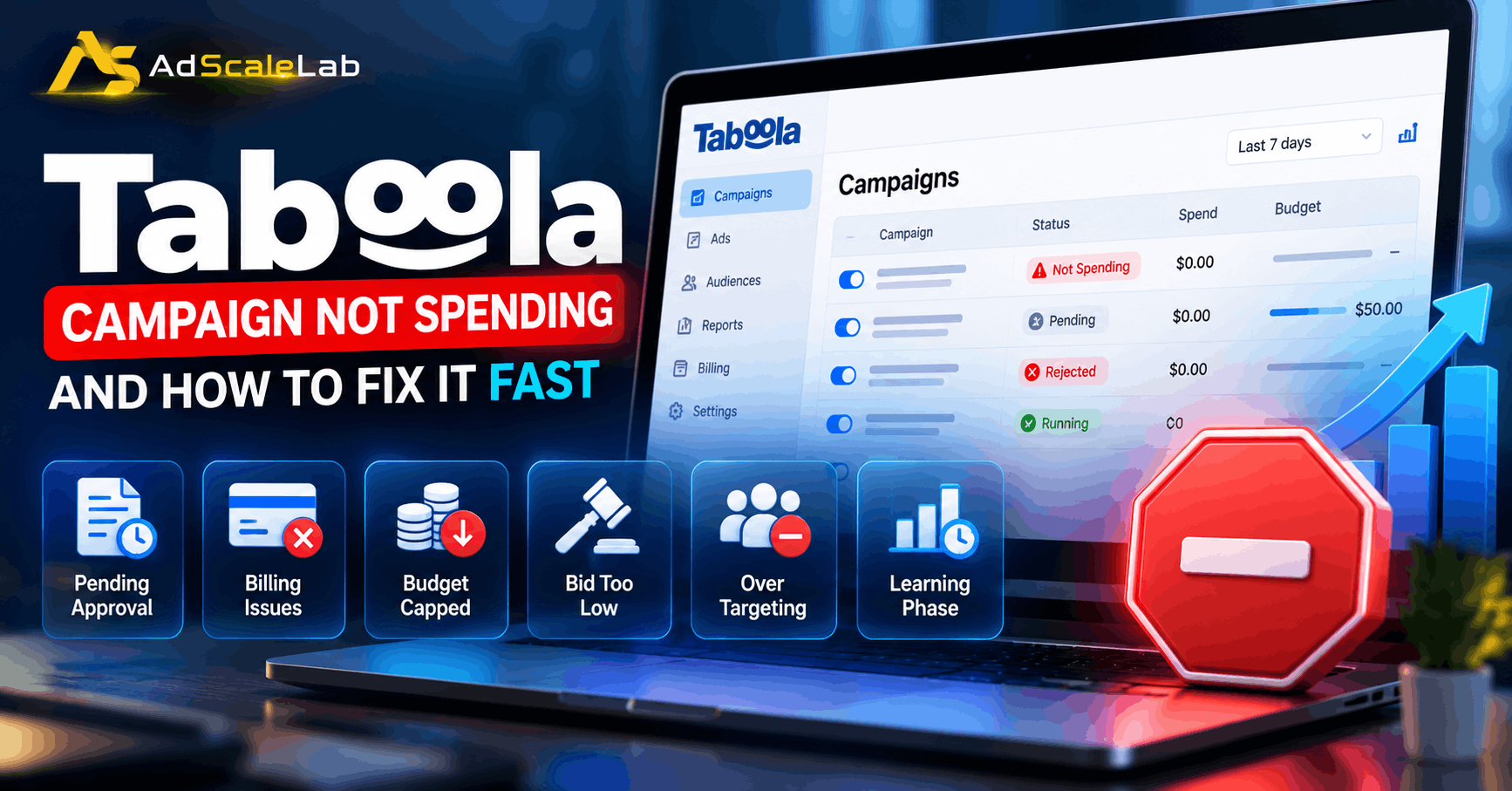
A Taboola campaign not spending is one of those problems that feels mysterious for about five minutes, until you look in the right place and find something completely ordinary sitting there, like a card that expired or a blocked-site list that grew longer than anyone remembers. The platform almost always tells you what is wrong, just not loudly, and not on the screen you happen to be staring at.
This runs through the checks in the order that finds the cause fastest, starting with the one that takes about four seconds. Every status name, timing and rule below comes from Taboola's own help centre, current as of September 2026.
Why A Taboola Campaign Is Not Spending
There are really only six families of cause, and they sit in a rough order of likelihood. The campaign has not been approved yet, or it was rejected. The account cannot pay. The budget is capped or already gone. The bid is too low to win anything in the auction. The targeting has been narrowed until there is nothing left to buy. Or the campaign is simply new, and you are watching a learning phase that has not finished yet.
Almost everything you will read below is one of those six, wearing a different hat.
How To Fix A Taboola Campaign Not Spending, Step By Step
Step 1: Read The Status Column Before You Touch Anything
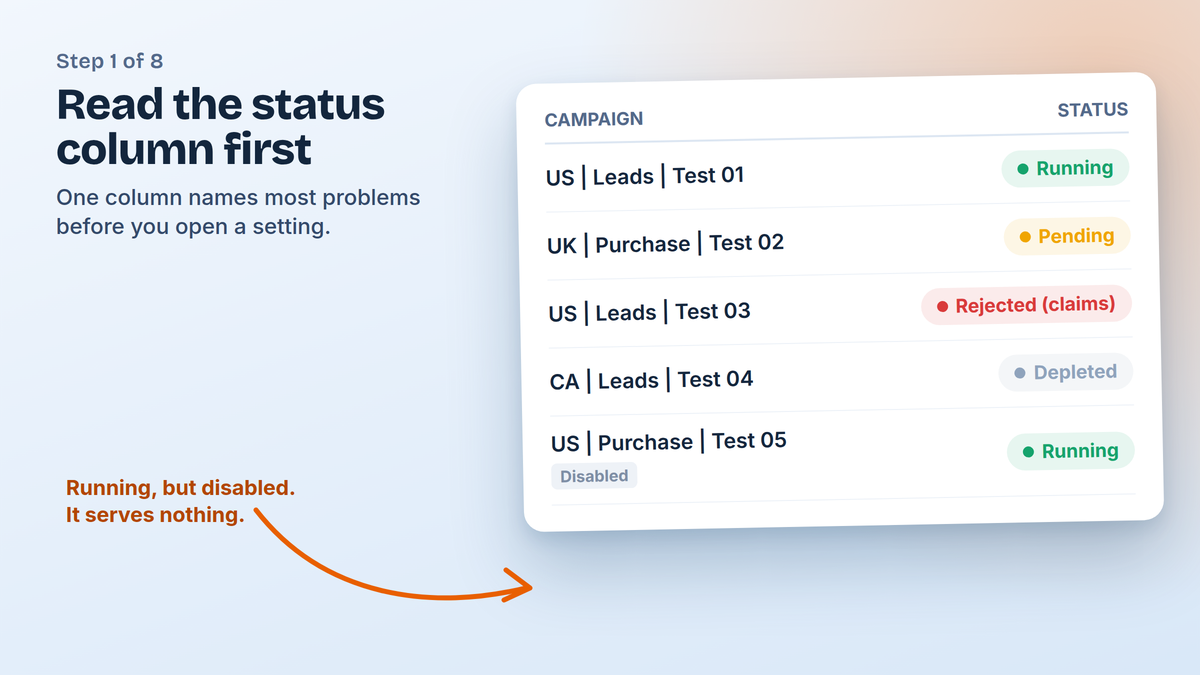
Open the Campaigns report in Realize and look at the Status column, second from the left, because that one column answers most of these cases on its own. Pending means the content review team still has it. Rejected means it broke a policy, with the reason shown in brackets. Pending Start Date means you scheduled it for later, Depleted means the budget is spent, Frozen means billing, and Expired means the end date has passed.
There is one that catches people out, which is a campaign reading Running while the word Disabled sits under the campaign name, since a disabled campaign cannot serve no matter how healthy the rest of it looks.
Step 2: If It Says Pending, The Answer Is Usually Time
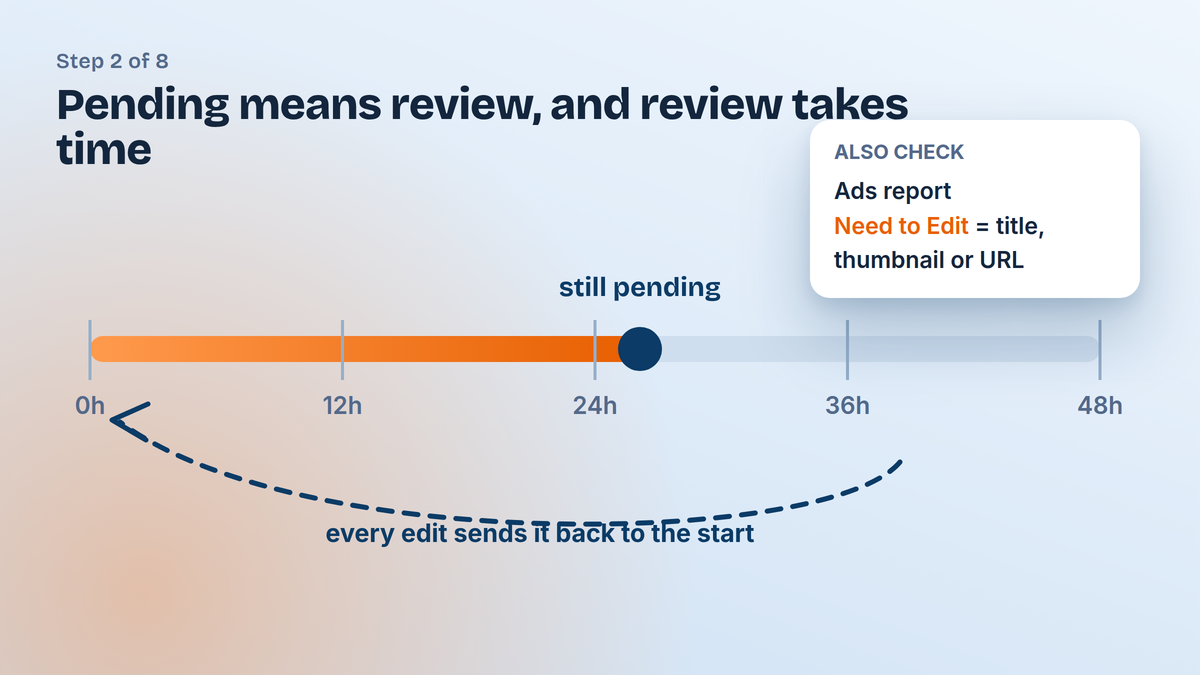
New campaigns and new ads go through content review, which Taboola says can take up to 24 to 48 hours, and nothing you do in the account speeds that along. The unhelpful part is that editing something while it waits pushes it back into the queue, so a campaign that gets fiddled with every few hours can sit in Pending far longer than it needed to.
It is worth opening the Ads report too, since campaign status and ad status are separate things, and a campaign can be approved while half its ads still wait. Any ad marked Need to Edit is asking you to change the title, the thumbnail or the destination URL before it can run.
Step 3: If It Says Rejected, The Reason Is Already Written Down
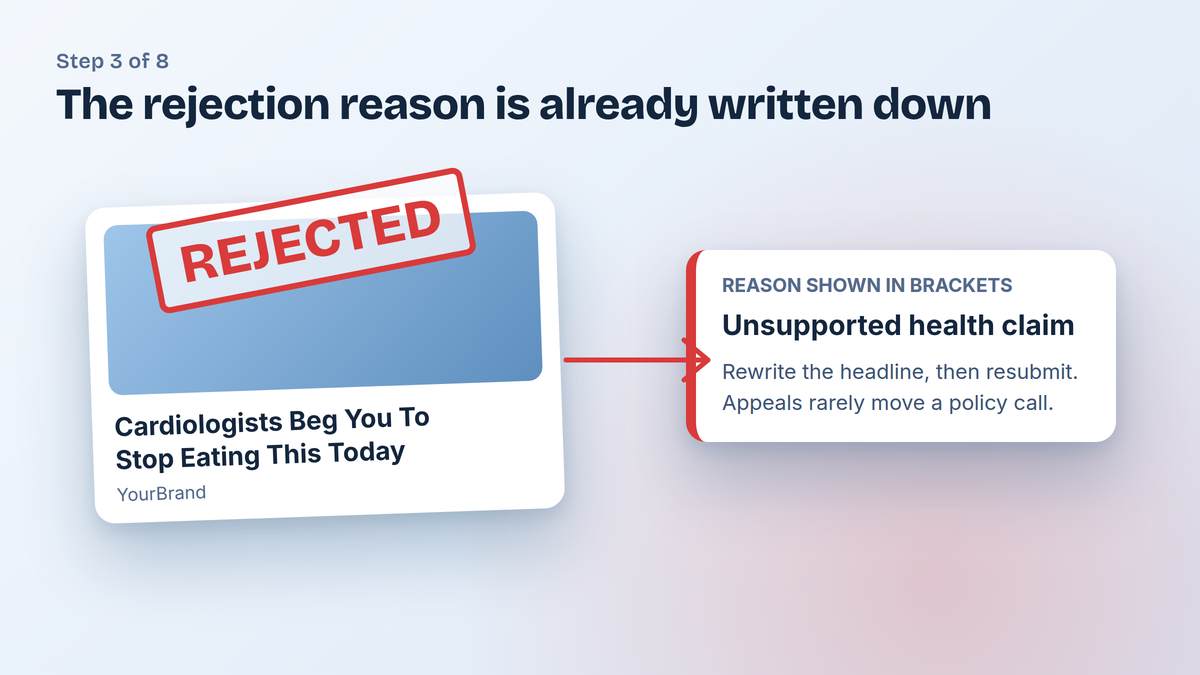
Rejections come with a reason in parentheses next to the status, which saves you guessing at which of your headlines went too far. In practice most of them trace back to claims in the ad copy or to something on the landing page, and the fix is a rewrite rather than an appeal.
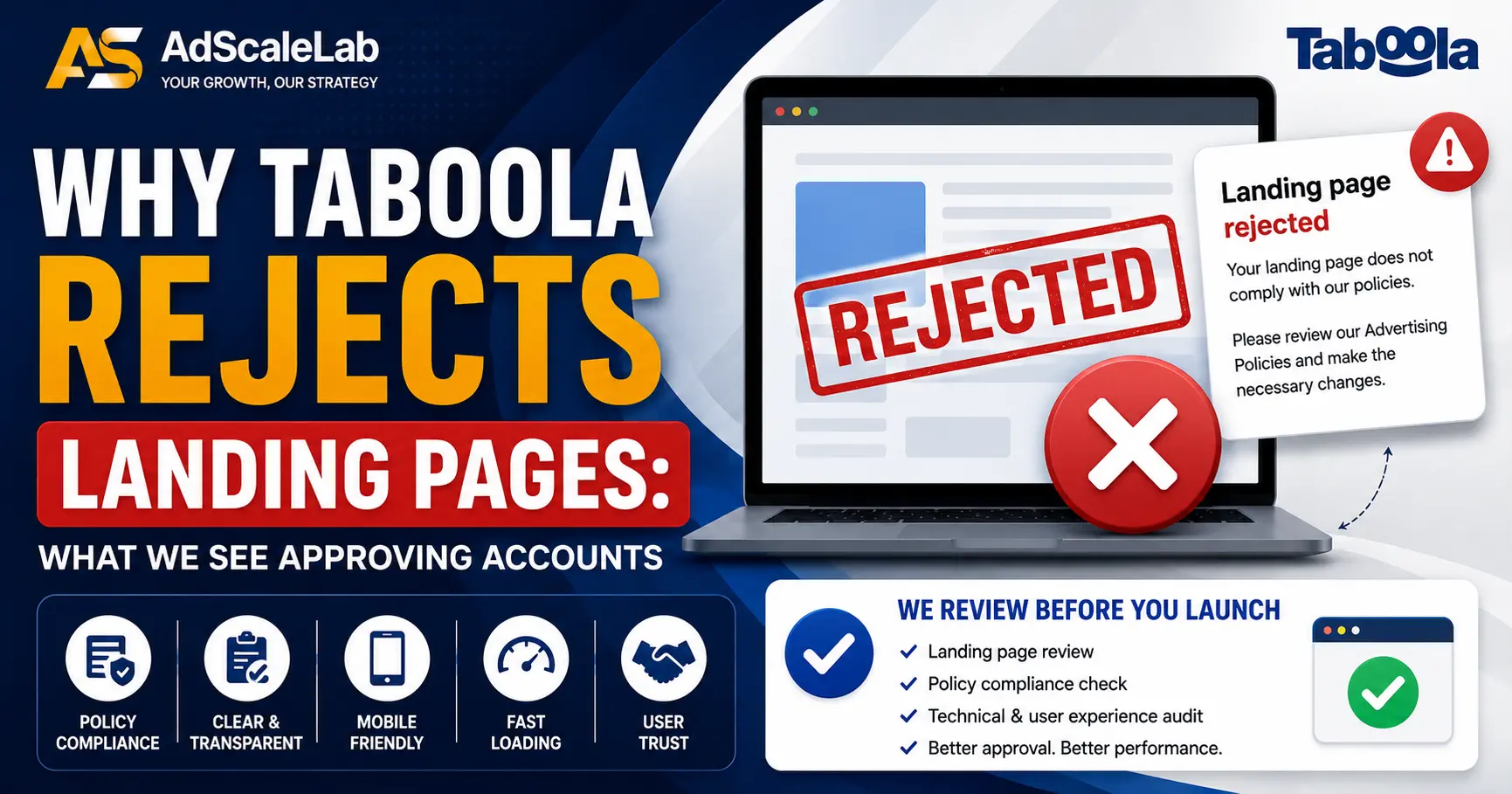
If the landing page is the sticking point, our post on why Taboola rejects landing pages covers what reviewers look for, though the short version is that missing policy pages and hard promises account for most of it.
Step 4: Check That The Account Can Actually Pay
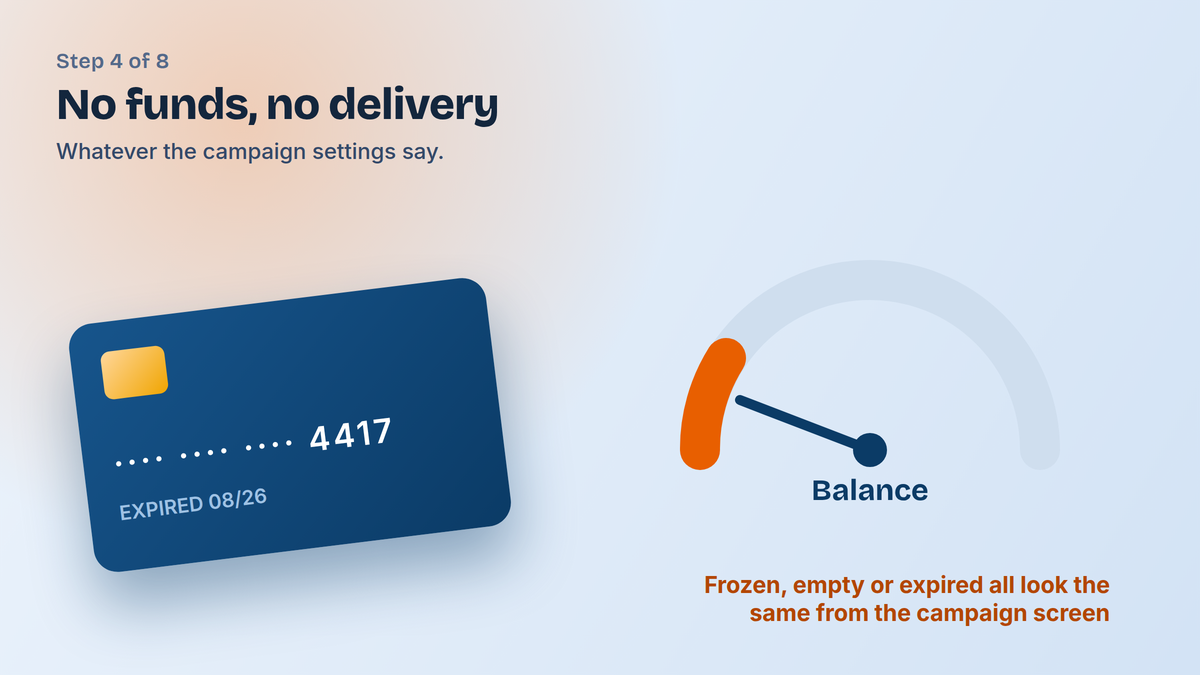
Taboola is direct about this one, since campaigns will not serve if the account has no active credit card, not enough funds, or has been frozen, and none of those conditions announce themselves in the campaign settings. A Frozen status is the obvious version, but an account quietly running out of balance produces the same silence with a friendlier label on it.
If you buy through an agency account, this is usually where the answer lives, so check the balance on your side before you spend an afternoon rewriting creatives that were never the problem.
Step 5: Look At Budget And Pacing, Not Just The Number You Set
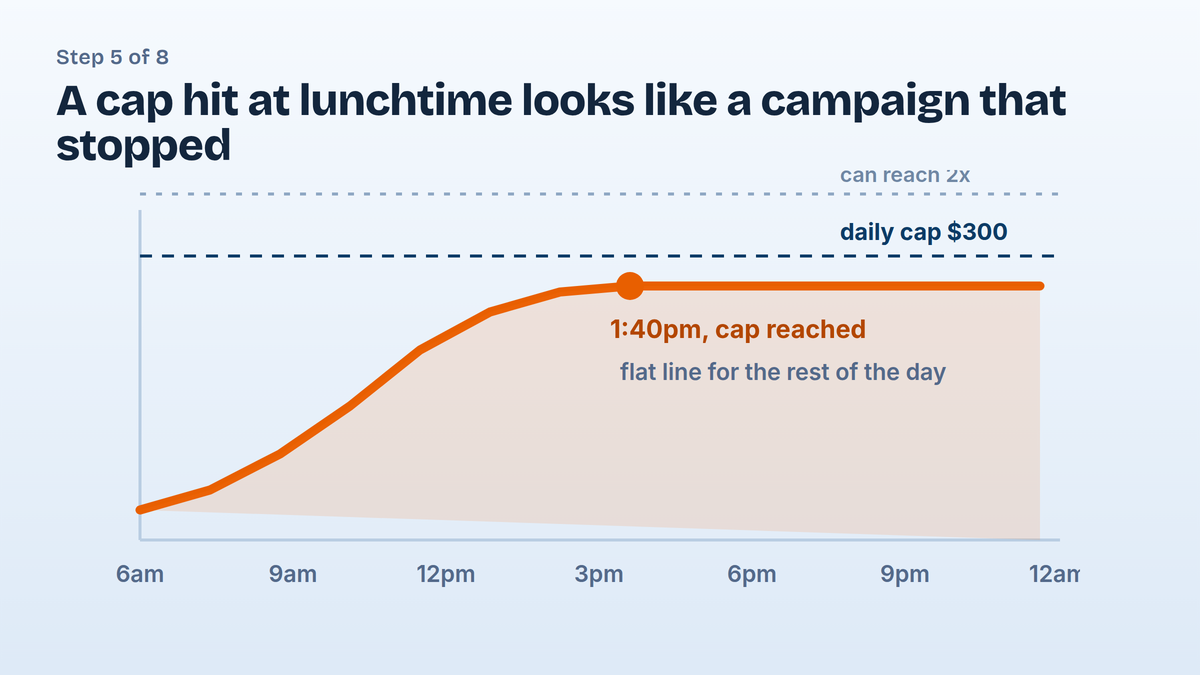
Plenty of campaigns that look stopped have simply finished for the day. A daily cap can be hit well before the evening, especially in a country whose peak traffic hours you are sharing with everyone else, and to you that looks identical to a campaign that died at lunchtime.
Two things are worth knowing here. Daily spend can run up to double the cap you set on a given day, though Taboola does not charge you for the overspend, so the pacing you see will not always match the number in the box. And a monthly or lifetime budget that runs out stops the campaign serving entirely until you raise it, which is a slower and quieter death than a daily cap.
Step 6: Consider That The Bid Is Just Too Low
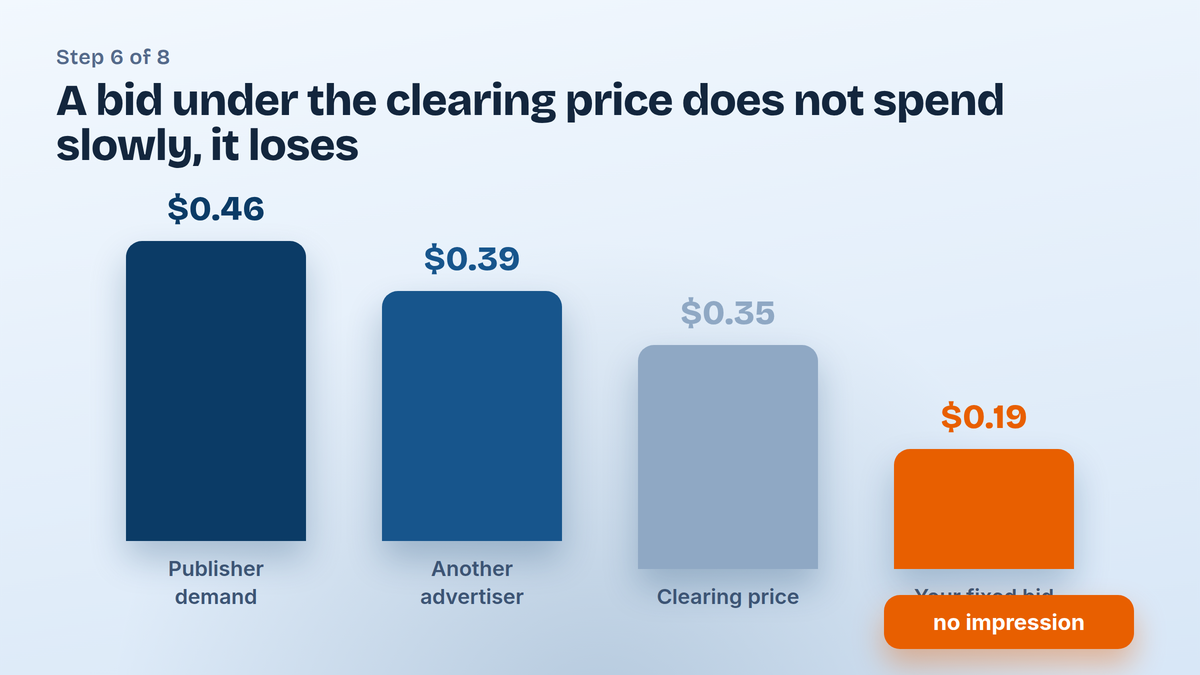
Native inventory clears on an auction, so a bid below what the market is paying does not spend slowly, it mostly does not spend at all, and there is no message telling you that you were outbid every time. If you are on Fixed Bid or Enhanced CPC and the impressions are thin, nudging the bid up is the quickest test you can run.
Bear in mind that desktop and mobile often clear at different prices, so a campaign can look starved overall while one device is doing fine underneath. And if you are on Maximize Conversions, the advice from Taboola is to avoid manual bid tinkering in the first week, since the algorithm is still working out what a good click looks like for you.
Step 7: Count How Much You Have Blocked
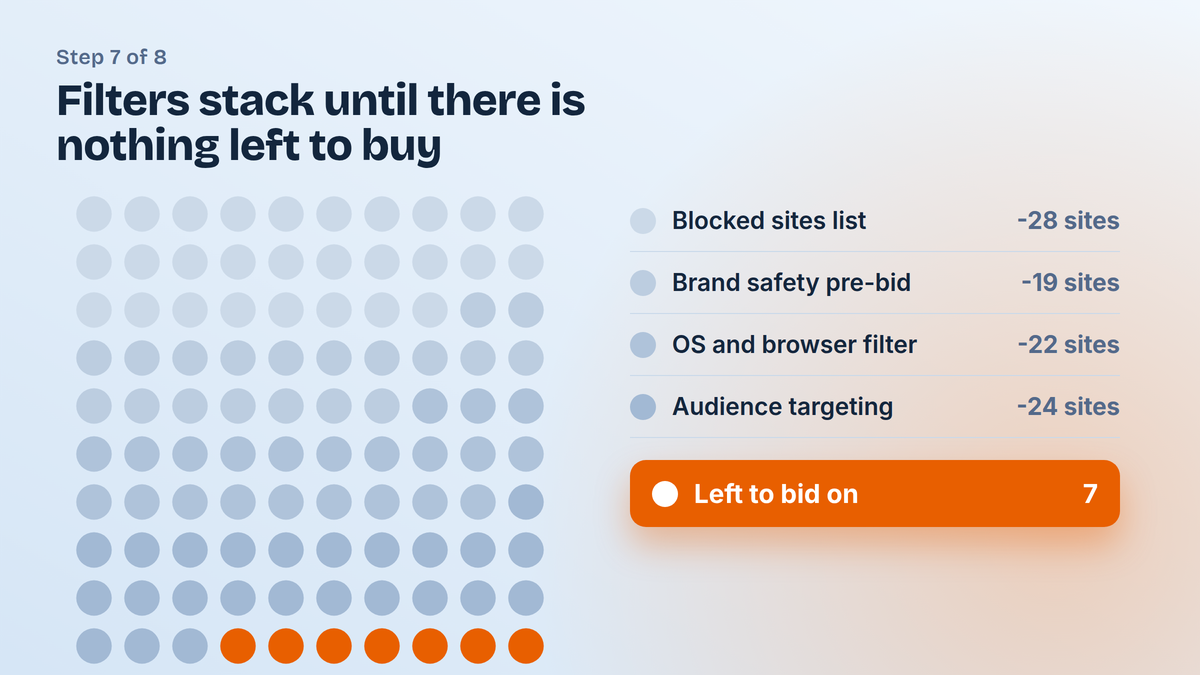
Targeting narrows one setting at a time and nobody notices the total. A blocked-sites list that grew over a few months, a brand safety pre-bid filter, an operating system restriction from a test last spring, and an audience of forty thousand people can each look reasonable on their own while together they leave almost nothing to bid on.
Taboola also notes that some components can be blocked from the publisher side, so keywords, branding text or your URL may be restricted by major publishers regardless of what your own settings say. If you have stripped your filters back and delivery is still thin, that is worth raising with your account manager rather than guessing at it.
Step 8: Let The Learning Phase Finish
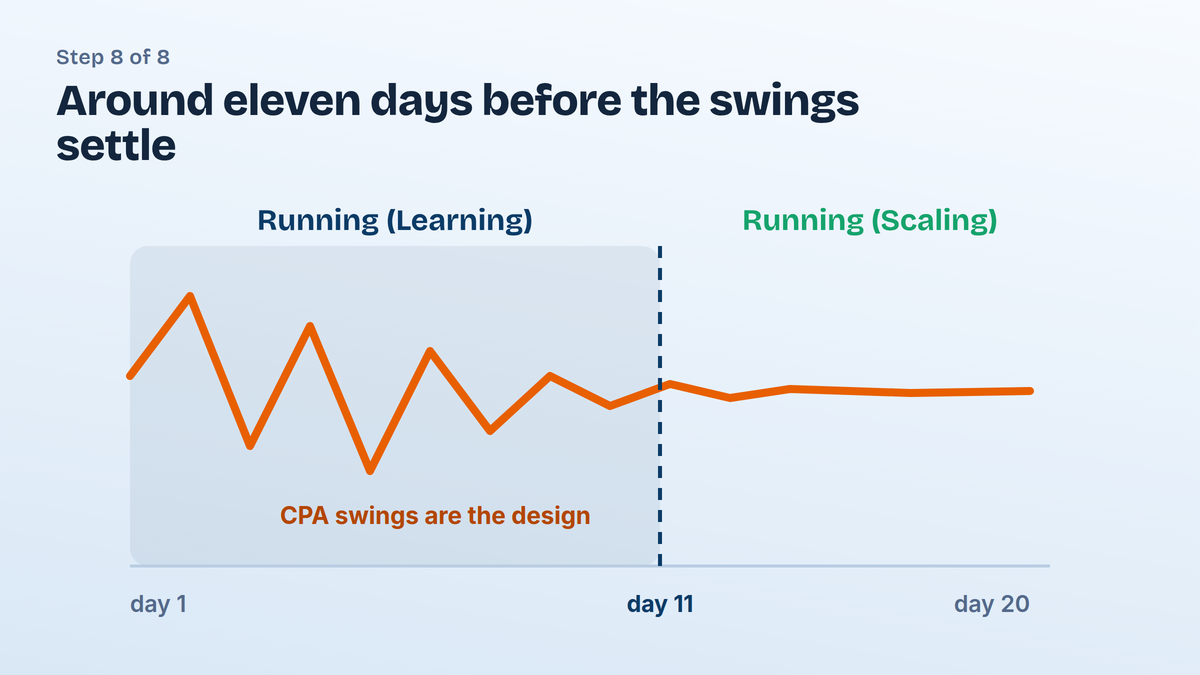
A campaign showing Running (Learning) is not broken, it is being worked out, and Taboola puts that process at around eleven days while it gathers enough data to serve you efficiently. Performance during that window is meant to be unstable, so swinging CTR and a CPA that looks alarming on day three are both part of the design rather than signs of failure.
Once there is enough data the status moves to Running (Scaling), which is where performance settles. The temptation before then is to edit something every morning, which resets review, disturbs the learning, and turns a slow start into a permanent one.
When It Spends But Nothing Converts
A campaign that spends freely with no results is a different problem wearing the same worried face, and it usually comes down to tracking rather than traffic. If the pixel is not firing, or the postback never reaches Taboola, the algorithm has nothing to optimise towards and will keep buying whatever is cheapest.
Our Taboola conversion tracking guide covers the pixel and the S2S side, and the companion piece on Taboola tracking parameters covers passing the site and campaign macros through, which is what lets you see whether the spend is going somewhere sensible at all.
What To Check First Next Time
If you only remember one thing from all of this, make it the status column, since it resolves the majority of cases before you have opened a single setting. After that the order that saves the most time is billing, then budget, then bid, then everything you have blocked, and only then the creative that you were probably blaming from the start.
A Taboola campaign not spending is rarely a mystery once you work in that order. If you would rather not fight a fresh self-serve account for delivery in the first place, we supply Taboola agency accounts with the landing page checked by our compliance team before anything goes live, which removes at least two of the eight causes above.
Agency ad accounts, without the wait.
Buy and top up Google, Meta, native, and more from one dashboard.
Get started
No comments yet. Be the first to comment.
Comments are open to registered AdScaleLab clients.
Sign in to comment